Visit
dashcamtalk.com for the latest firmware and owners forum.
Setting
Audio Recording On/Off
f
P ft S S ^) BLACK
As
this product has built-in microphone, just in case of privacy invasion when recording voice of in-vehicle, you can
easily
change the setting of audio recording in the vehicle. For more details, please refer to the below.
f
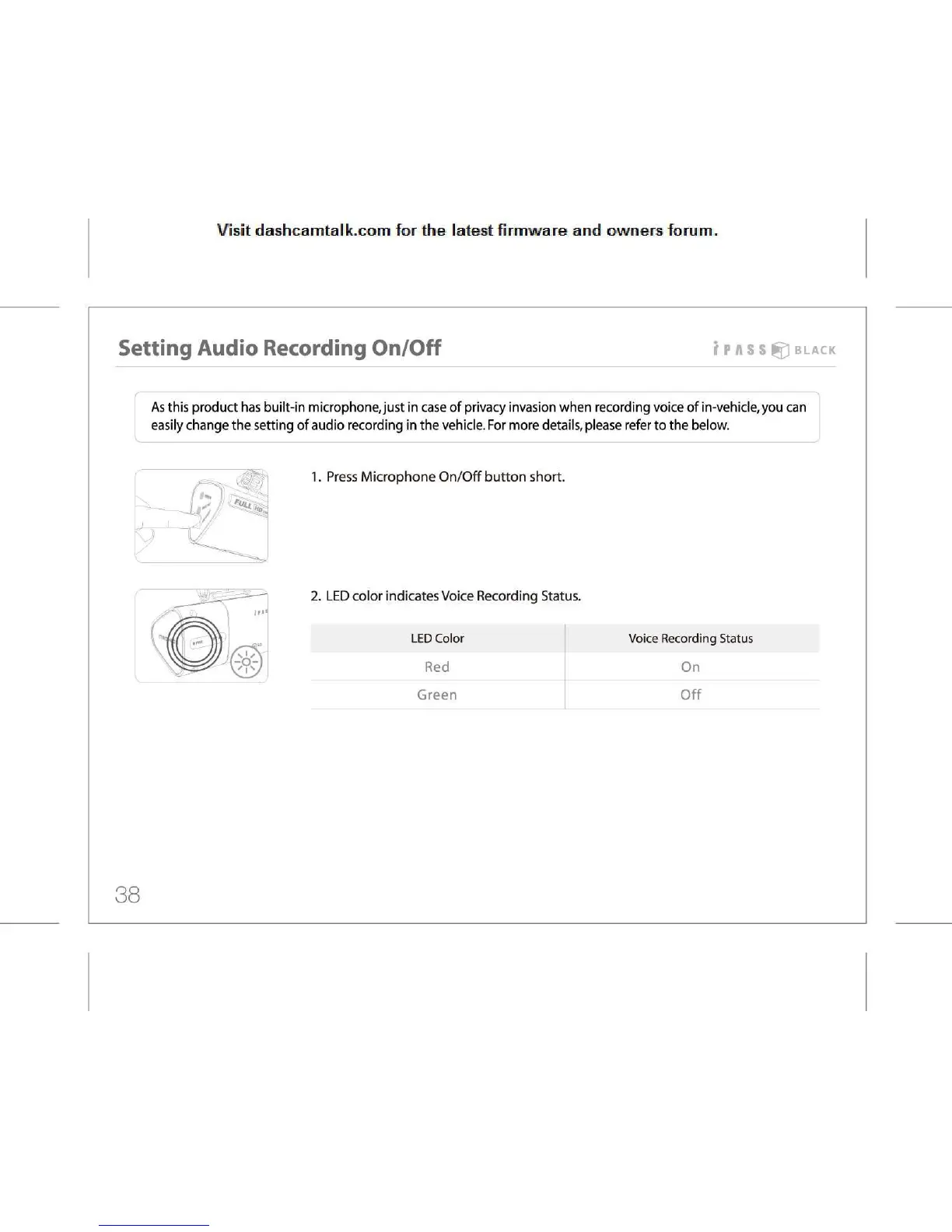
1.
Press Microphone On/Off button short
f
1
K
7/
*
Uil
Ho..
f
2.
LED color indicates Voice Recording Status.
LED
Color
Voice
Recording Status
VI
s
J
Red
On
Green Off
38



 To Next Page