Visit
dashcamtalk.com for the latest firmware and owners forum.
How
to format the SD memory card - In the vehicle r P A S S g BLACK
1.
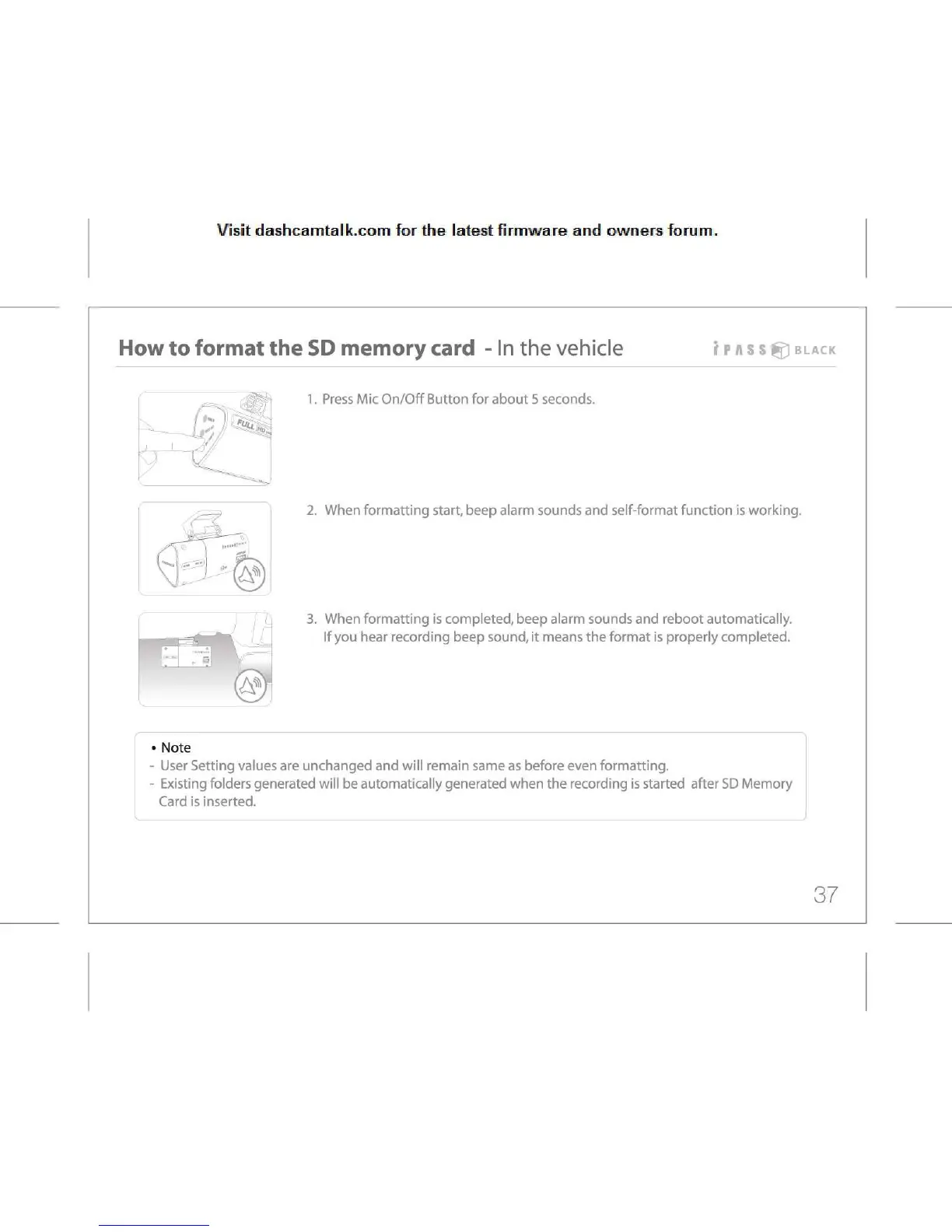
Press Mic On/Off Button for about 5 seconds.
k.
- -
2.
When formatting start, beep alarm sounds and self-format function is working.
3.
When formatting is completed, beep alarm sounds and reboot automatically.
If
you hear recording beep sound, it means the format is properly completed.
•
Note
-
User Setting values are unchanged and will remain same as before even formatting.
-
Existing folders generated will be automatically generated when the recording is started after SD Memory
Card
is inserted.
37



 To Next Page