Visit
dashcamtalk.com for the latest firmware and owners forum.
Watching
Live Video f PASS ©BLACK
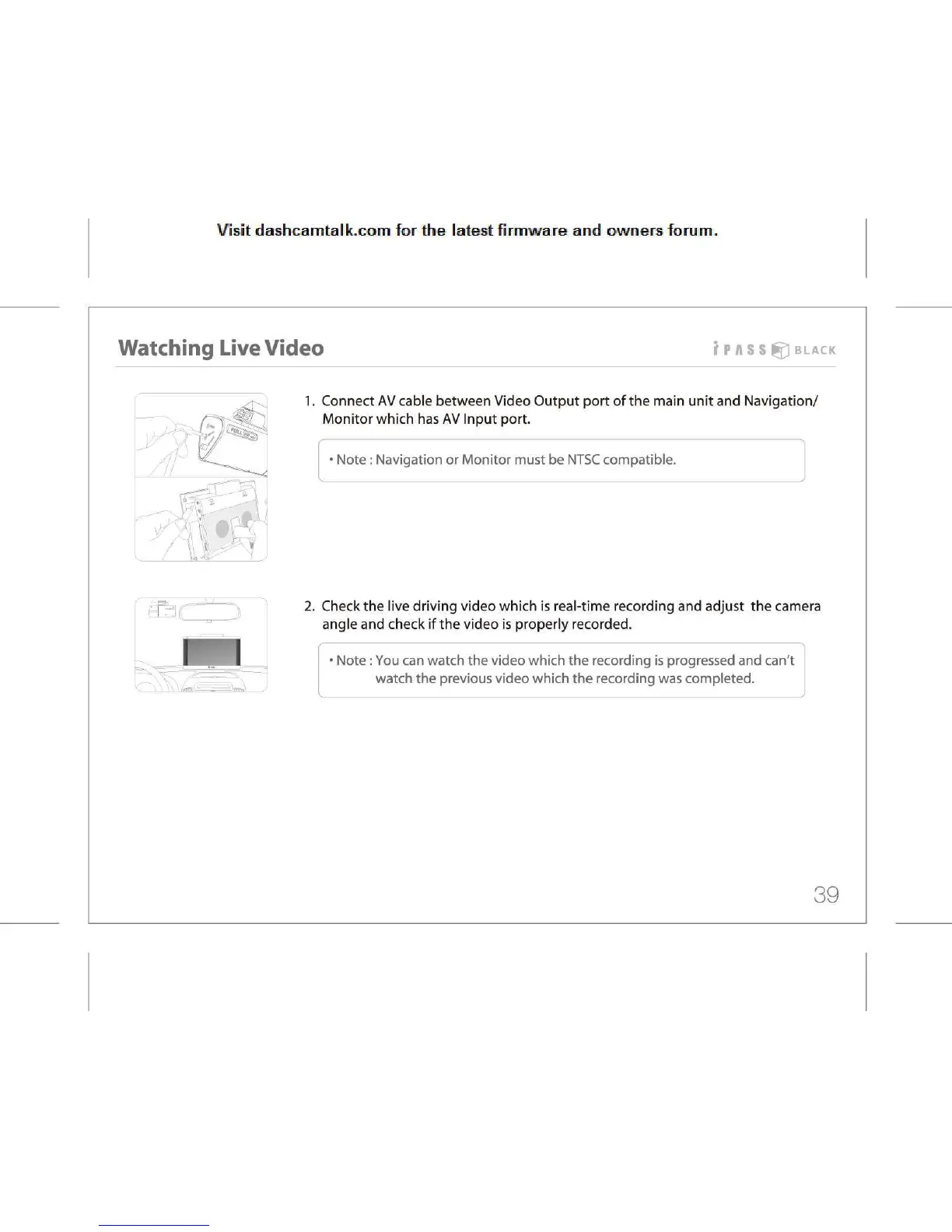
1.
Connect AV cable between Video Output port of the main unit and Navigation/
Monitor
which has AV Input port.
•
Note: Navigation or Monitor must be NTSC compatible.
2.
Check the live driving video which is real-time recording and adjust the camera
angle
and check if the video is properly recorded.
Note:
You can watch the video which the recording is progressed and can't
watch
the previous video which the recording was completed.
39



 To Next Page