Visit
dashcamtalk.com for the latest firmware and owners forum.
File
management in the PC player truss© BLACK
Button
Function
Description
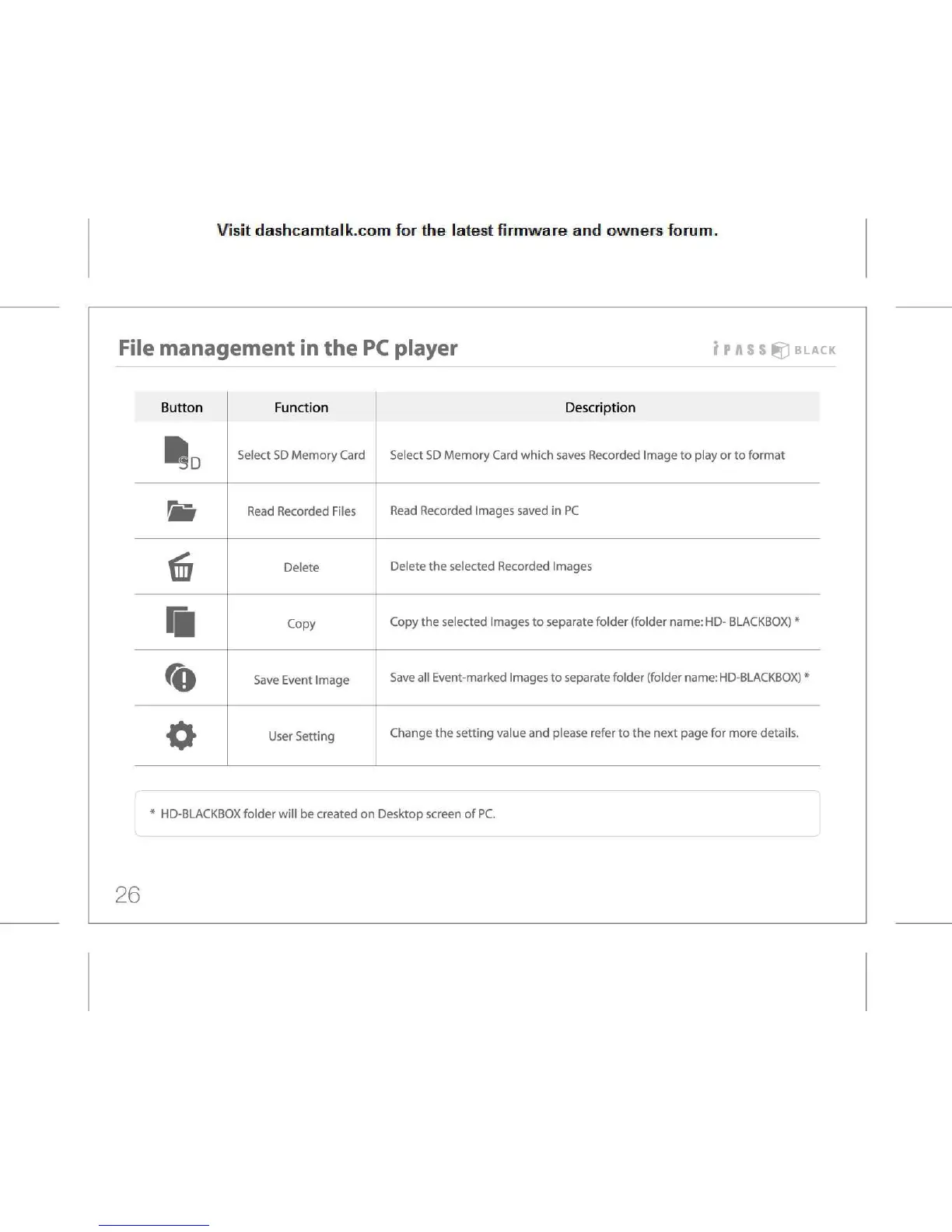
Select
SD Memory Card
Select
SD Memory Card which saves Recorded Image to play or to format
m
Read
Recorded Files
Read
Recorded Images saved in PC
Delete
Delete
the selected Recorded Images
m
Copy
Copy
the selected Images to separate folder (folder name: HD- BLACKBOX) *
Save
Event Image
Save
all Event-marked Images to separate folder (folder name: HD-BLACKBOX) *
o
User
Setting
Change
the setting value and please refer to the next page for more details.
r
\
*
HD-BLACKBOX folder will be created on Desktop screen of PC.
26



 To Next Page