Visit
dashcamtalk.com for the latest firmware and owners forum.
How
to manage the recorded files - PC USB Disc truss© BLACK
This
product saves the image based on always-recording type except parking mode. However, as per the circumstances at
the
time of image recording, it classifies by normal recording while driving/event recording while driving or while parking
and
saves to memory allocation as per user setting values. Recorded files are saved as specific file type per recording
circumstances
as below.
1.
PC Removable Disk
In
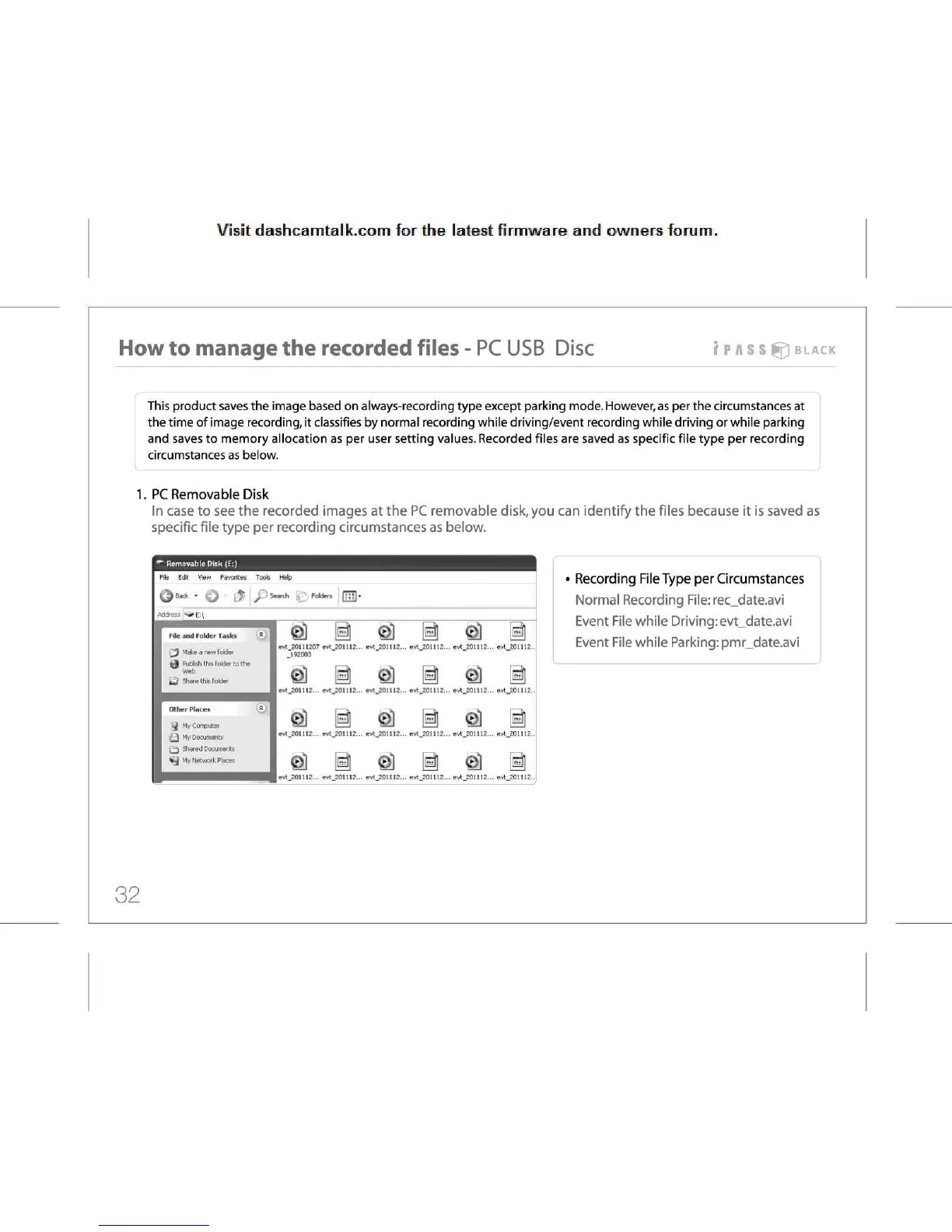
case to see the recorded images at the PC removable disk, you can identify the files because it is saved as
specific
file type per recording circumstances as below.
Removable
Disk (E:)
File
Edit View Favorites Tools Help
Qeack
- Q - & I ^Ps^Kh (£:•«*« OH]-
»E!\
File
and Folder Tasks *
^
Make a new folder
t) Publish
this folder to the
Web
(J
Share this folder
j
My Computer
Q
My Documents
PJ
Shared Documents
My
Network
Places
:_201U2
a
i.20111
evt.201112...
ev<.201112... evt.201112... evt.201112... evt.201112... evt.201112.
evt.201112...
evt.201112... evt_201112... evt.201112... evt.201112... evt.201112.
evt.201112...
evt.201112... evt.201112... evt.201112... evt.201112... evt.201112.
Recording
File Type per Circumstances
Normal
Recording File: rec_date.avi
Event
File while Driving: evt_date.avi
Event
File while Parking: pmr_date.avi
32



 To Next Page