Visit
dashcamtalk.com for the latest firmware and owners forum.
How
to update the product firmware r P A S S g BLACK
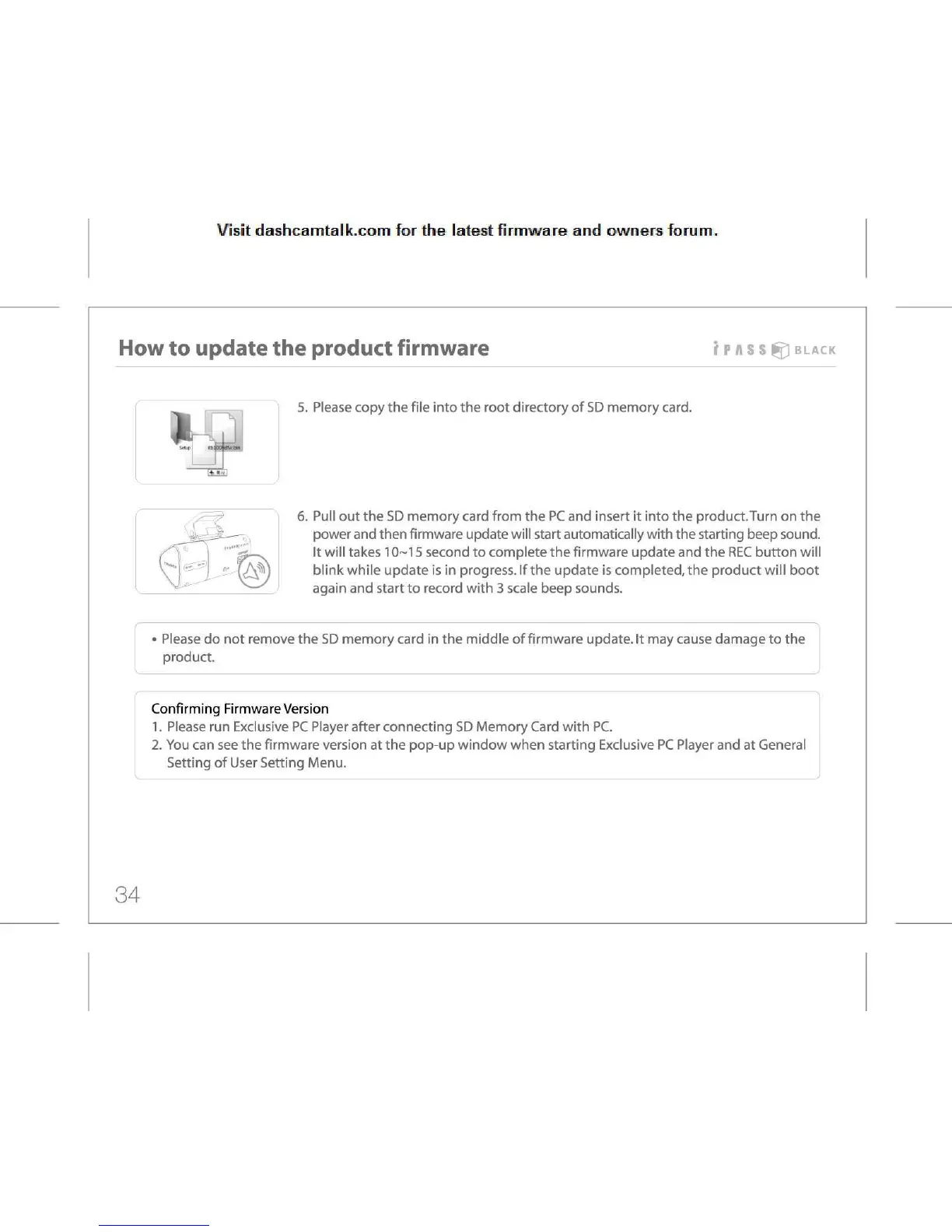
5.
Please copy the file into the root directory of SD memory card.
6.
Pull out the SD memory card from the PC and insert it into the product.Turn on the
power
and then firmware update will start automatically with the starting beep sound.
It
will takes 10-15 second to complete the firmware update and the REC button will
blink
while update is in progress. If the update is completed, the product will boot
again
and start to record with 3 scale beep sounds.
•
Please do not remove the SD memory card in the middle of firmware update, it may cause damage to the
product.
Confirming
Firmware Version
1.
Please run Exclusive PC Player after connecting SD Memory Card with PC.
2.
You can see the firmware version at the pop-up window when starting Exclusive PC Player and at General
Setting
of User Setting Menu.
34



 To Next Page