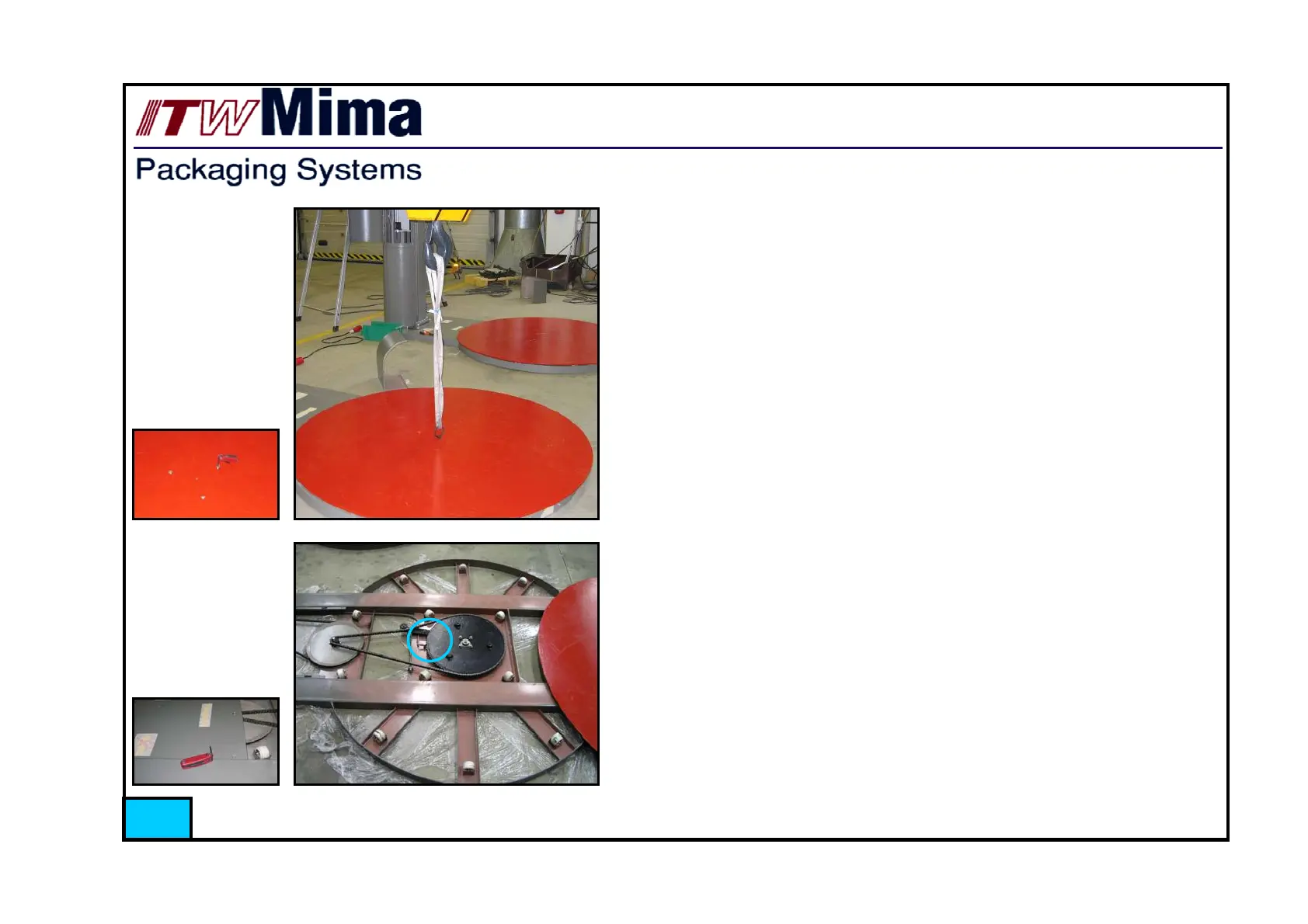
1.3.3. Removing the turn table disc and cover plate
Phase1
Open three fastening screws of disc
Phase2
If you have the possibility to use forklift or crane, attach the lifting
eye with a lifting belt to lift off the disc
Otherwise just slide the disc enough to the side that it is easy to do
maintenance
Phase 3
Remove cover plate by opening six fastening screws
Now turntable construction is fully accessible, and it is easy to do
maintenance.
NOTE: Be careful while moving on turn table, that you don’t
step to the table home proximity sensor (surrounded in picture),
it can break easily!
22



 To Next Page