43
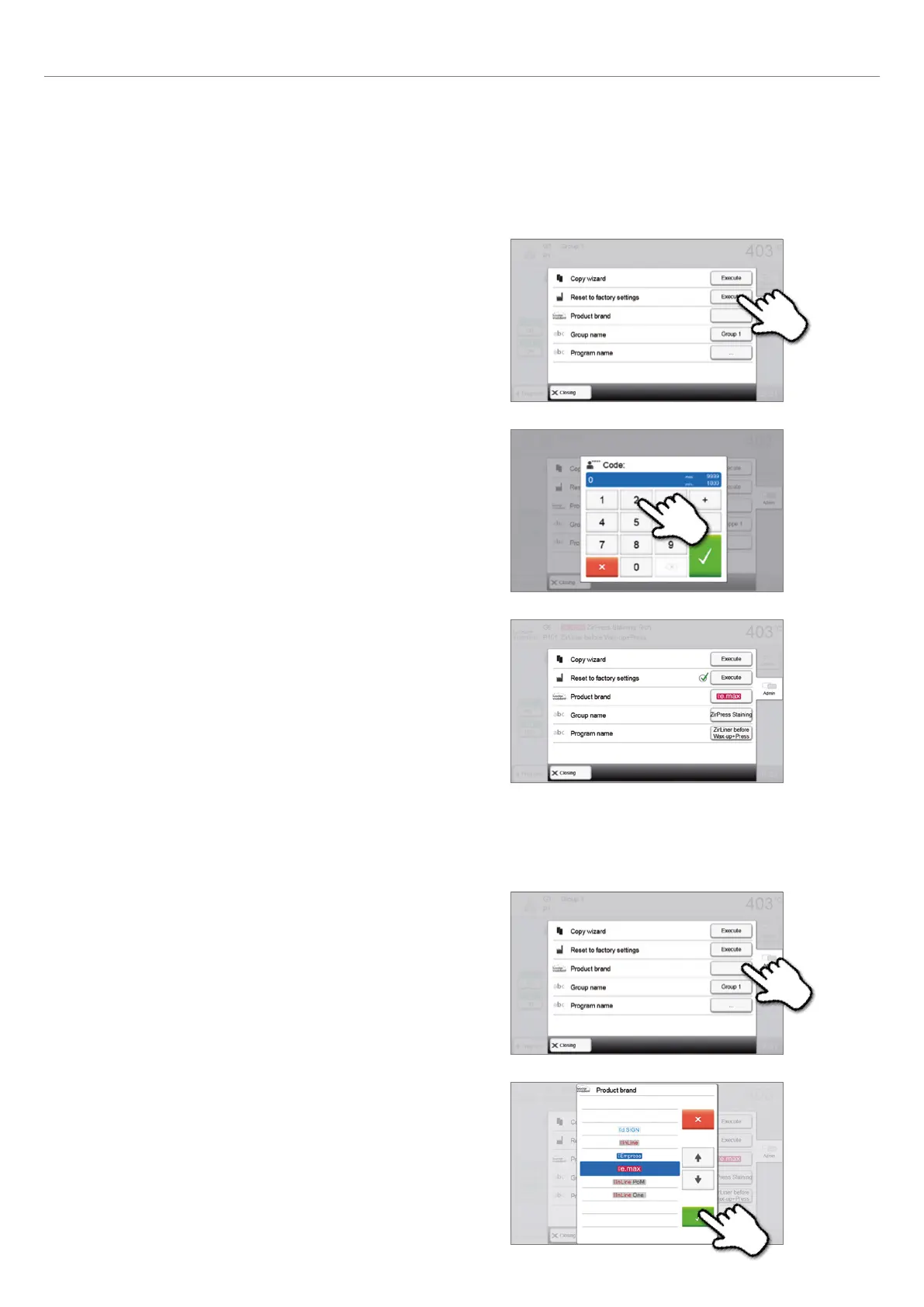
2. Enter the user code to confirm that the program is reset to
factory settings.
3. The program has successfully been reset to factory settings.
5.3.3 Selecting product brand
The product brand for the current group can be selected.
1. Press the corresponding button in the Admin menu.
2. Select the desired product logo. Confirm the entry with the
green button.
5.3.2 Resetting program to factory settings
This function is used to reset a changed program to factory settings.
1. Press the corresponding [Execute] button in the Admin
menu
5. Operation and Configuration















 To Next Page