72
6. Practical Use
The operating procedure for the Programat P710 will be explained with the help of two examples: one Ivoclar Vivadent and
one individual program.
6.1 Firing with an Ivoclar Vivadent program
Step 1:
Switching on
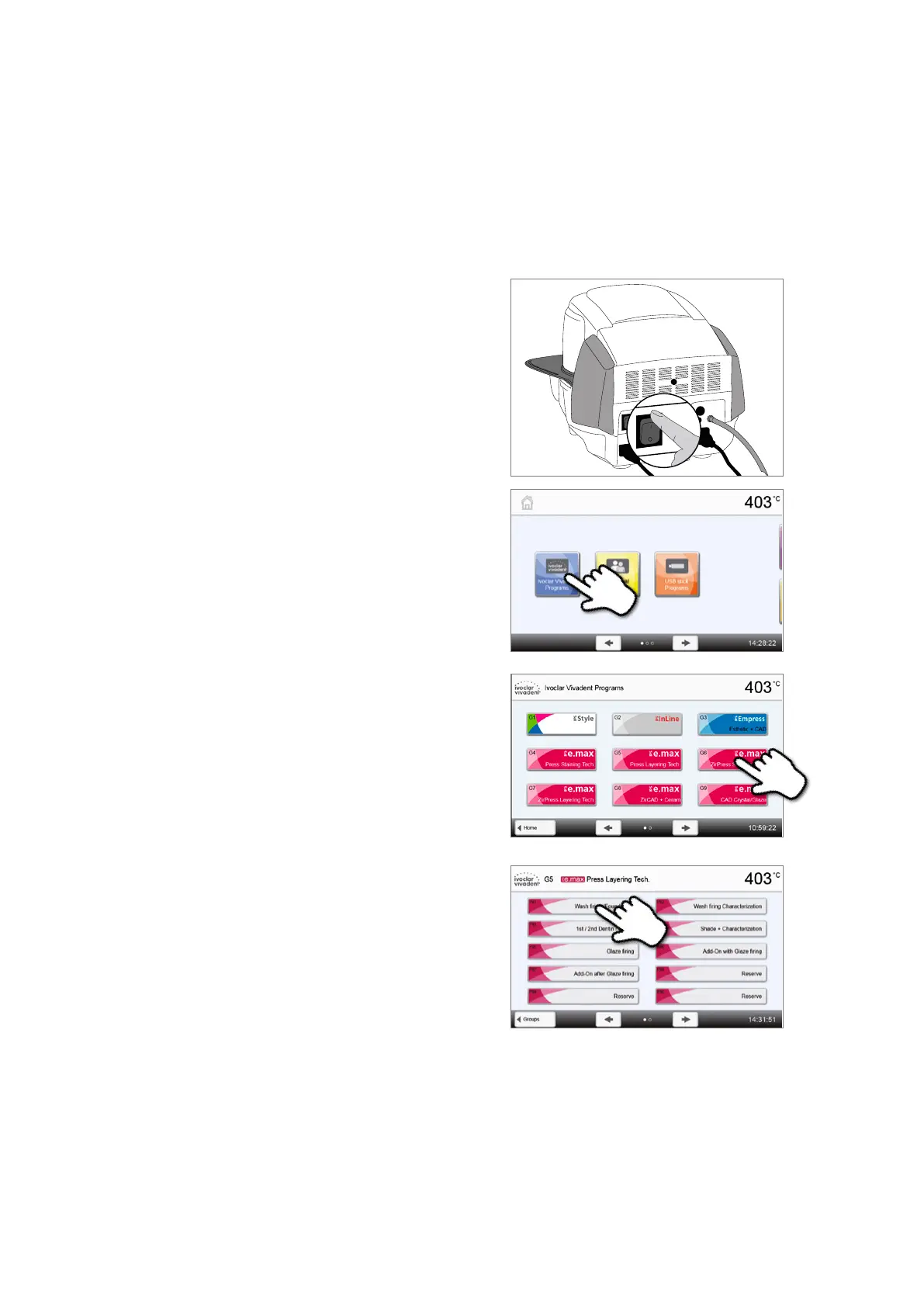
Switch on the furnace with the mains switch at the rear of the furnace.
The furnace conducts an automatic self-test.
Wait until the furnace has reached the set stand-by temperature
and/or the Optical Status Display (OSD) lights up green.
Step 2:
Select the program
After the self-test, the display shows the home screen. Press the
[Ivoclar Vivadent programs] button.
Select the desired program group
Select the desired program















 To Next Page