46
The following settings can be changed in the Settings menu:
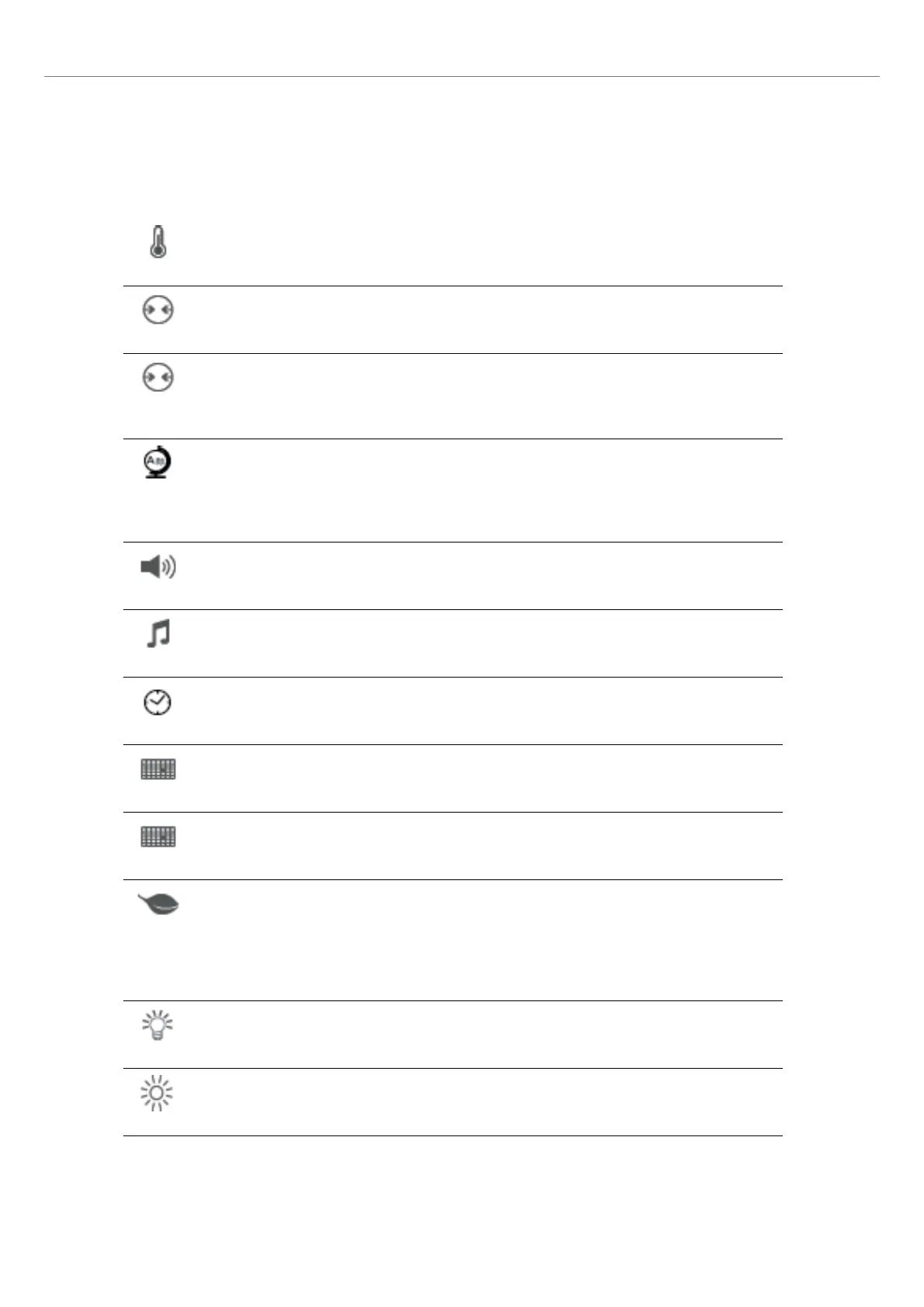
Temperature unit
You can choose between °C and °F.
Setting option: °C / °F
Vacuum unit
You can choose between mbar and hPa.
Setting options: mbar / hpa
Vacuum quality
Setting the final vacuum value. This value defines the negative pressure in the furnace head at which the
furnace has reached a vacuum quality of 100%.
Setting option: 0 – 200 mbar
Language
Select the desired operating language.
Setting options: German, English, Italian, French, Spanish, Portuguese, Swedish, Dutch, Turkish, Russian,
Polish, Croatian, Trad. Chinese, Mandarin Chinese, Finnish, Norwegian, Slovenian, Czech, Slovakian,
Hungarian, Indian (Hindi), Japanese, Korean, Taiwanese, Arabic, Iranian (Farsi)
Volume
Select the desired volume of the acoustic signals.
Setting option: Off / 10 – 100 % in 10-% steps
Melody
Select the desired melody for the acoustic signal.
Setting option: Melody 1 to 20
Time
Setting the current time
Setting options: hh:mm:ss
Date
Setting the current date
Setting options: according to the set date format
Date format
Setting the date format
Setting options: dd:mm:yyyy; mm:dd:yyyy
Automatic power-saving mode
If the power-saving mode is activated and the furnace head closed, this function is automatically started
after 30 minutes, if the furnace is on stand-by and no key is pressed during that time.
The display shows the power-saving icon. Pressing any key ends the automatically activated power-saving
function.
Setting option: On / Off
Optical Status Display (OSD)
Here, the OSD can be switched on or off.
Setting option: Off / 10 – 100 % in 10-% steps
Display brightness
Setting the display brightness
Setting option: 20 – 100 % in 10-% steps
5. Operation and Configuration















 To Next Page