51
5. Operation and Configuration
6. Start the calibration
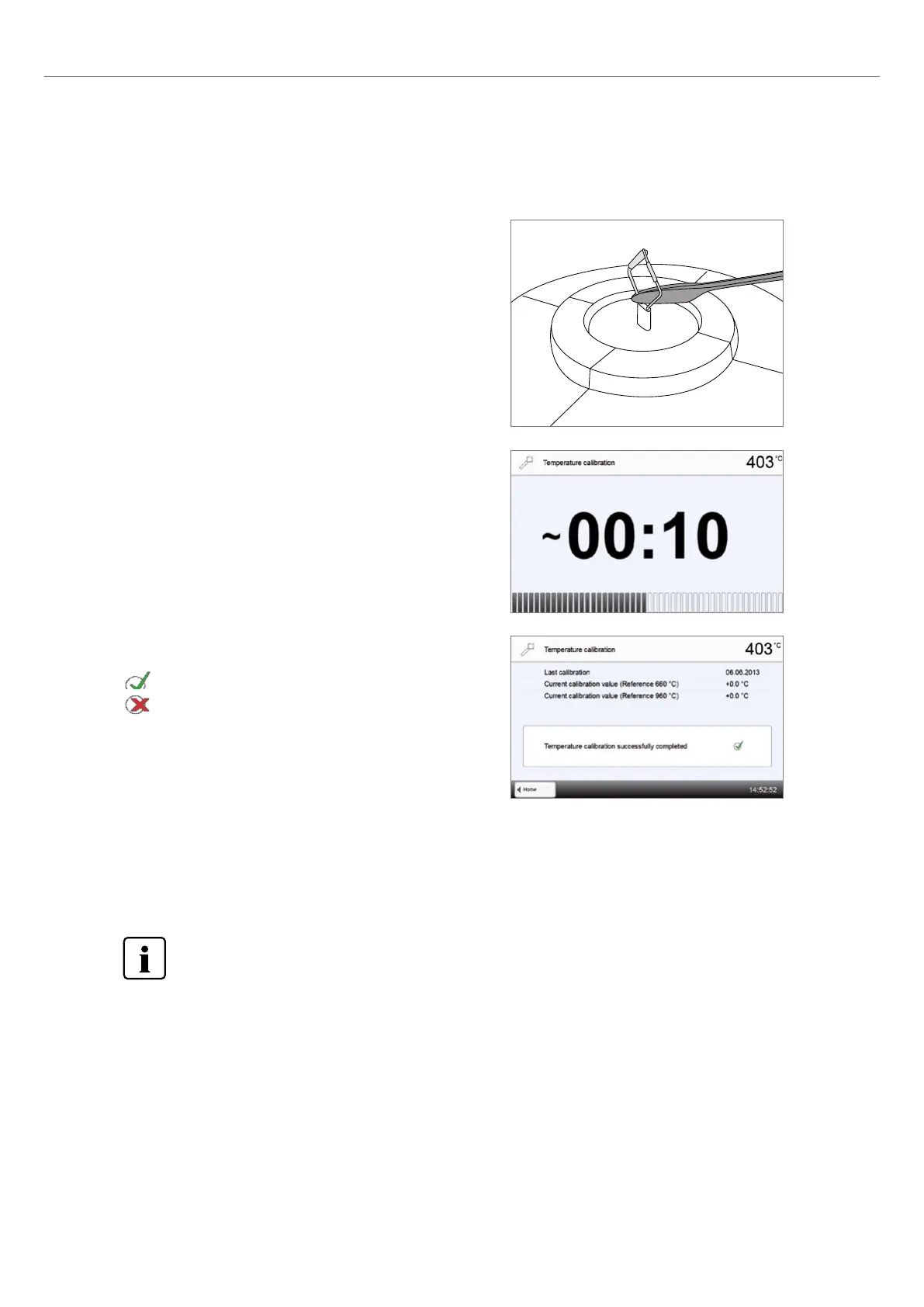
Press START to start the calibration program. The progress of the
calibration program is shown in the display.
7. Complete the calibration
The result is displayed at the end of the calibration.
Temperature calibration successful
Temperature calibration failed
The calibration value is the difference between the measured current
temperature and the desired set temperature.
At the end of the program, open the furnace head and carefully remove the ATK 2 using the furnace tongs and place it on
the cooling tray to allow it to cool. Replace the firing plate using the furnace tongs.
To return to the home screen, press either the touch button [Home] in the navigation bar or the HOME key on
the membrane-sealed keypad.
5. Press on sample
If necessary, use the furnace tongs to apply slight pressure to the
centre of the calibration base until the calibration sample clicks into
place. Observe the corresponding markings.















 To Next Page