60
5.4.10 Setting up a connection with a mobile phone
A connection with a mobile phone can be set-up in the Settings menu. This function is only available if the Programat
Bluetooth stick has been connected with the furnace. The Bluethooth flash drive should only be inserted and removed
while the furnace is switched off.
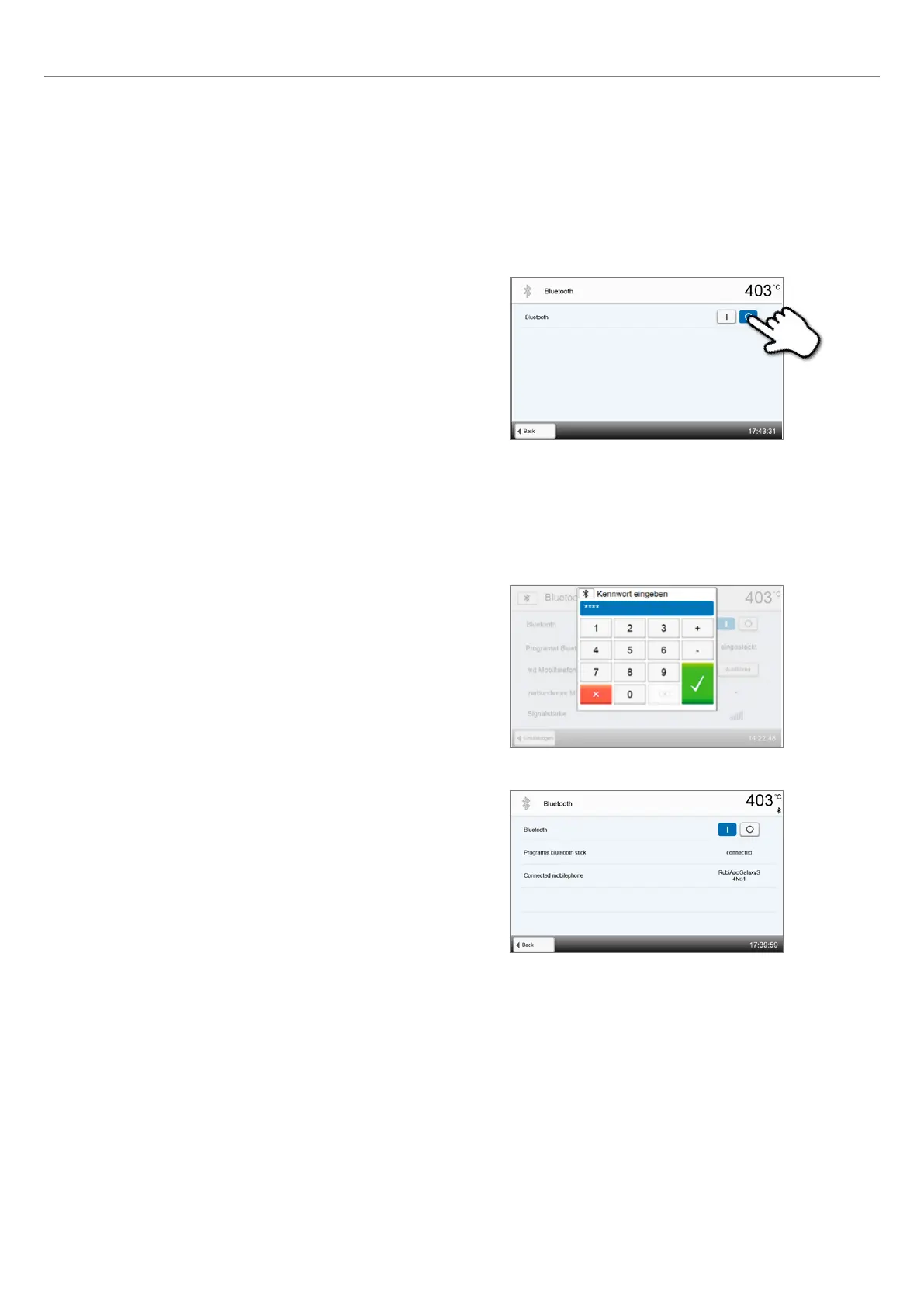
The set-up requires only a few steps:
1. Switch on Bluetooth.
2. Connect telephone with the Programat P710.
A Bluetooth connection is established with the operating controls of
the mobile phone.
Please observe the notes in the Operating Instructions of the mobile
phone used.
3. Enter the password for the connection, if required, (default
0000) and confirm with the green button or abort the entry
with the red button.
4. The connection has been successfully established.
5. Operation and Configuration















 To Next Page