67
5. Operation and Configuration
To ensure the best possible voice quality, the Bluetooth stick must be connected to one of the USB slots on the
side of the furnace.
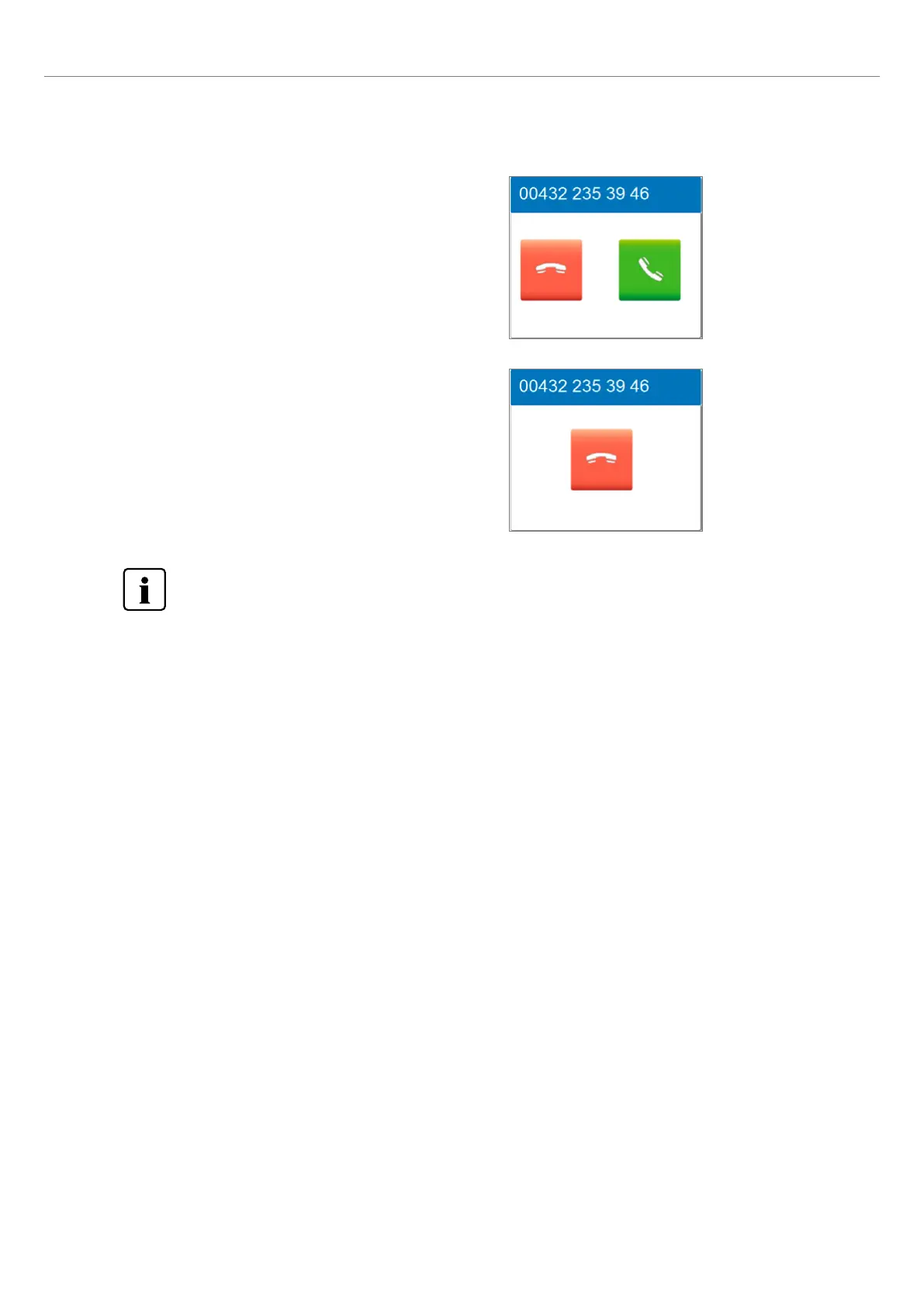
5. If the furnace is connected to a mobile phone and there is an
incoming call, the call can be taken with the green button or
rejected with the red button.
If the caller is in the contact list and the mobile phone supports
this function, the name of the caller appears at the top of the
display. If not, the number of the caller is shown.
6. If the call is accepted, it can be ended by pressing the red button.
The end-call screen can be left any time by pressing the phone
key on the membrane-sealed keypad in order to continue work-
ing at the furnace. It is still possible to continue the phone call. To
end an active phone call, you can switch back to the end-call
screen using the phone key on the membrane-sealed keypad.















 To Next Page