70
5. Operation and Configuration
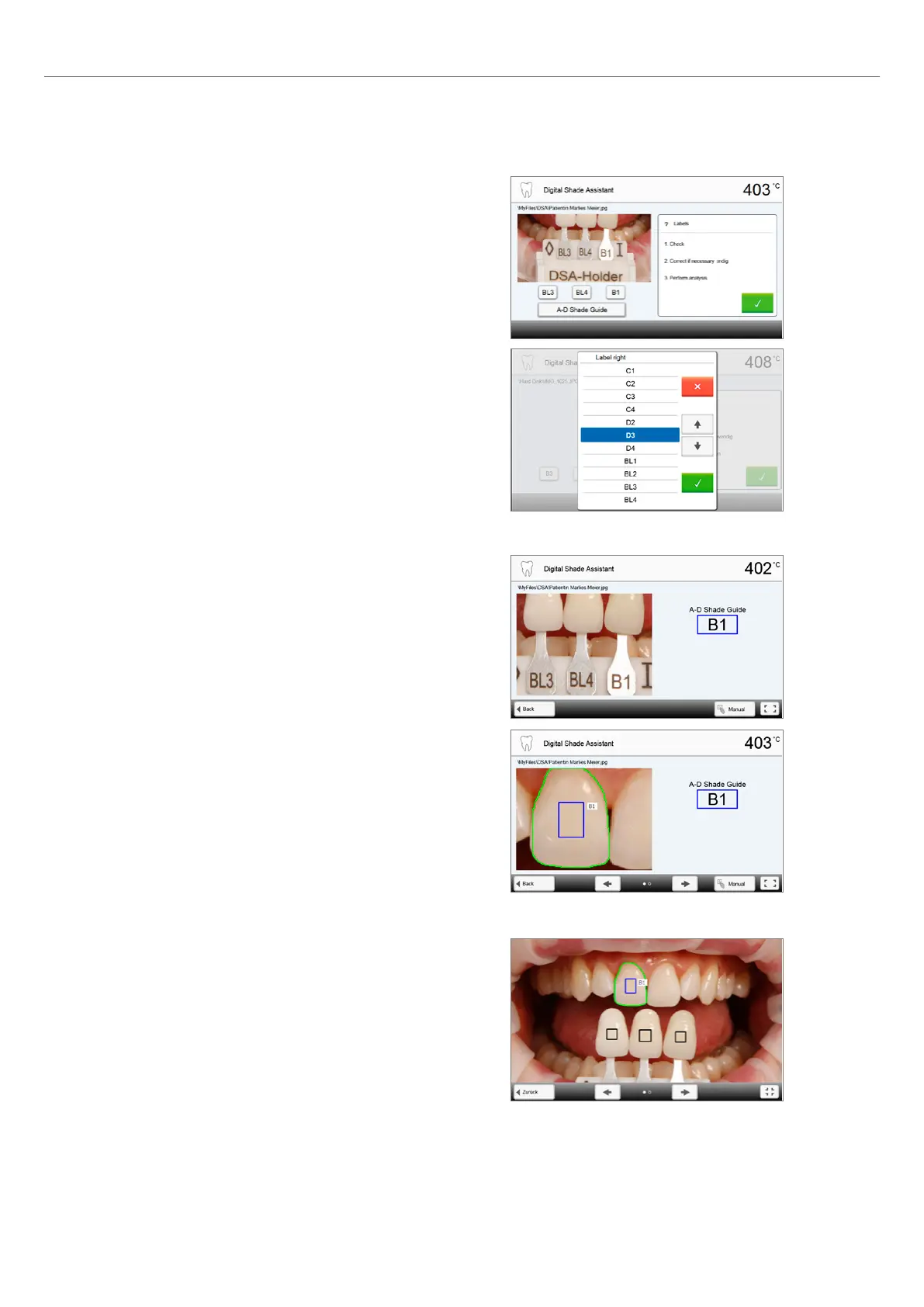
8. Moving an image section and zooming
The image section can be moved on the touch screen with a finger.
9. Full screen view
The [full screen] button is used to switch to the full screen view.
The corresponding button is used to end the full screen view.
By double-clicking the touch screen, the image section can be
enlarged and reduced again.
7. Verifying the designations (correcting)
If the designations of the shade guide teeth cannot be clearly
recognized, this screen is shown. The recognized designations are
shown in the three buttons below the image. If necessary, this
designation can be corrected by pressing the corresponding button.
Finally, the analysis can be conducted by pressing the green button.















 To Next Page