Function 1 – Alarm
Configuration
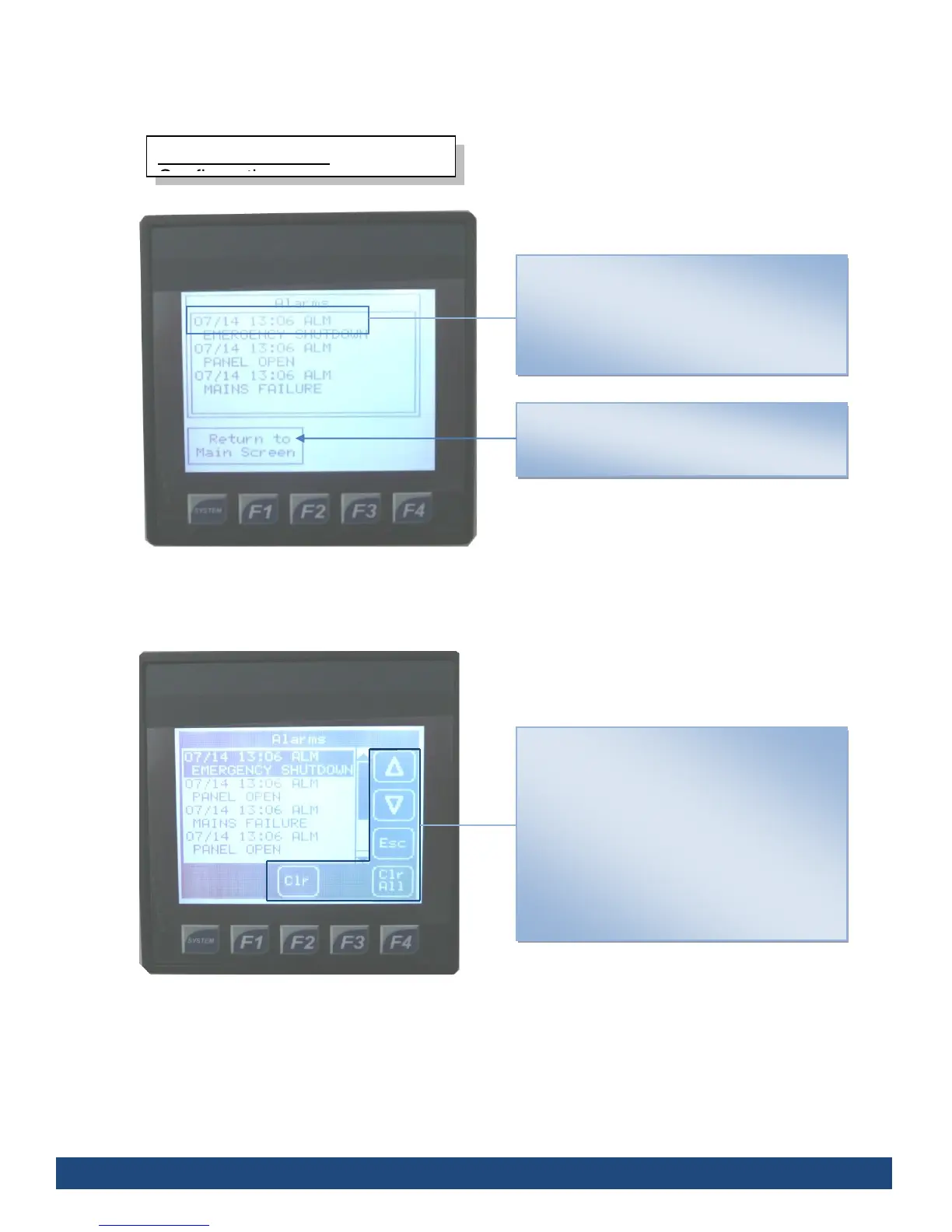
To return to the Main Screen, press the “Return
to Main Screen” on the touch screen interface
Alarms
Displays the date, time and description of the
most recent alarm activities.
By pressing the touch screen in the alarms field
you’ll open the Alarm Log (see fig 3.)
Alarm Log
Displays the date, time and description of all
alarm activities.
The Arrow keys allow you the scroll up and
down through the alarm log entries.
The Escape key will return you to the previous
screen (see fig 2.)
The Clear key will erase the highlighted entry;
the Clear All key will erase all the entries.



 To Next Page