SMS Configuration Security
SMS Configuration Security
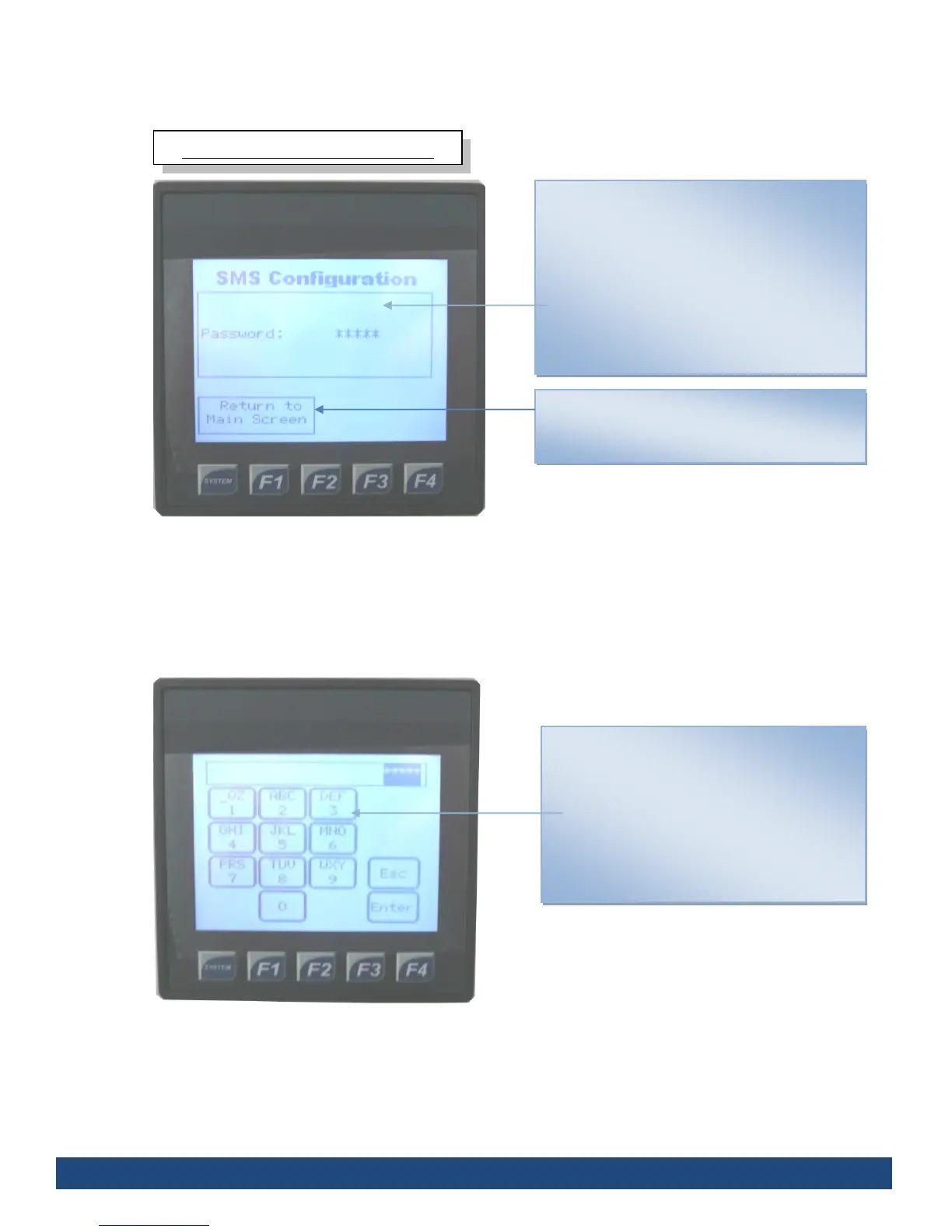
Before access can be granted to the SMS
Configuration, the correct Password must be
entered.
To access the password entry screen (see fig
5.), you must press the touch screen in the
Password field.
To return to the Main Screen, press the “Return
to Main Screen” on the touch screen interface
SMS Configuration: Password Entry
Displays a Password Entry screen; only with
the correct password can you access the SMS
Configuration screen.
Dial in the password using the number pad on
the touch screen
To return to the previous screen press
Once finished, press Enter



 To Next Page