J2 625 System Manual
Version 0.1 June15, 2012 (Draft)
USB Ports
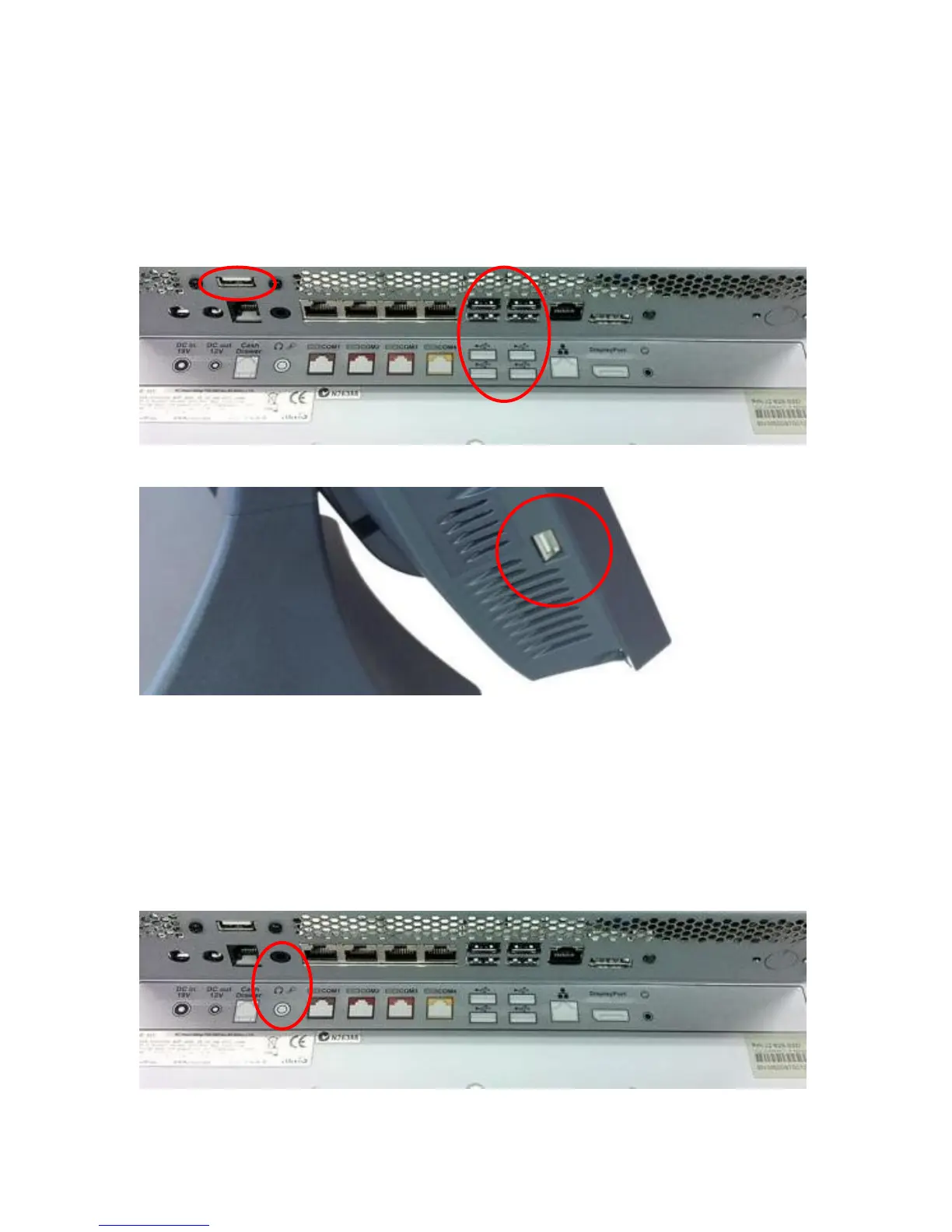
The J2 625 has 6 external and 3 internal USB 2.0 ports. The 6 external ports (see below)
are located in the cable well with one the side of the unit for easy access. The 3 internal
ports are used for different functions, such as using a PCT touch screen, Finger Print
reader and/or other peripherals.
USB Ports
Side USB Port
Audio
The J2 625 uses the VIA1708B HD audio controller. There is one internal speaker.
A combo microphone jack and headset jack are located in the cable well of the J2 625, as
seen below, which allows for the connection of a microphone and headset, or audio out to
other devices.
Audio out is also supported on the DisplayPort when used with a HDMI monitor.
Audio Jack Location



 To Next Page