J2 625 System Manual
Version 0.1 June15, 2012 (Draft)
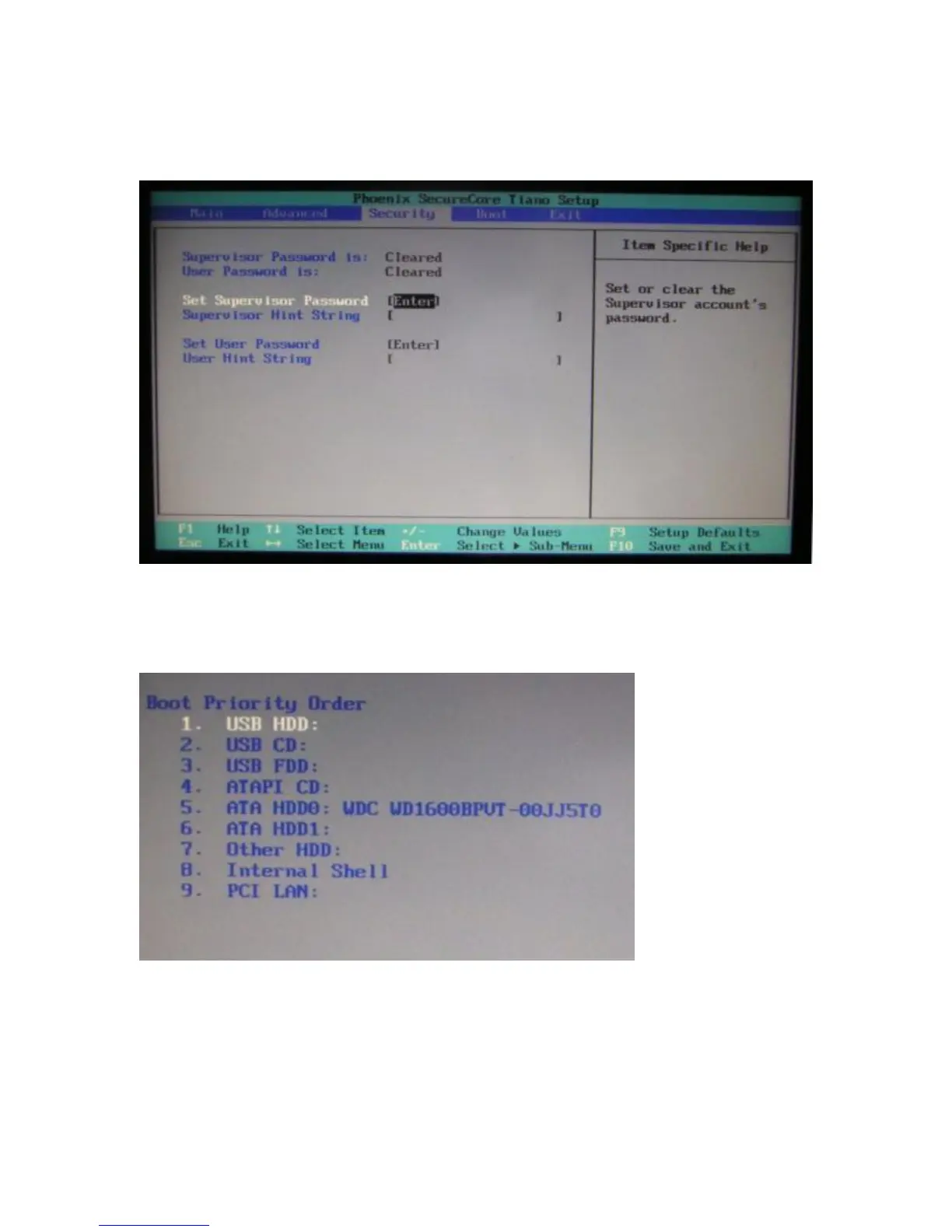
Security Screen
The Security Screen is used to set BIOS accessed passwords.
Boot Screen
The boot priority order can be set with the Boot Screen.
Keys are used to view or configure devices:
Use up and down arrows to select a device.
A plus and minus moves the device up or down in the list.
A shift plus the number 1 enables or disables the device.
A “!” will be displayed when a device is disabled in the boot list.



 To Next Page