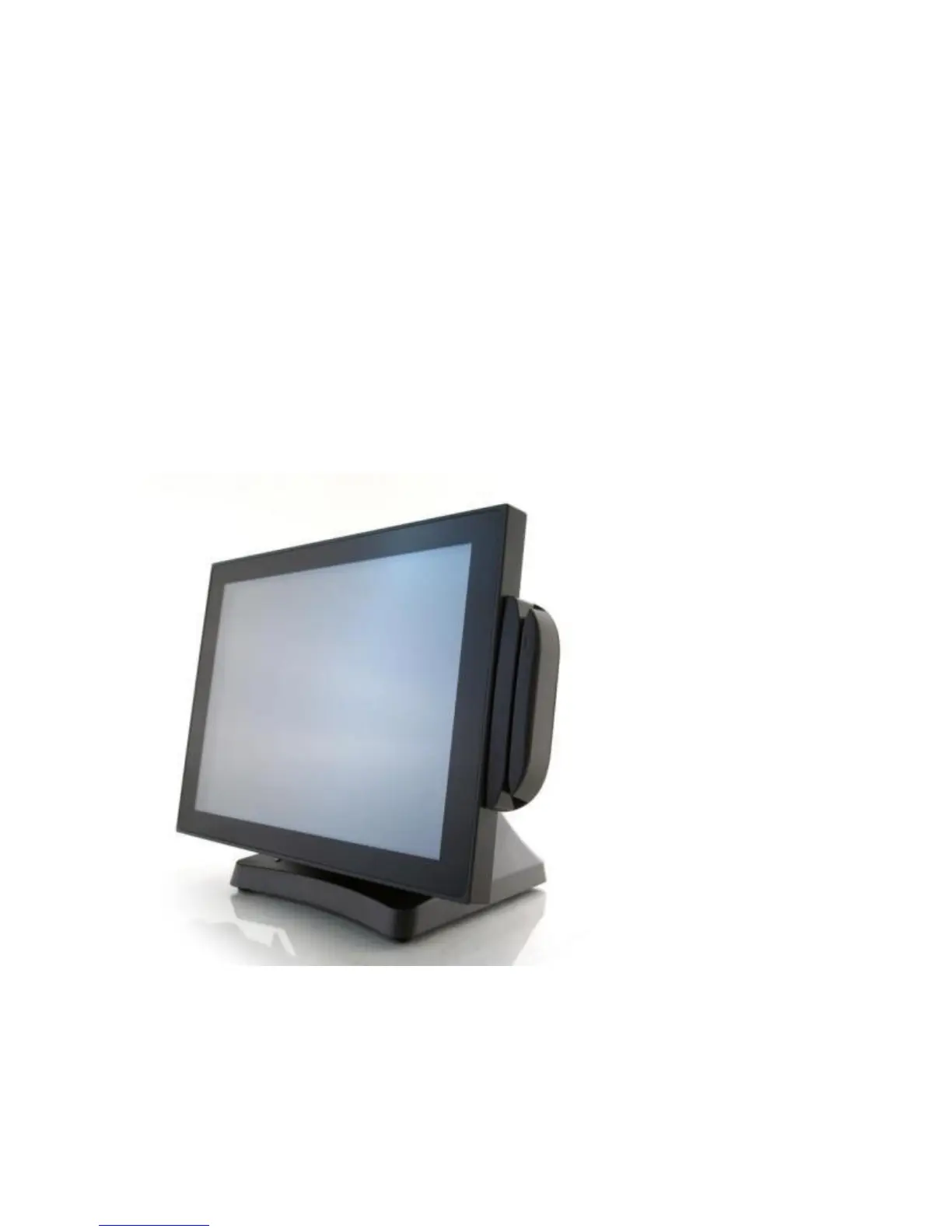
J2 625 System Manual
Version 0.1 June15, 2012 (Draft)
J2 625 Options
MSR
Overview
The 625 can be ordered with a 3 track MSR. This MSR is the same as used on the J2
580/615/630/680 POS systems. The MSR mounts on the right side of the 625 and uses a
front facing MSR slot. This allows the 625 unit to be placed side by side, or in tight
spaces, and still be able to swipe the card. The MSR appears to the software as a wedge
type MSR with all data from the MSR being sent to the keyboard port. The MSR
configuration utility can be down loaded from J2 web site.
625 with front swipe MSR



 To Next Page