J2 625 System Manual
Version 0.1 June15, 2012 (Draft)
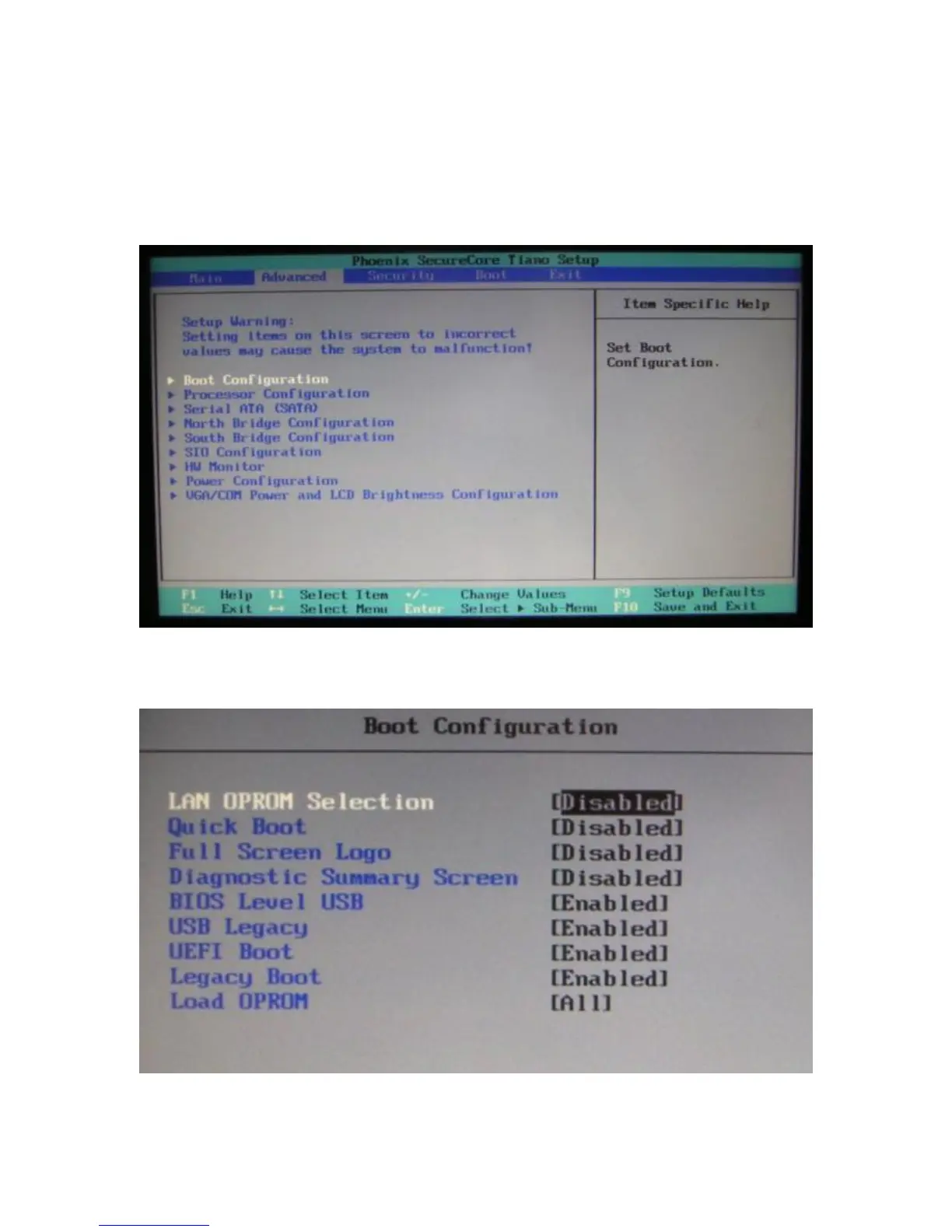
Advanced Screen
The Advance Screen allows for a number of BIOS options to be accessed. Please use care
in changing these options, as some settings can cause the system to malfunction. These
options are provided to offer maximum flexibility in configuring the J2 625. The Item
Specific Help (seen on the right hand side of the screen) explains each option.
Boot Configuration



 To Next Page