J2 625 System Manual
Version 0.1 June15, 2012 (Draft)
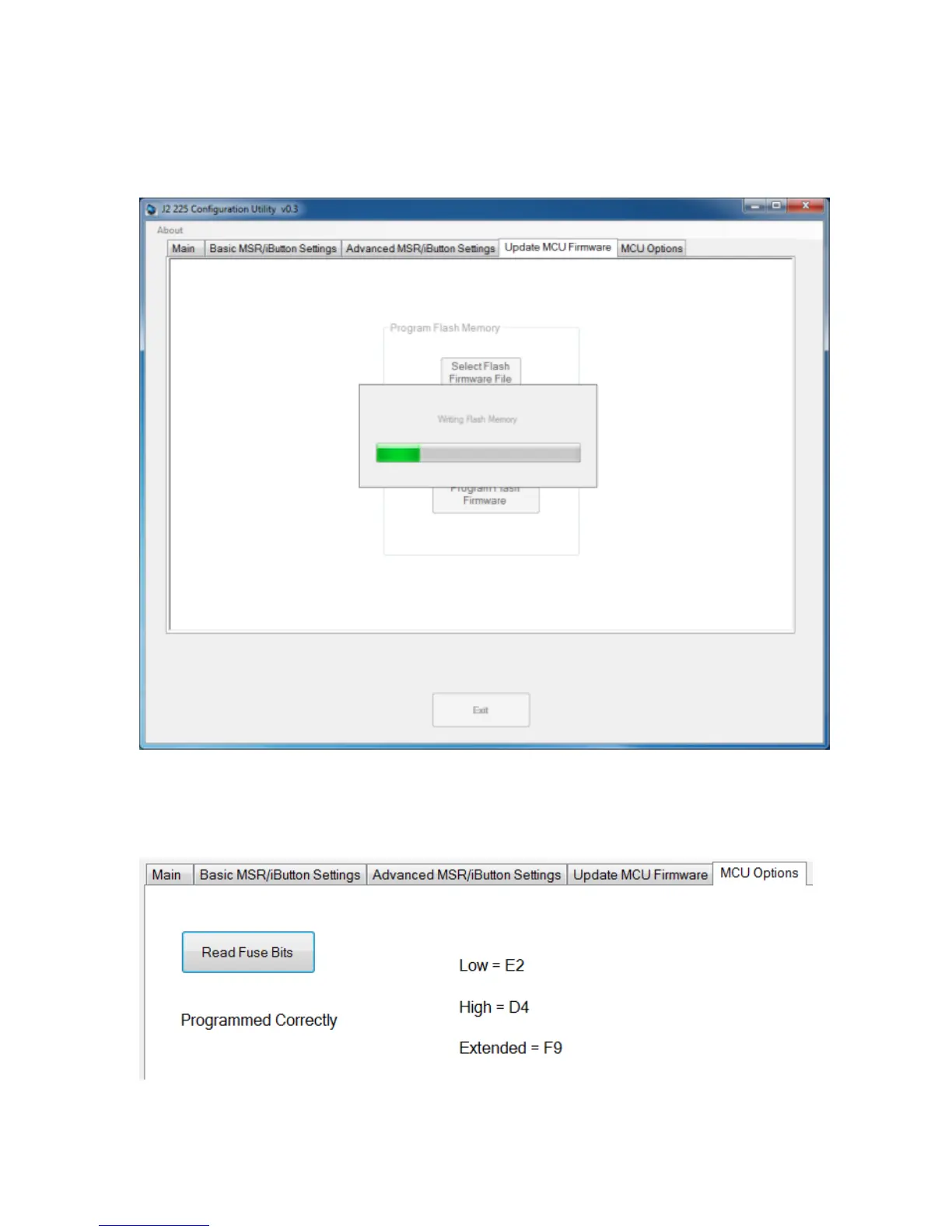
Once the hex file has been selected, touch the “Program Flash Firmware” button to start
firmware update. The utility will now update the MCU firmware. It will first write the
memory then verify it. Do not turn off the J2 625 power when updating.
MCU Option
This tab is only used for factory programming and verification of the MCU option fuses.
It will display the current value of the MCU option fuse (note that end-users normally
would not use this feature).



 To Next Page