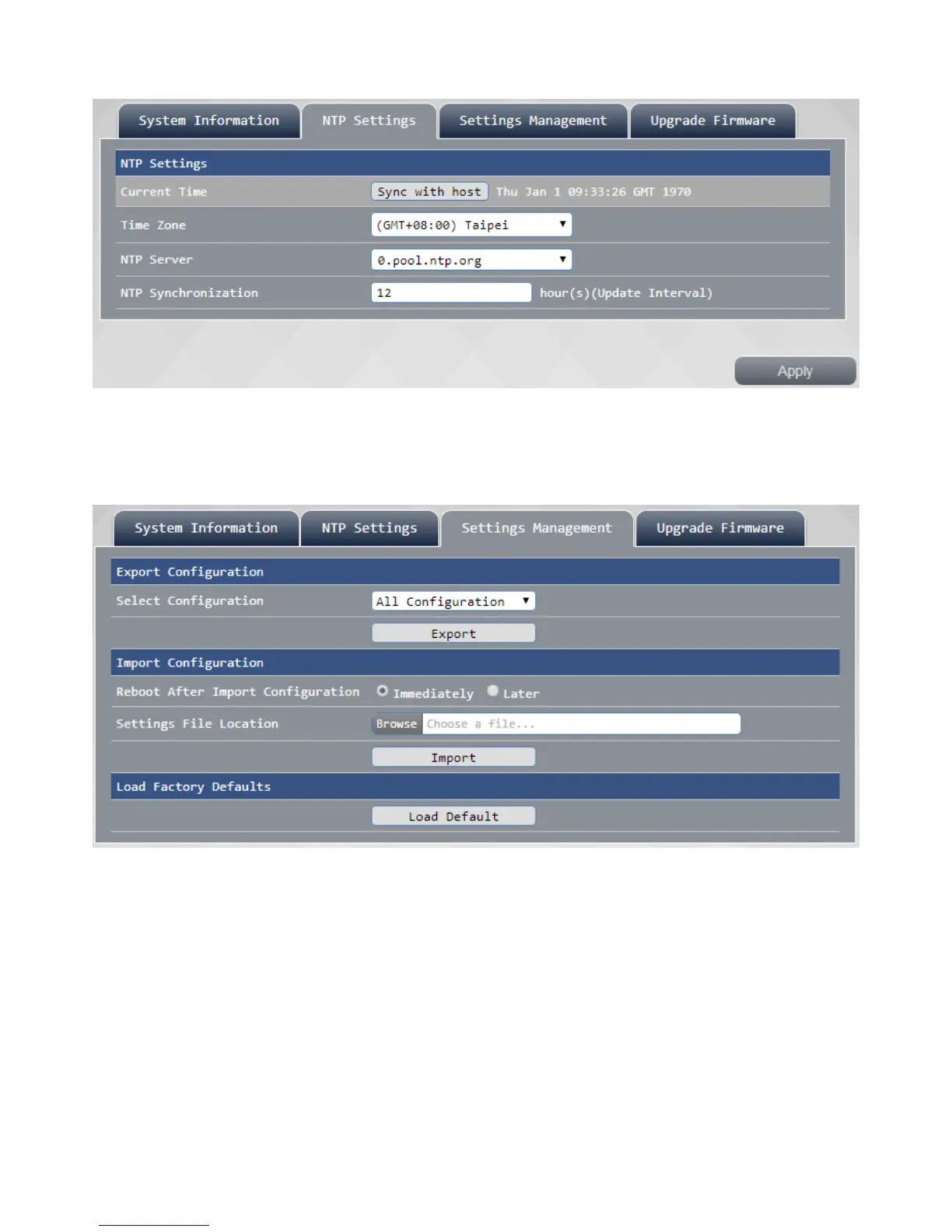
This NTP settings can be set to your router time with time zonechanges after press "Apply" to make the
setting take effect.
Settings Management
Settings Management page can export your current router settings backup or import your previous
settings, To restore the router to factory defaults Please click "Load Default" button will router back to
factory defaults, then press OK router will reboot.
Upgrade Firmware
such as a router firmware update is available for download, please upgrade your router through this page,
or displaying port (HDMI / VGA) firmware
after update is complete router will automatically reboot, reboot after the firmware update can be
completed carry out.



 To Next Page