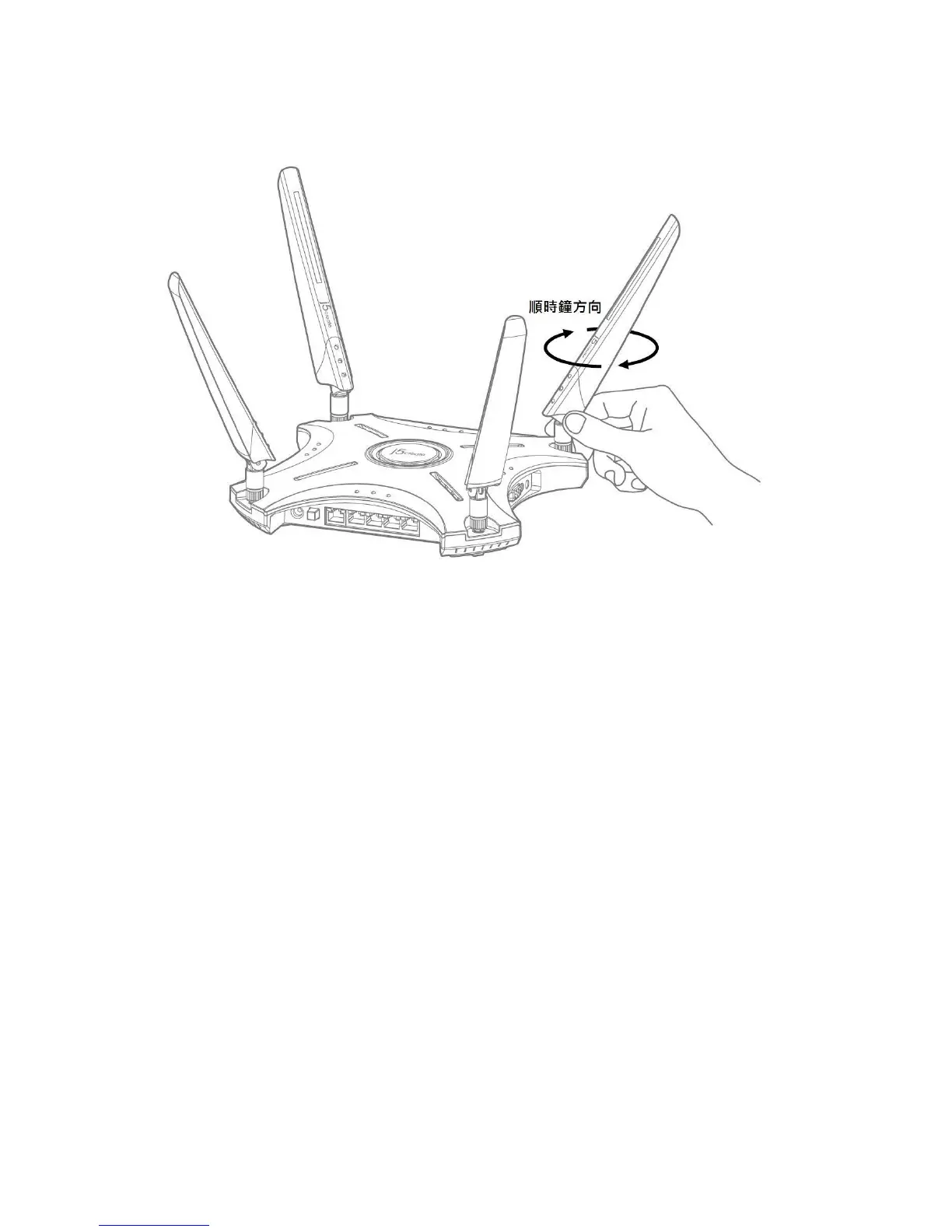
Construction your JWR2100
four antennas installed in the clockwise direction following the various packing is mounted onto the router
A wired connection
Router : wireless router 1 Please insert an AC transformer DC-IN port and plug in the power supply input.
2. The use of bundled RJ-45 network cable to connect your computer to your wireless LAN side of the router port
3. Verify the wireless router on the LAN side flashing lamp complete wired connection



 To Next Page