Chapter 4: introduce wireless projection function
JWR2100 equipped j5create wireless projection function, allowing users through router wireless signal will
be Windows / Mac / iOS / Android platforms such as wireless projection screen on the HDMI / VGA output
screen. Please create your wireless environment projection to follow the following
wireless projector environment needs
system Windows settings: Windows 10, 8.1,8, 7 (32 & 64bit)
System: 10.9 or later
iOS system: iOS 9.0 or later
Android system: 5.0 or later
router can simultaneously display a maximum of nine out put
sound output
Windows, Mac system supports a sound output
system for an Android Key Pad connected to a sound output support
iOS not support audio output
projection set wireless
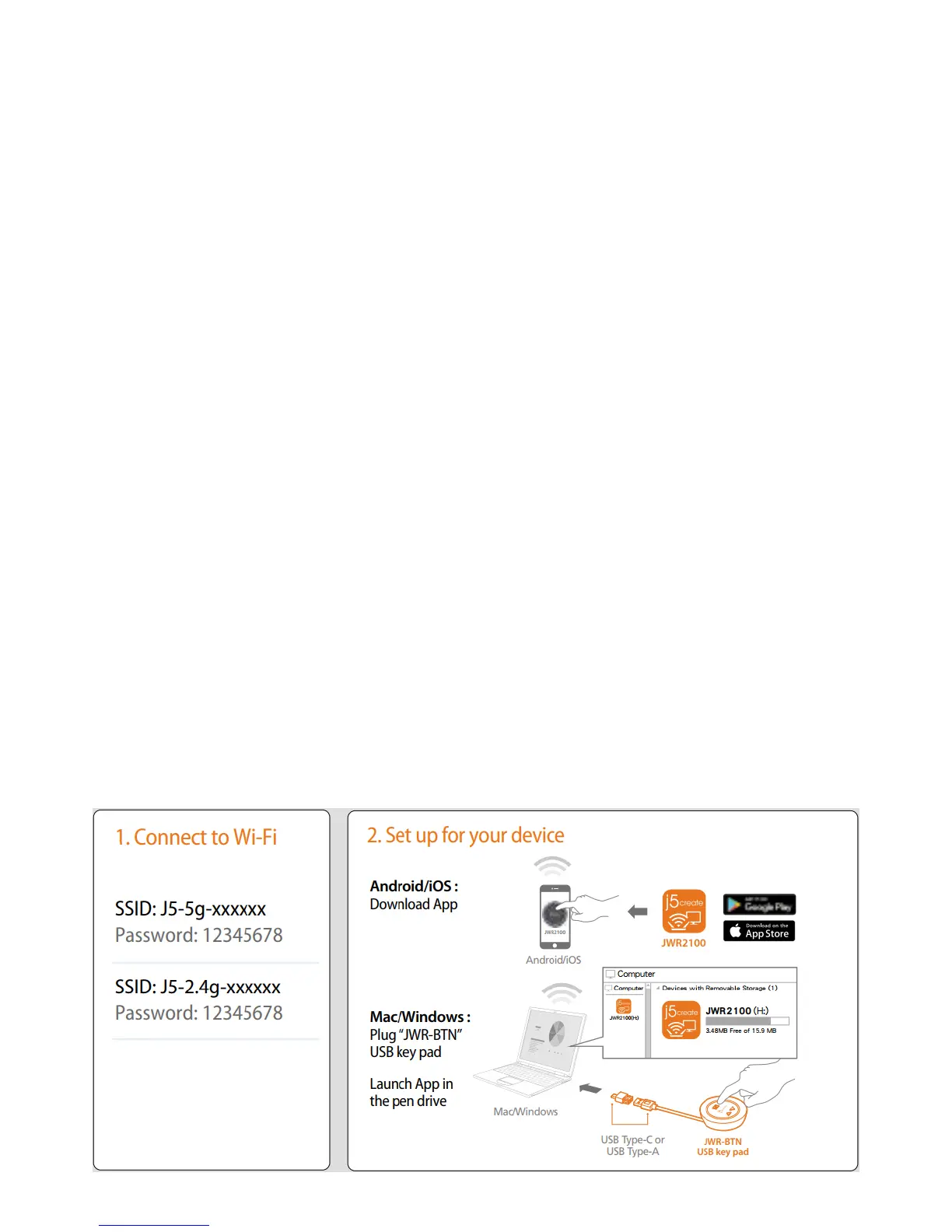
connect HDMI / VGA screen to on a router, the following screen is displayed on the screen Please in
accordance withinstallation instructions in the operating systems



 To Next Page