General Setup
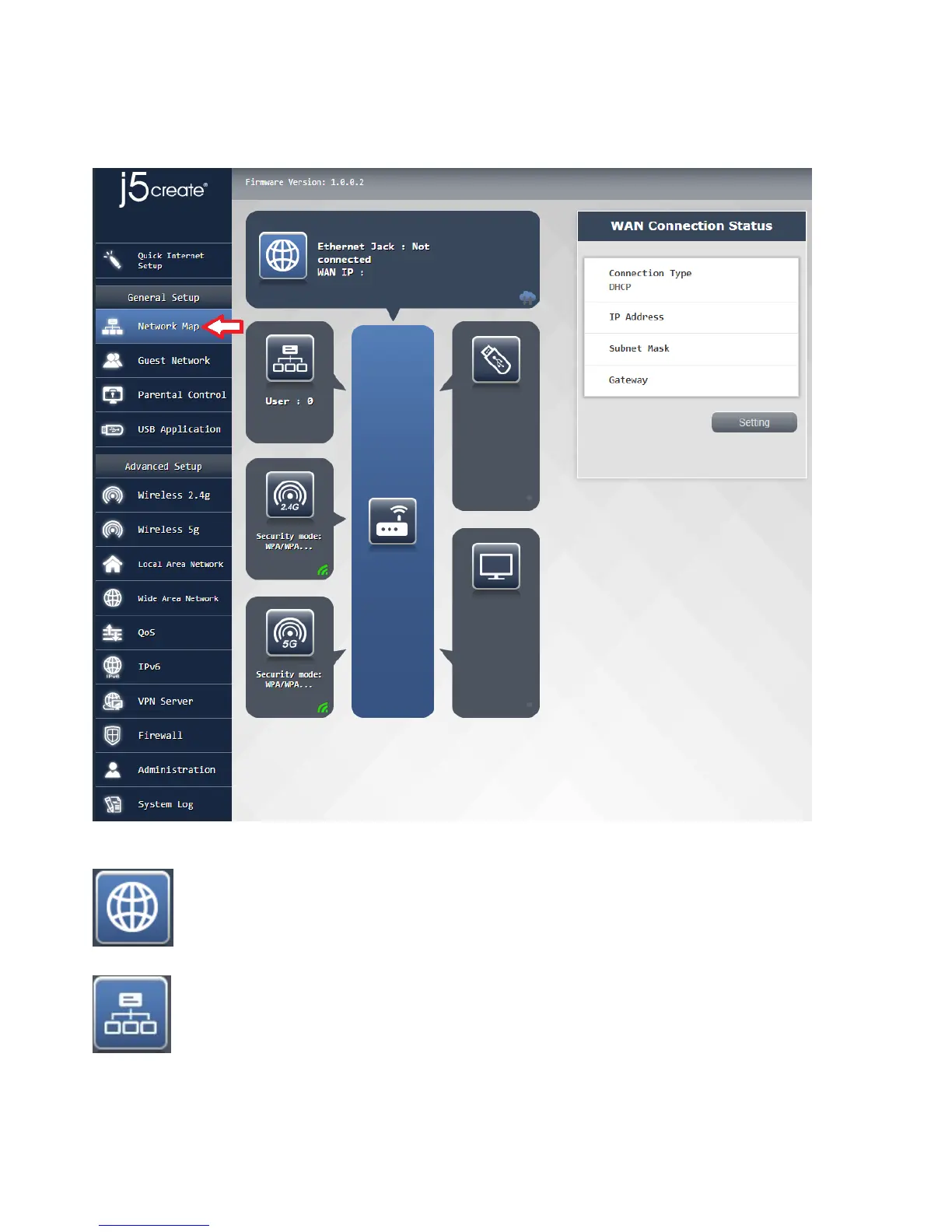
Network Map:
the basic setting is enter the main menu of the router after completed the "Network Map" to confirm the
current state of 2.4G and 5G, such as SSID, security mode, encryption settings, network switch, the output
status screen.
External network connection state: rapid identification external current network connection
type, network address, net mask, gateway settings like values:
user connection status clear that the username is currently connected to the router and using a
network address



 To Next Page