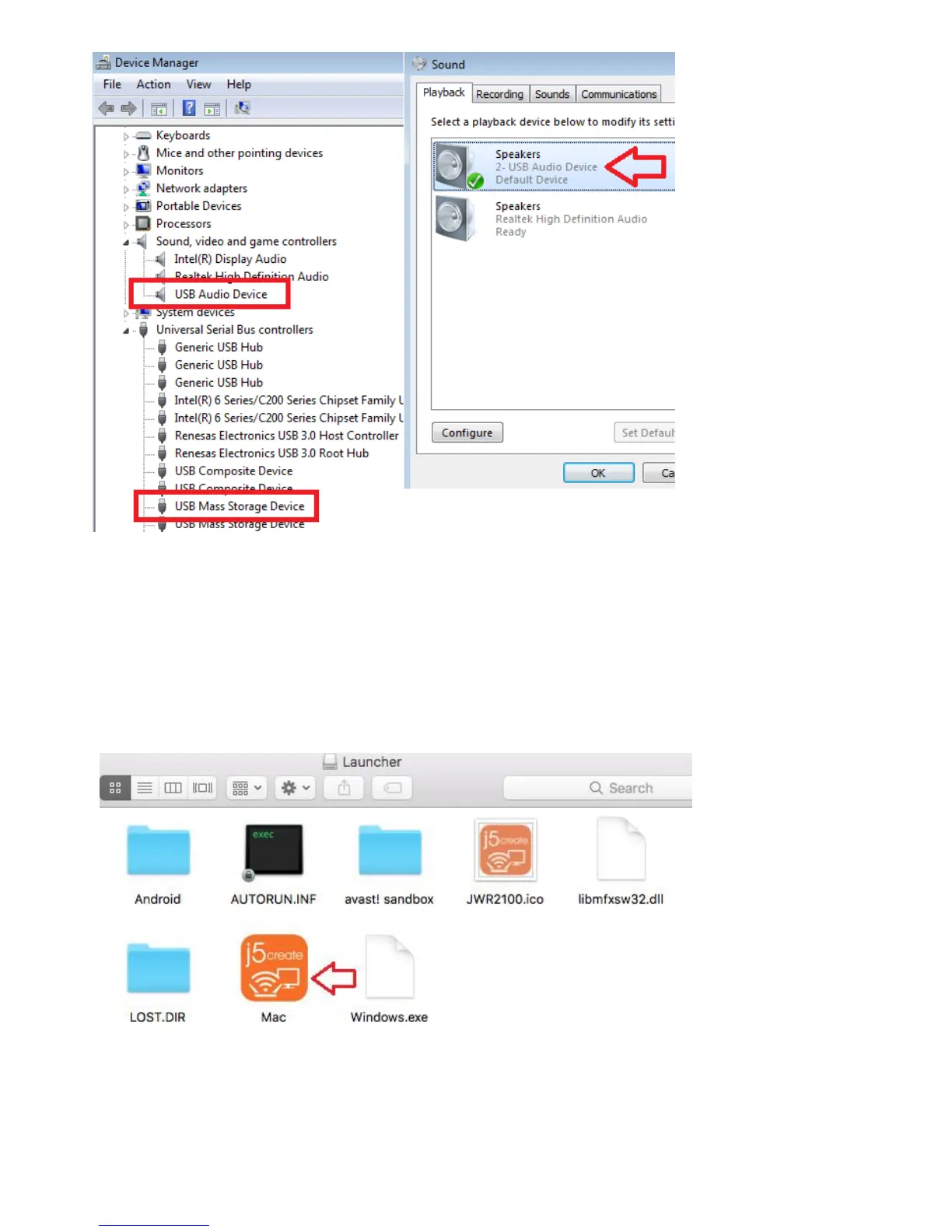
Mac system installation
source set on a Wi-Fi connection is via the Mac 2.4 G or 5G JWR2100 transmitted signal, after confirmation link, then
Key Pad inserted usb port, Key Pad lights up the LED display,or an external monitor connected to HDMI
JWR2100 VGA cable to a display port, JWR2100 Remote display screen is confirmed connection SSID and
password from the display.
Click "Mace" executable file, the executable file will execute Key Pad program on your system, with Key Pad
hardware you use to control the output screen / voice transmission function, do want to end projection removal
step of removing the flash drive security Key Pad can be.
---------------------------------------------------------------------------------------
☆Note
after installing the driver asreminder,KeyPad lights continuously circular flashing, it means that any current JWR2100
router wireless signal on your system without even
---------------------------------------------------------------------------------------



 To Next Page