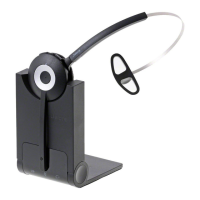
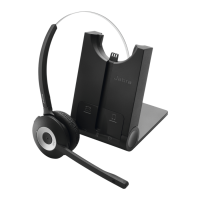
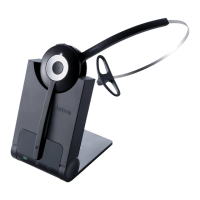
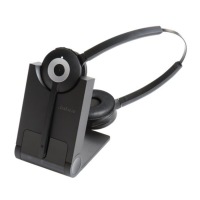
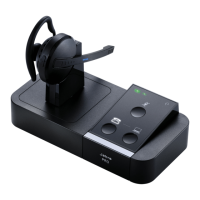
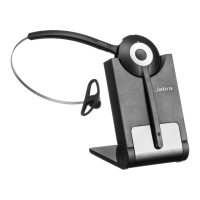
5. jABRA PRO 920 FEATURES
5.1 HEADSET mULTI-FUNCTION BUTTON
The multi-function button can answer calls and end calls using a combination
of taps, double-taps or presses.
Multi-function button
Function Tap
Double-
tap
Press
(hold 1-3
seconds)
Answer incoming call
End current call
Reject incoming call
Put current call on hold, and
accept incoming call
(not supported by all phones)
Power on
Power o
(5 secs)
5.2 HEADSET SPEAKER VOLUmE BUTTONS
The speaker volume buttons adjust the headset speaker volume.
Speaker volume
buttons


 To Next Page