EasyManua.ls Logo

Jackson Systems T-32-TS - User Manual

Jackson Systems T-32-TS
30 pages
Print Icon
To Next Page IconTo Next Page
Loading...
COMF
RT SYSTEM
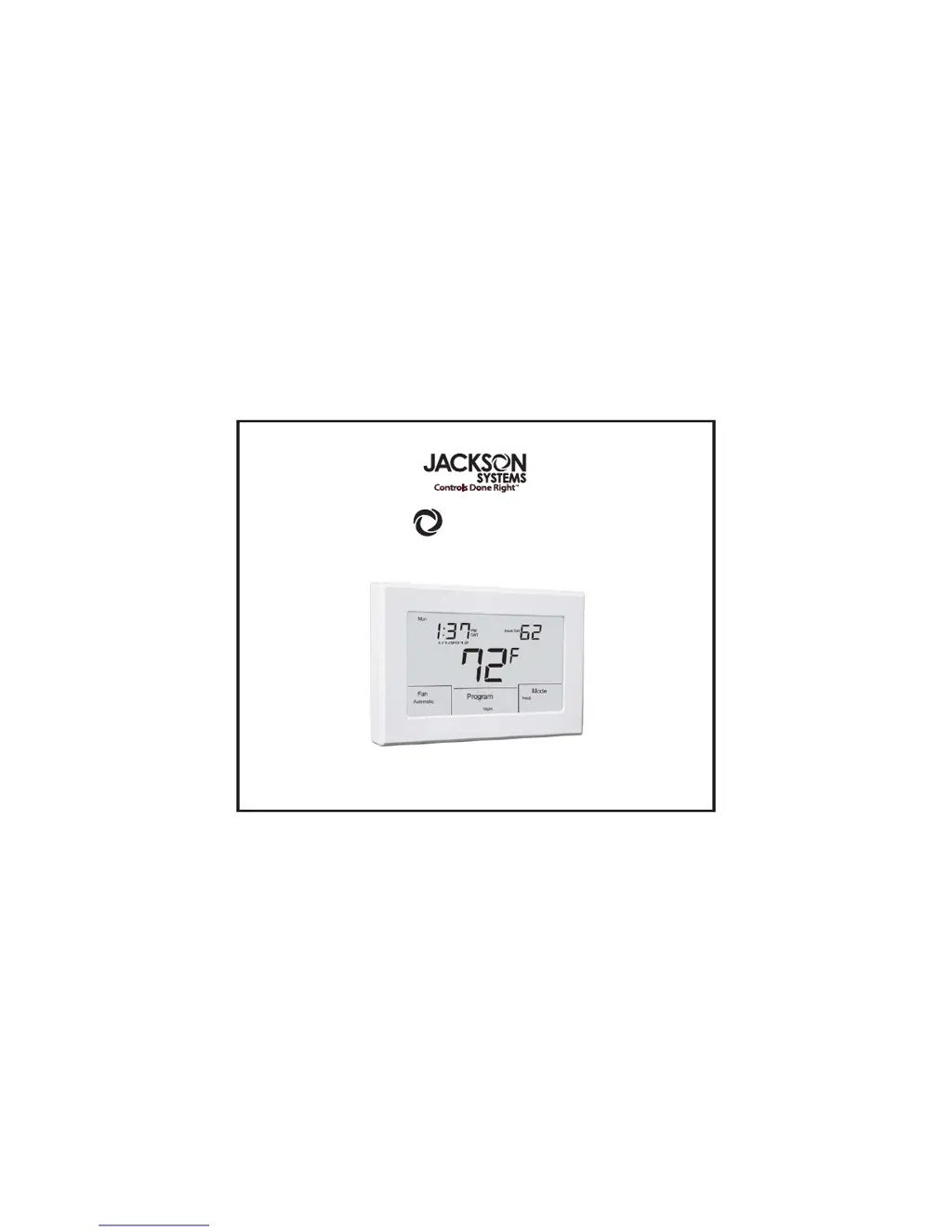
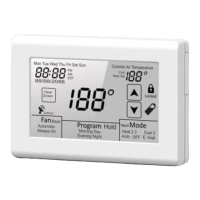
T-32-TS Touchscreen Thermostat
User Manual

Other manuals for Jackson Systems T-32-TS

Questions and Answers

Summary

Introduction to Comfort System Thermostat

Using the Touchscreen Display

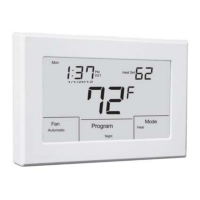
Display Elements Overview

Identifies key display components like time, temperature, and mode indicators.

Interactive Controls Explanation

Explains user interaction elements like buttons and arrows.

Status Icons Description

Describes icons for DST, filter reminders, and low battery.

Typical Display Layout

Key Display Components

Lists and illustrates key information shown on the typical display screen.

Diagram Label Meanings

Explains the function of numbered indicators on the display diagram.

Setting Day, Time, and Calendar

Date and Time Adjustment Procedure

Step-by-step guide to setting the current day, time, and calendar dates.

Navigating Setting Inputs

How to use touch controls and arrows to change values.

Setting Daylight Savings Time

DST Schedule Entry Process

Procedure for inputting DST begin and end dates using the thermostat interface.

Daylight Saving Time Chart

Table listing DST start and end dates for specific years.

Basic Functions

Mode Configurations Explained

Explains how contractors configure different operating modes for equipment.

Mode Selection Options

How to choose between Heat, Cool, Auto, Off, and E. Heat modes.

Fan Operation Selection

Options for Automatic or Always On fan operation.

Manual Temperature Setting Adjustment

How to change heating/cooling setpoints in manual changeover mode.

Auto Mode Temperature Adjustment

How to change heating/cooling setpoints in auto changeover mode.

Programming Schedules

5-2 Schedule (4 Daily Events)

Setting Morning, Day, Evening, Night events for weekdays and weekends.

5-2 Schedule (2 Daily Events)

Setting Day and Night events for weekdays and weekends.

5-1-1 Schedule (4 Daily Events)

Setting 4 events for weekdays, Saturdays, and Sundays separately.

5-1-1 Schedule (2 Daily Events)

Setting Day and Night events for weekdays, Saturdays, and Sundays separately.

7-Day Schedule (4 or 2 Daily Events)

Setting custom daily events for each day of the week.

Copying Program Schedules

How to copy schedule settings from one day to multiple days.

Overrides and Holds

Temporary Program Override

Temporarily adjust temperature without changing programmed settings.

Permanent Hold Function

Set a constant temperature for extended periods like vacations.

Other Options and Features

Programmable Fan Option

Select Automatic or Always On fan operation for programmed events.

Adaptive Recovery Option

Allows the thermostat to reach set temps precisely at scheduled times.

Filter Reminder Option

Provides notifications for furnace filter changes.

Clean Screen Function

Temporarily locks the screen for safe cleaning.

Low Battery Indication

Alerts the user when thermostat batteries need replacement.

Changing the Batteries

Jackson Systems T-32-TS Specifications

General IconGeneral
BrandJackson Systems
ModelT-32-TS
CategoryThermostat
LanguageEnglish

Related product manuals