BASIC FUNCTIONS
CHANGING THE HEATING OR COOLING TEMPERATURE SETTING
Manual Heat / Cool Mode
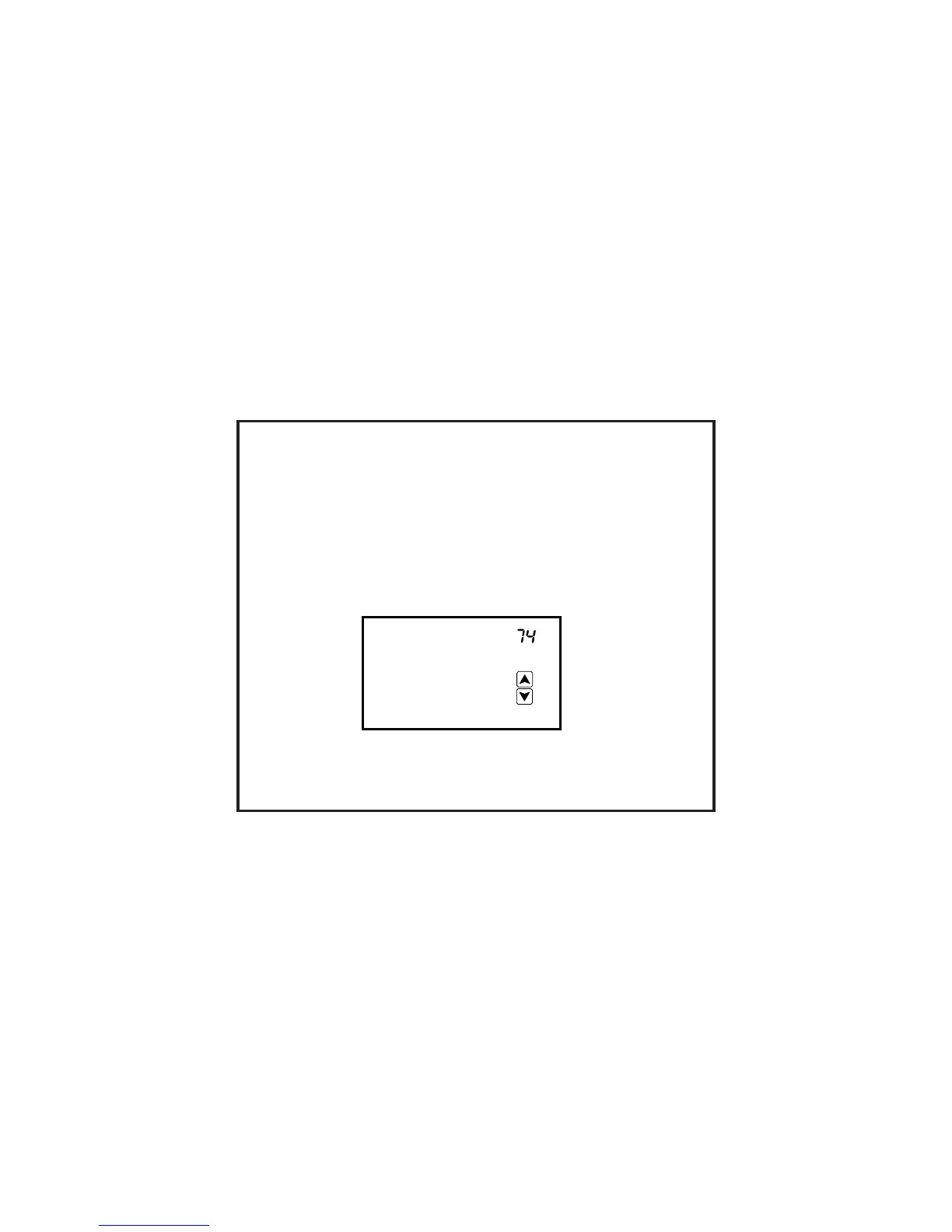
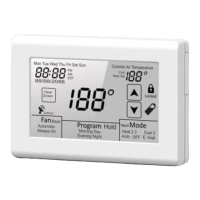
In manual changeover mode, only the heating or cooling temperature setting will be
displayed. To change the setting, simply tap the temperature displayed on the screen.
Depending on the mode, either Heat Set or Cool Set will flash.
Tap the UP or DOWN arrow to change the setting. The ther
new temperature will be displayed.
mostat will return to its
operating mode in 10 seconds and the
10
Cool
Set
E
E


 To Next Page