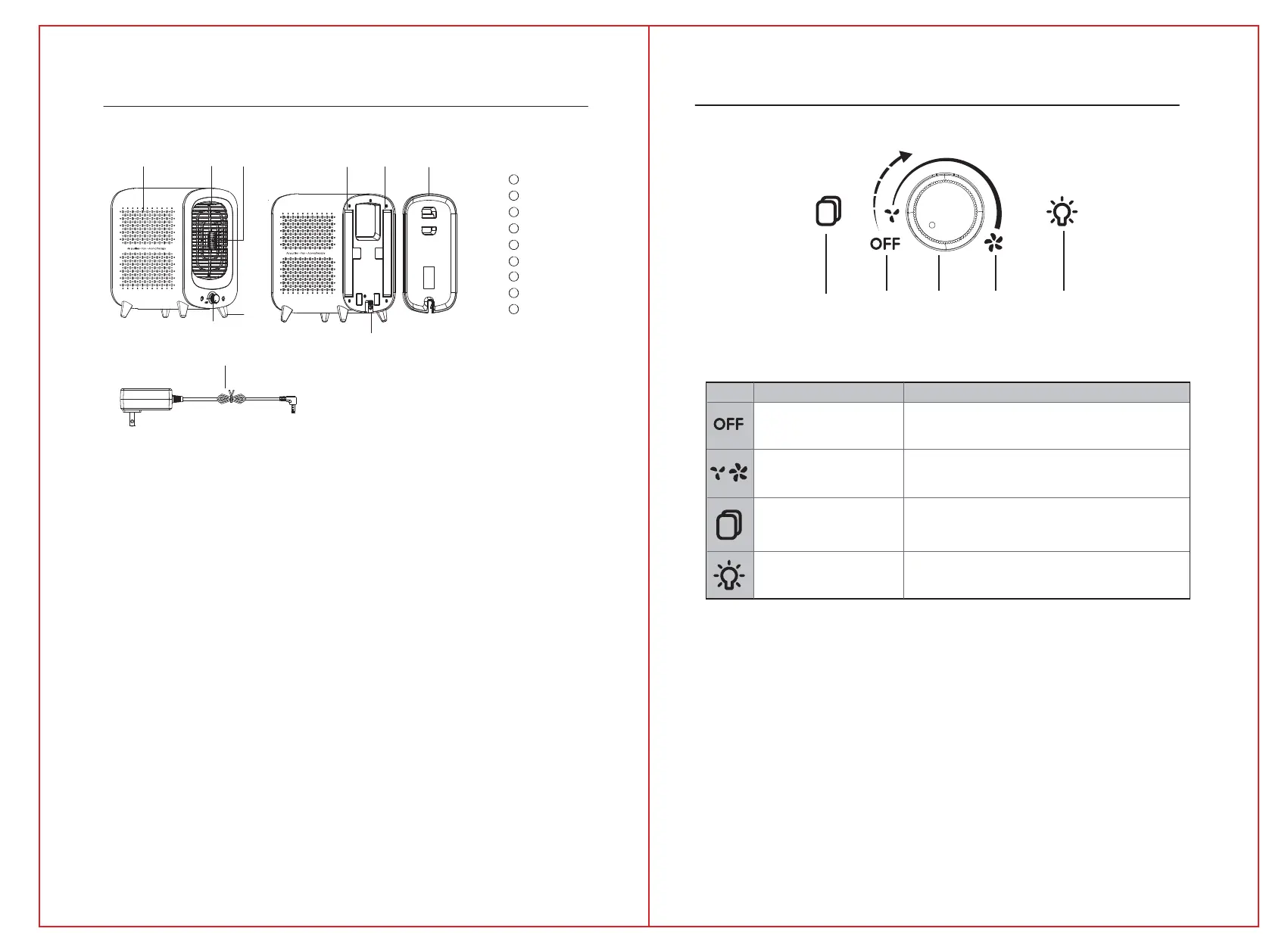
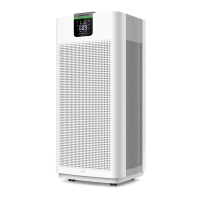
Fragrance Box
FilterCover
Filters
1
2
Air outlet Grid
3
4
5
SupportingFoot
Knob
6
Supply Hub
7
Air inlet Hole
8
AC Power Adapter
9
3
4
Press this button to adjust the ambiance light color
Turn on/off the purifier (Left is off, right is on).
In work status, tap the fan speed knob to choose the speed level
from Low to High (The knob is stepless speed regulation).
FanSpeed
When the icon is red, it indicates that the filter needs to be replaced
Filter Reset
Light button
Power On / Off
Power OffFilterReset
MaxFan
speed
Knob Light button
In case of a discrepancy between the product picture and real
product, the real product will prevail.
Getting to know your air purifier
Touch panel controls
9
1
4
6
8
77
5
23
symbol
Symbol name
Meaning
P
o
w
e
r
O
n



 To Next Page