48
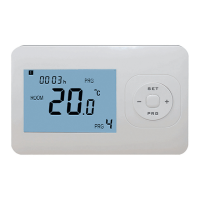
JAGA NV | BRIZA JFCC | MANUEL | .. | V..
– switch the thermostat off with the “
“ button
– To go to the menu, press the “M” and “+” buttons simultaneously for sec. until “ ” appears. Adjust the settings with
the “+” or “-“ buttons.
– scroll through the menu with the “M” button.
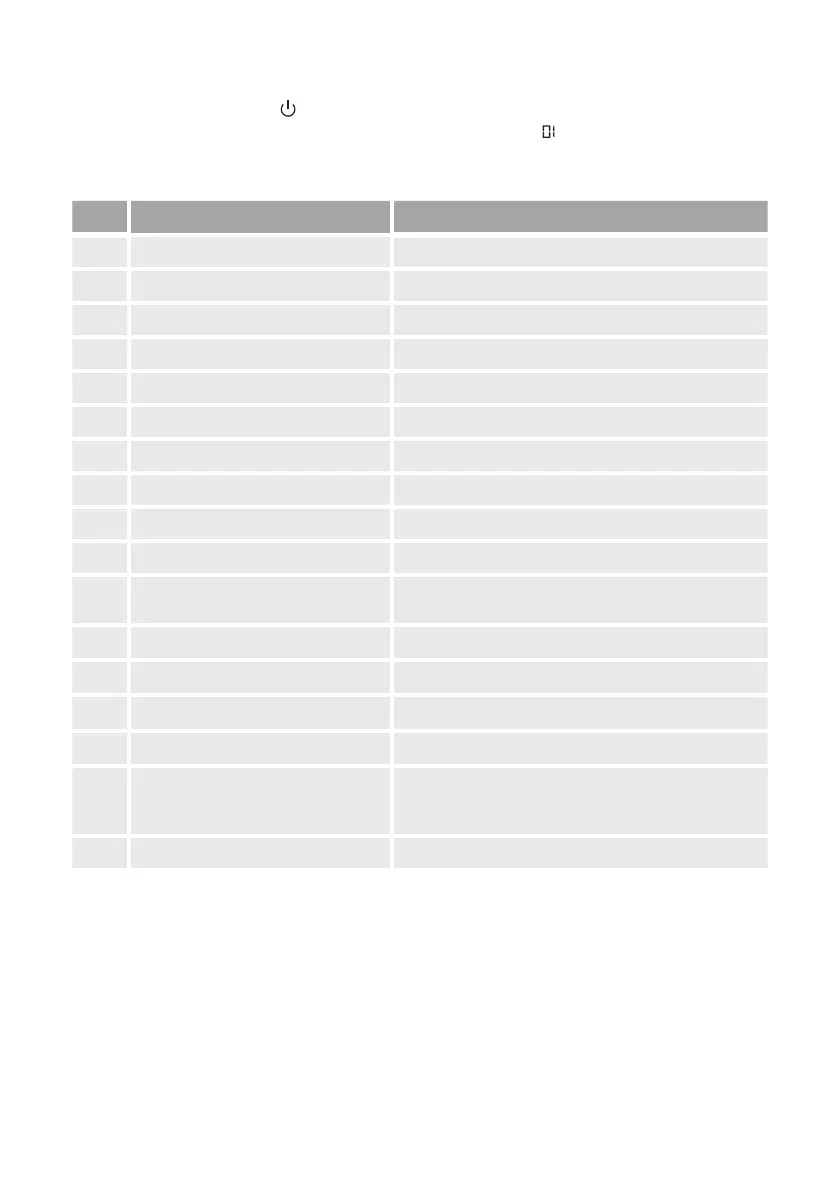
MENU DESCRIPTION ADJUSTABLE
Temp. Offset -°C . +°C (+,°C)
Maximum temperature + °C . +°C (+,°C)
Minimum temperature + °C . +°C (+,°C)
Display mode Room / Set / Room set
Frost protection + °C . +°C (+,°C)
Dead Band °C . +°C (+,°C)
Display mode Room / floor / Room vloer
-pipes/-pipes select ‘’: -pipe connection / ‘’: -pipe connection
(-V) select dead band or not ‘’: With dead band / ‘’: Without dead band
Reboot memory ‘OF’: do not save / ‘LA’: save
Mode
Heating / Cooling / Heating + Cooling / Auto select ( -pipe
only )
Fanspeed % - % - % / Auto mode
Maximum fan speed % . %
Medium fan speed % . %
Low fan speed % . %
Factory reset
rE
After selecting “rE”, press the ““ button to go to the startup
window. Recovery was successful.
dA Software version dA - Version
Parameter settings



 To Next Page