ADwin Installation, manual version 2.1, December 2005 19
ADwin ISA link interface
ADwin
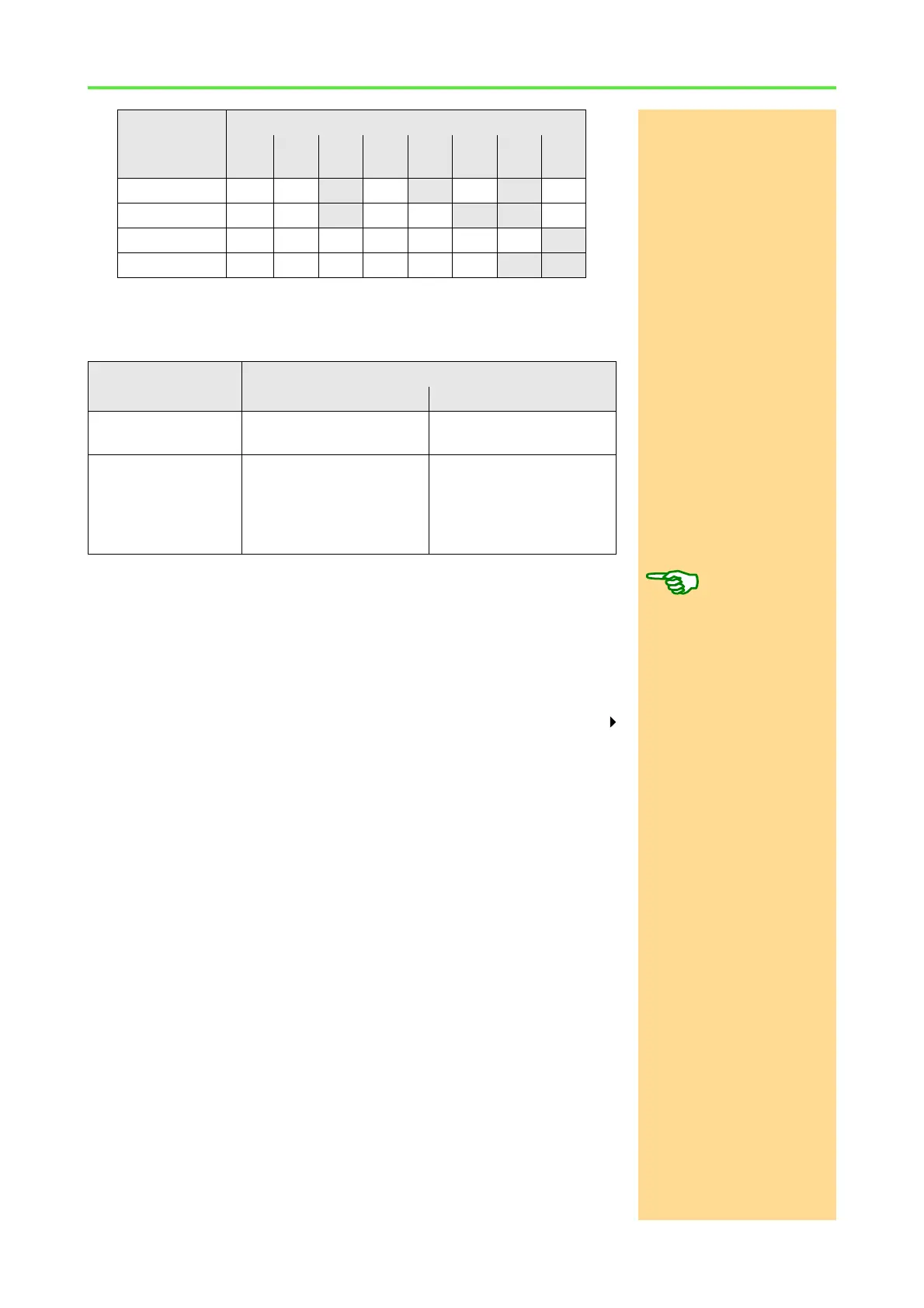
The table shows four examples for DIP switch settings.
Which base addresses you can use depends on the hardware and on the ver-
sion of the ADwin-CDROM you are using (see table below).
If you set a different base address than 150h with DIP switches, you have to
indicate it in the ADbasic dialog window: "Compiler Options“ at "ADwin
Device No.“ (up to ADwin CDROM version 3.0.22.x "Link adress“) as well
as in the objects of your PC development environment (e.g. TestPoint, Matlab,
Visual Basic or C/C++).
Now allocate with the help of the program ADconfig a base address as "Device
No." to each of the system.
ADconfigNow call the program ADconfig under the Windows start menu: Programs
ADwin, in order to allocate a Device No. to your ADwin system. More detailed
information about the program can be found in the online help of ADconfig.
Base adress DIP switch number (adress bit)
1
(A2)
2
(A3)
3
(A4)
4
(A5)
5
(A6)
6
(A7)
7
(A8)
8
(A9)
150h OFF OFF
ON OFF ON OFF ON OFF
190h OFF OFF
ON OFF OFF ON ON OFF
200h OFF OFF OFF OFF OFF OFF OFF
ON
300h OFF OFF OFF OFF OFF OFF
ON ON
Version of the Dwin-CDROM
up to 3.00.22x from 3.00.23x
ADwin-light card 150h, 190h, 210h, 310h 150h, 190h, 210h, 310h,
390h
ADwin card,
ADlink-PC-ISA card
150h, 190h, 200h, 210h,
220h, 240h, 300h, 310h,
320h
150h, 190h, 200h, 210h,
220h, 240h, 260h, 280h,
2A0h, 2C0h, 2E0h, 300h,
310h, 320h, 340h, 360h,
380h, 390h



 To Next Page