ADwin ISA link interface
ADwin
18 ADwin Installation, manual version 2.1, December 2005
Select basic
configuration
Deactivate first under "Resources" the setting "Use automatic set-
tings" (if necessary Windows may otherwise change this setting, whereas
the configuration of the DIP switches remains unchanged). Select under
"Settings based on" one of the specified base configurations so that in the
field "Conflicting device list" no device conflicts will be indicated.
You have thus set the base address of the link adapter.
Set a separate base address for each of the ADwin systems.
Take note of base address If you don’t use the standard base address 0150 (= 150h) as in the example
above, please take note of this different base address (=link address). You
have to set this address later with the DIP switches on the ADwin board,
ADwin-light board or ADlink-PC-ISA. Confirm with "OK".
Yes
For the installation of another ADwin system with ISA interface repeat the
instructions in this subsection.
Check now the settings of the DIP switches.
3.2 Setting the DIP switches
This section describes how you can set the base address via DIP switch on an
ADwin system with ISA interface. Set a separate base address for each ADwin
system, in order to avoid address conflicts.
Default setting 0150h The default setting is 0150h. If you want to use this default setting and do not
wish to check it, continue with the paragraph "ADconfig".
Set base / link address Now set the base address - you have taken note of before - via DIP switch for
each ADwin system with ISA interface. The position of the DIP switches is
described in your hardware manual.
Settings The setting of the DIP switches can be derived from the base address. For this
you need the binary address
– in binary notation
– in reverse order of the bits
– without considering the least significant bits A0 and A1
(that means: DIP switches 1 for bit A2)
On the ADwin-light board you can only set 4 DIP switches. Please read the
hardware manual.
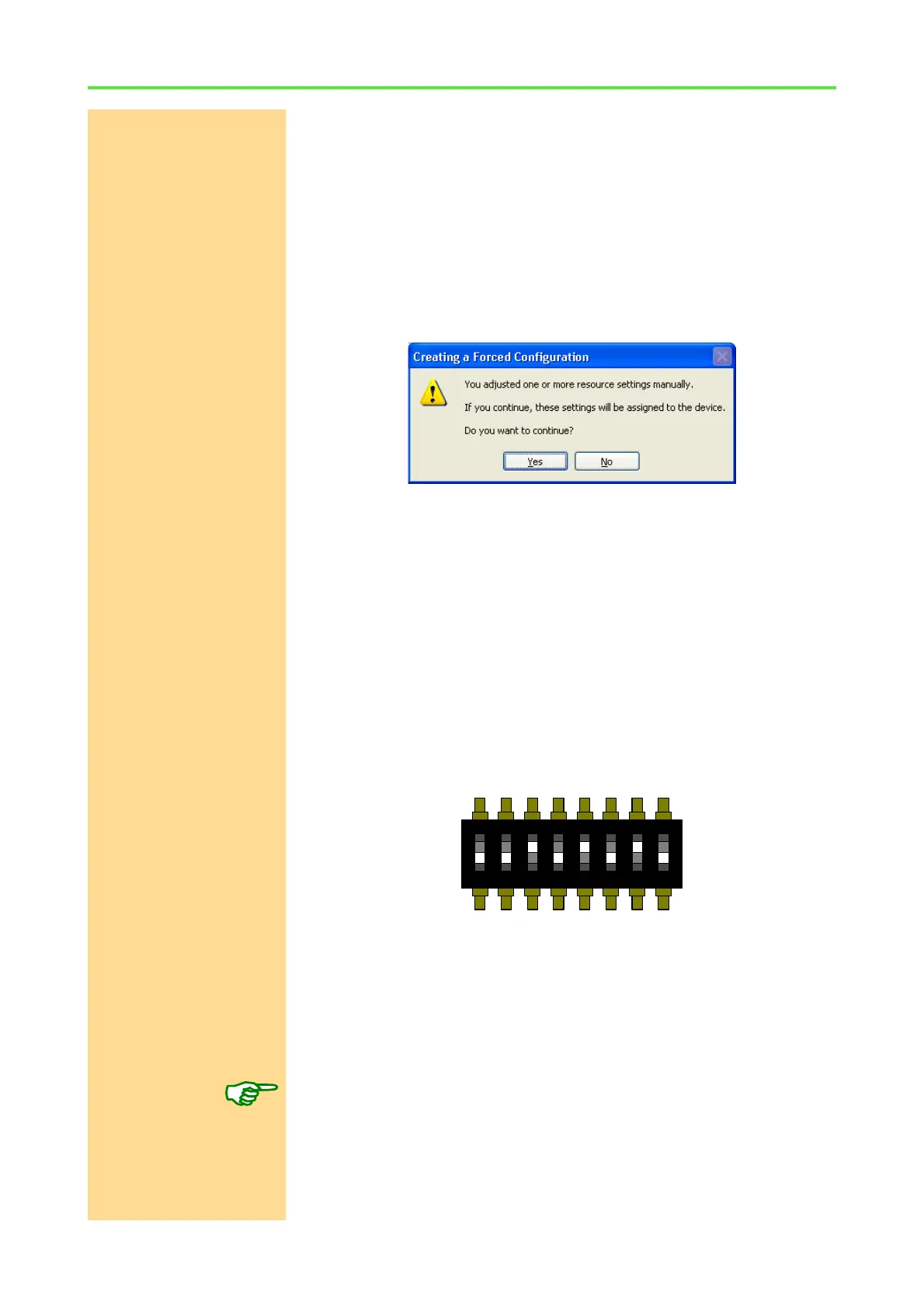
Switch numbers For example the base address 190h is in binary code 0110 0100 00. For set-
ting the DIP switches note the number in opposite order (00) 0010 0110. For
each 0, set the DIP switch to OFF, for each 1 to ON (except the two first digits
in brackets).
ON DIP
1 2 3 4 5 6 7 8



 To Next Page