EasyManua.ls Logo

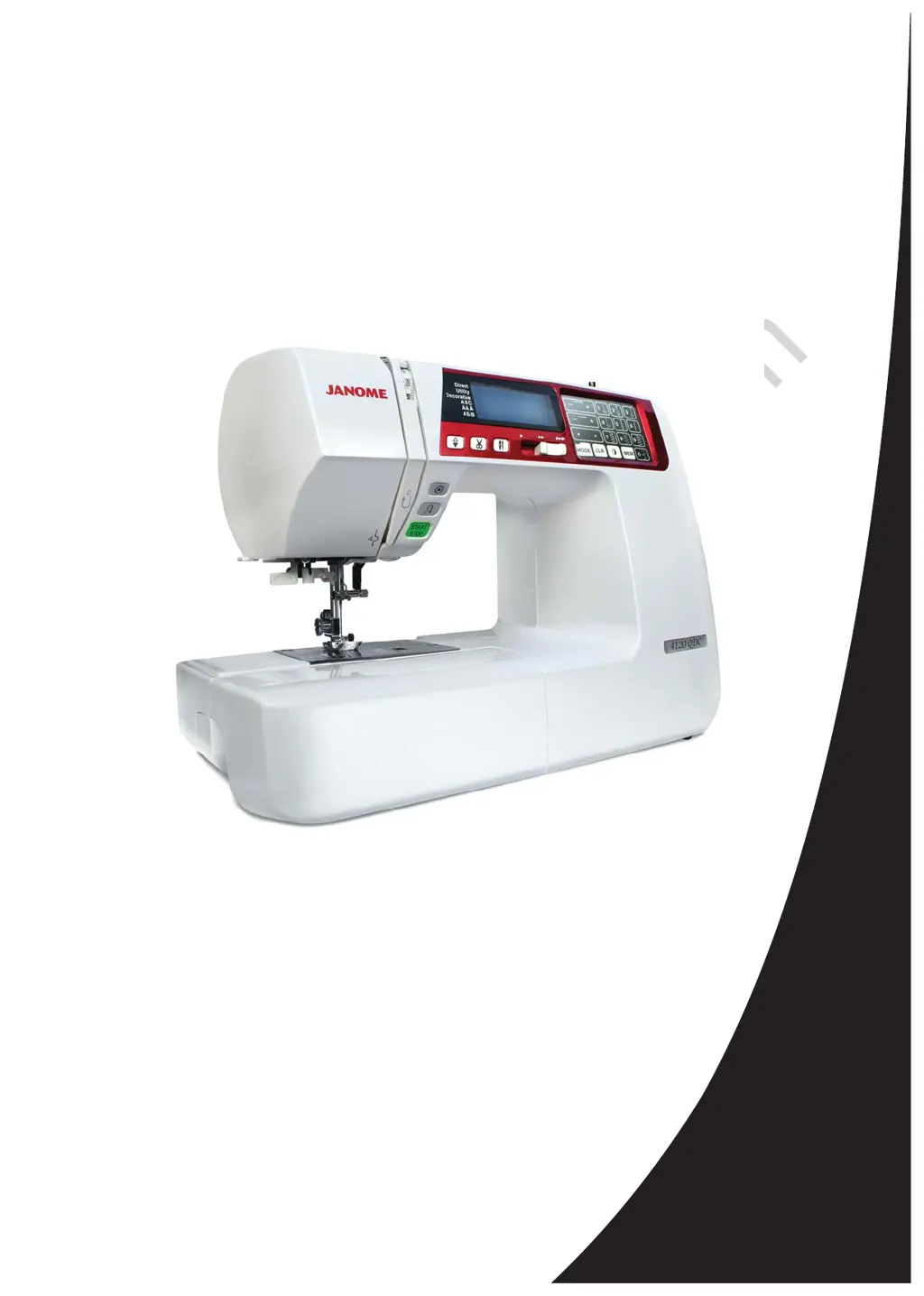
Janome 4120QDC - User Manual

Janome 4120QDC
71 pages
Print Icon
To Next Page IconTo Next Page
Loading...
JanomeFlyer.com
Janome 4120QDC
Instruction Manual
Janome 4120QDC Sewing Machine Instruction Manual
www.janomeflyer.com
4120QDC Owners Manual/ User Guide

Table of Contents

Other manuals for Janome 4120QDC

Questions and Answers

  • I
    ian59Jul 27, 2025
    Why is the bobbin thread breaking on my Janome 4120QDC?
    • E
      eperkinsJul 27, 2025
      The bobbin thread can break because: * The bobbin thread is not threaded properly in the bobbin holder. * Lint has collected in the bobbin holder. * The bobbin is damaged and doesn’t turn smoothly; if so, replace the bobbin. * The thread is wound loosely on a bobbin.
  • E
    Elizabeth RobertsAug 1, 2025
    Why is my Janome 4120QDC not working?
    • Z
      znelsonAug 1, 2025
      Your machine may not be working because: * The machine is not plugged in. * Thread has been caught in the hook race. * The bobbin winder spindle is not returned to the left after bobbin winding.
  • J
    John CervantesAug 6, 2025
    Why is my Janome 4120QDC running noisy and not smoothly?
    • K
      Kristy BakerAug 6, 2025
      Your Janome sewing machine may run noisily and not smoothly if: * Thread has been caught in the hook race. * Lint has built up in the hook race or bobbin holder.
  • H
    Holly McdanielAug 11, 2025
    What causes improper buttonhole sewing on a Janome 4120QDC Sewing Machine?
    • C
      Christopher BarnesAug 11, 2025
      Improper buttonhole sewing can be caused by: * The stitch density not being suitable for the fabric being sewn. * Suitable interface material has not been used for the stretch or synthetic fabric; if so, use an interfacing.
  • J
    Jordan MurphyAug 15, 2025
    Why does the needle thread keep breaking on my Janome 4120QDC?
    • N
      Nathaniel JonesAug 16, 2025
      The needle thread may break due to several reasons: * The needle thread is not threaded properly. * The needle thread tension is too tight. * The needle is bent or blunt. * The needle is incorrectly inserted. * The needle thread and the bobbin thread are not set under the presser foot when starting to sew. * The threads were not drawn to the rear after sewing. * The thread is either too heavy or too fine for the needle.
  • H
    Hayley OconnorAug 21, 2025
    Why are stitches forming loops below the works on my Janome 4120QDC Sewing Machine?
    • T
      Thomas SanchezAug 21, 2025
      Stitches may form loops below the works if: * The needle thread tension is too loose. * The needle is either too heavy or too fine for the thread.

Summary

Important Safety Instructions

Section I. Names of Parts

Names of Parts Identification

Identifies all components of the sewing machine with numbered labels.

Standard Accessories

Lists and illustrates all included accessories provided with the sewing machine.

Extension Table and Stitch Chart

Details extension table use and stitch chart reference.

Section II. Getting Ready to Sew

Connecting the Power Supply

Step-by-step guide on connecting the power cord and foot control to the machine.

Machine Operating Buttons

Explains the function of key buttons like Start/Stop, Reverse, and Auto-lock.

Bobbin Winding and Insertion

Instructions for winding and correctly inserting the bobbin into the machine.

Threading the Machine

Detailed steps for threading the upper thread and using the needle threader.

Pattern Selection

Explains how to select different stitch patterns using the touch panel and modes.

Section III. Basic Sewing

Straight Stitch Sewing

Basic instructions for sewing straight stitches, turning corners, and handling thick fabric.

Zipper Sewing

Comprehensive guide on attaching the zipper foot and sewing zippers.

Various Buttonhole Types

Overview of different buttonhole styles and their uses.

Section IV. Decorative Stitching

Shelltuck Stitch

How to create a shelled edge using a lightweight fabric and specific tension.

Patchwork Piecing and Stippling Stitch

Guides for Patchwork Piecing and using the Stippling Stitch for quilting.

Section V. Programming Patterns and Letters

Programming the Auto-lock Stitch

Example of programming a stitch for automatic locking.

Programming Letters and Text

How to program text using alphabets, numbers, and symbols in different modes.

Stitch Adjustment of Programmed Patterns

How to alter stitch width and length uniformly or individually.

Correcting Distorted Stitch Patterns

Stretch Stitch Pattern Adjustment

Correcting compressed or drawn-out stretch stitch patterns using the feed balancing dial.

Buttonhole Stitch Balance

Adjusting the balance of buttonhole stitches based on row density.

Section VI. Care of Your Machine

Cleaning the Hook Race and Feed Dog

Instructions for cleaning internal parts like the hook race and feed dog.

Problems and Warning Signs

Troubleshooting

Stitch Chart

Janome 4120QDC Specifications

General IconGeneral
Stitch Patterns120
Sewing Speed820 stitches per minute
LCD ScreenYes
Drop FeedYes
Start/Stop ButtonYes
Speed Control SliderYes
Needle Up/Down ButtonYes
Stitch Length ControlYes
Stitch Width ControlYes
TypeComputerized
Max Stitch Width7mm
Max Stitch Length5mm
Free ArmYes
Buttonholes7
Bobbin SystemTop-loading full rotary hook bobbin
Presser Feet7

Related product manuals