Page 32
6.2. Barcode display
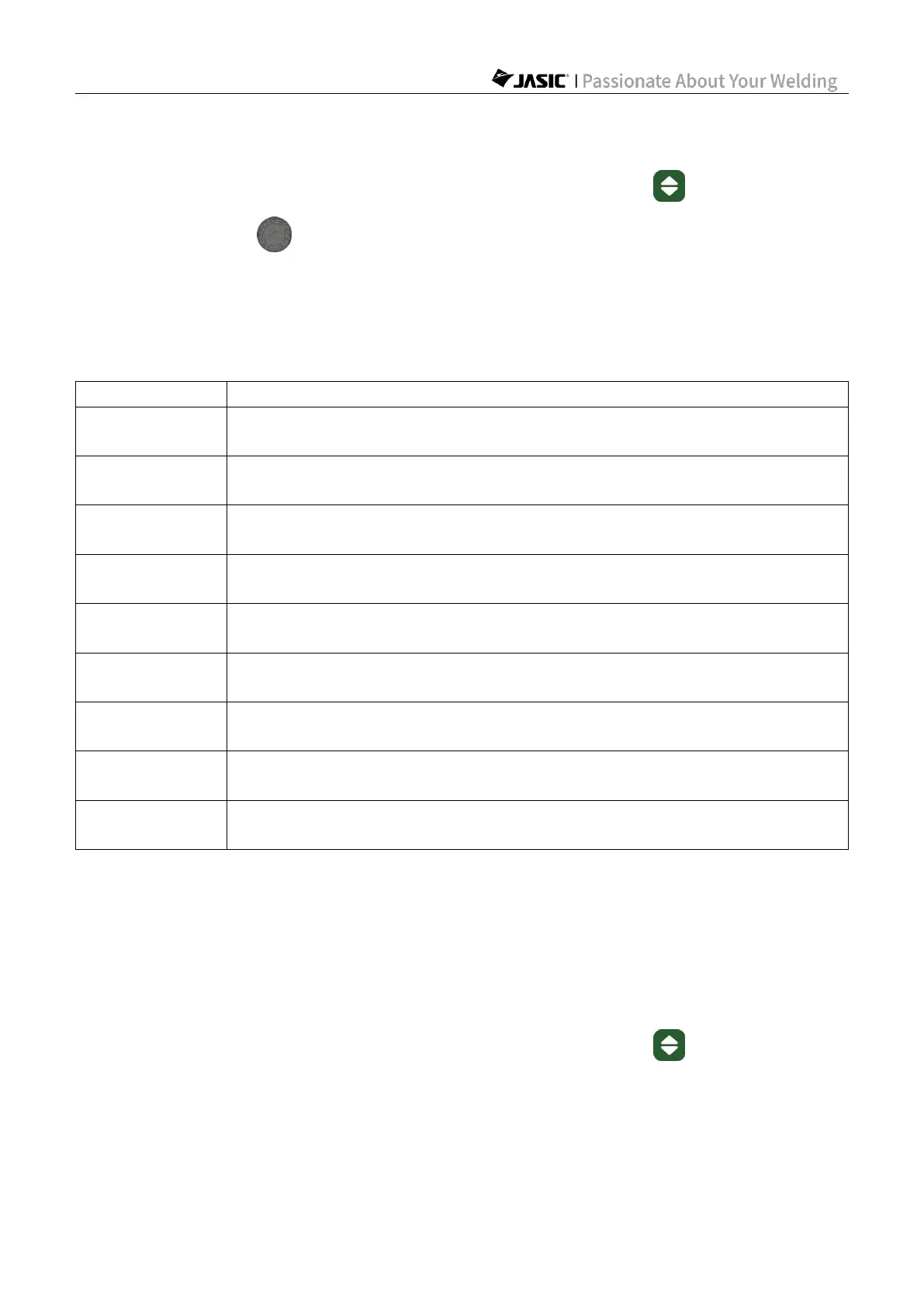
1) Before welding, press and hold the "Welding Mode Selection" key and "Parameter
Adjustment Knob A" for 3s at the same time, and the machine barcode will be
displayed.
2) Press any key or wait for 20s to exit the barcode display.
3) The barcode is displayed in nine groups of data in the "Parameter Display A" area,
including "1.XY", "2.XY"...... to "9.XY", where X and Y are figures from 0-9. Refer to the
following table for details:
X and Y represent the 1
st
and 2
nd
digits/letters of the digital barcode
respectively
XY represents the 3
rd
digit/letter of the digital barcode, and YX is from
11-45, corresponding to the barcode D-Z and representing the year
XY represents the 4
th
digit/letter of the digital barcode, and YX is from
01-12, corresponding to the barcode 0-C and representing the month
XY represents the 5
th
digit/letter of the digital barcode, and YX is from
01-31, corresponding to the barcode 0-V and representing the date
X and Y represent the 6
th
and 7
th
digits/letters of the digital barcode
respectively
X and Y represent the 8
th
and 9
th
digits/letters of the digital barcode
respectively
X and Y represent the 10
th
and 11
th
digits/letters of the digital barcode
respectively
X and Y represent the 20
th
and 21
st
digits/letters of the digital barcode
respectively
X and Y represent the 22
nd
and 23
rd
digits/letters of the digital barcode
respectively
The 12
th
-19
th
digits in the digital barcode are the company's internal fixed numbers, which are
not displayed in the window.
Read the nine groups of data and arrange them in order from left to right, skipping the
12
th
-19
th
digits, to get the barcode of the machine.
6.3. Restore factory settings
1) Before welding, press and hold the "Welding Mode Selection" key for 5 seconds to
restore factory settings.
2) After pressing and holding for 5 seconds, the display window will count down from 3. When
the countdown ends, the factory settings are restored. If the button is released before the
countdown ends, the factory restore will not take place.
3) The factory settings are as shown in the following table:



 To Next Page