Page 36
4) The connection symbol or on the top right indicates the connection state of welder
with wireless remote controller.
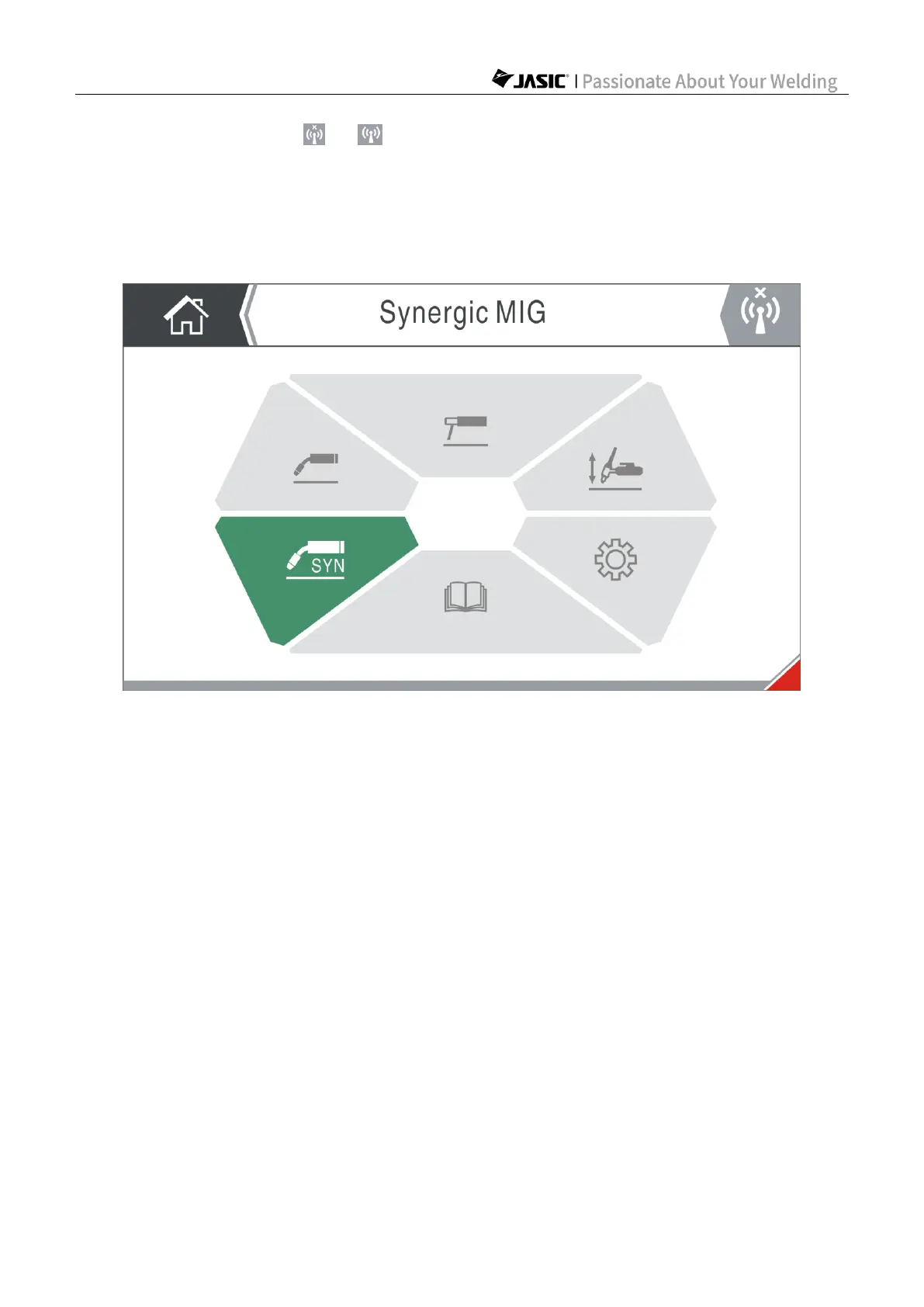
6.2.3 Welding mode selection and entrance
In the Home page, rotate the master encoder to select the welding mode, and press the
master encoder to enter the mode.
The welder can memorize the welding mode and enter the last welding mode page directly
after starting the welder next time. If the welder is on the Home page, Settings page or User
Manual page when powered off, it will enter the Home page after restarting.
NOTE! Do not exit the welding page (i.e. return to the Home page) when the welder is
working or the torch trigger is pressed; otherwise the current welding will stop.
6.2.4 Working page display
When entering the SynMIG, MIG, MMA or TIG page, the screen will display the working page
of corresponding welding mode. This page includes the main welding parameters of the
welding mode and Level 1 menu options.



 To Next Page