NOTE! The operator should set the functions that meet the welding requirements. If
the selections are incorrect this may lead to problems such as an unstable arc, spatter,
or sticking of the welding rod to the work piece.
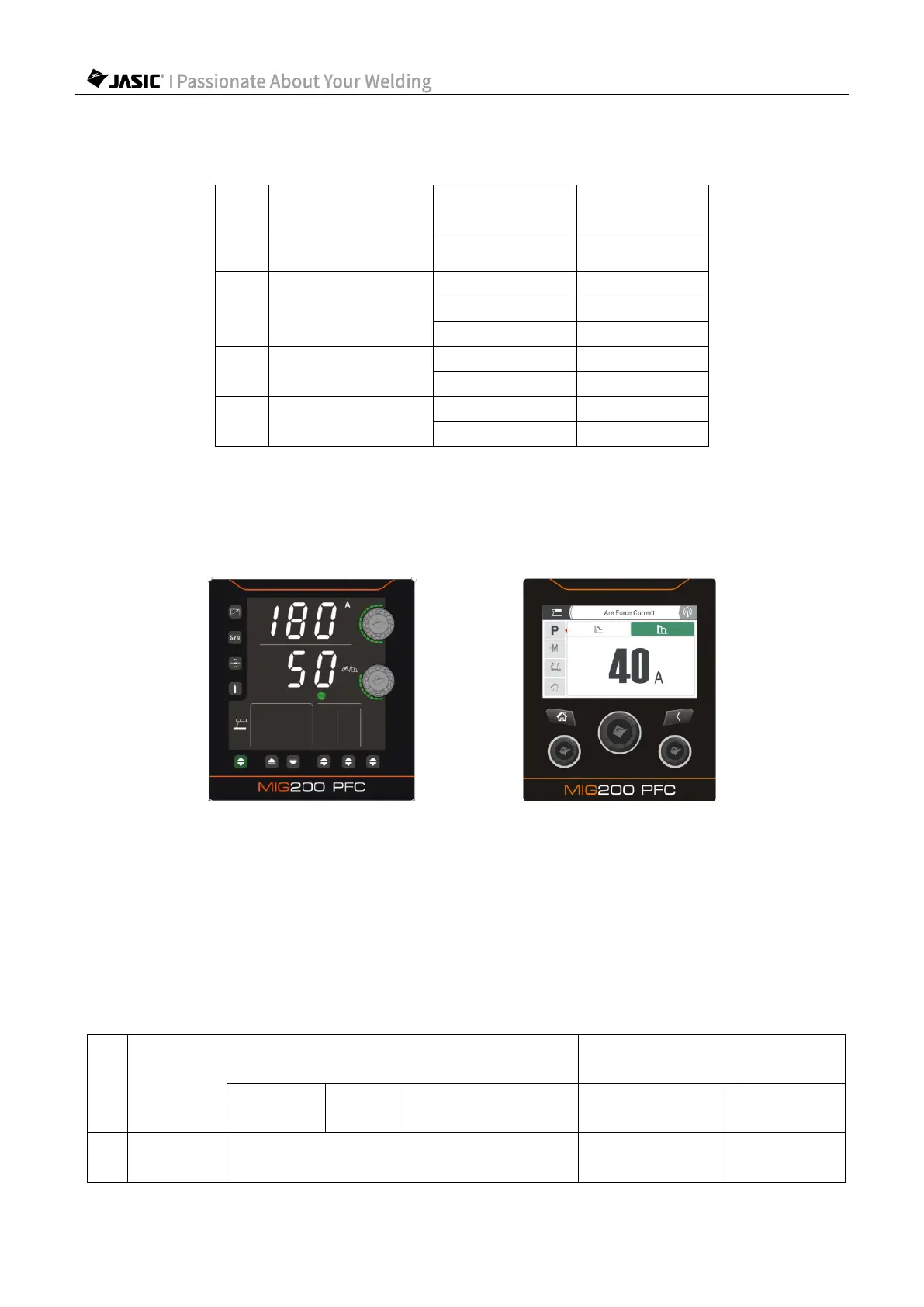
2) For HD digital screen, use the "Parameter Adjustment Knob B" to set the "Arc Force"; for
LCD screen, enter the "Parameter Settings" page to set the "Arc Force".
(Select arc force in HD digital screen) (Select arc force in LCD screen)
Arc force: The arc force value should be determined according to electrode diameter,
current setting, and process requirements. With large arc force current, the metal transfers
quickly and the droplets don't stick, but excessive force increases spatter; low arc force leads
to small spatter and good weld seam formation, but sometimes the arc is soft, or causes
droplets to stick. In particular, thick electrodes with low current welding require increased arc
force. Generally, the arc force is 3050A when welding.
3) Hot start current: Stronger hot start current is conducive to arc start and reduces sticking
between the welding electrode and workpiece during arc start.



 To Next Page