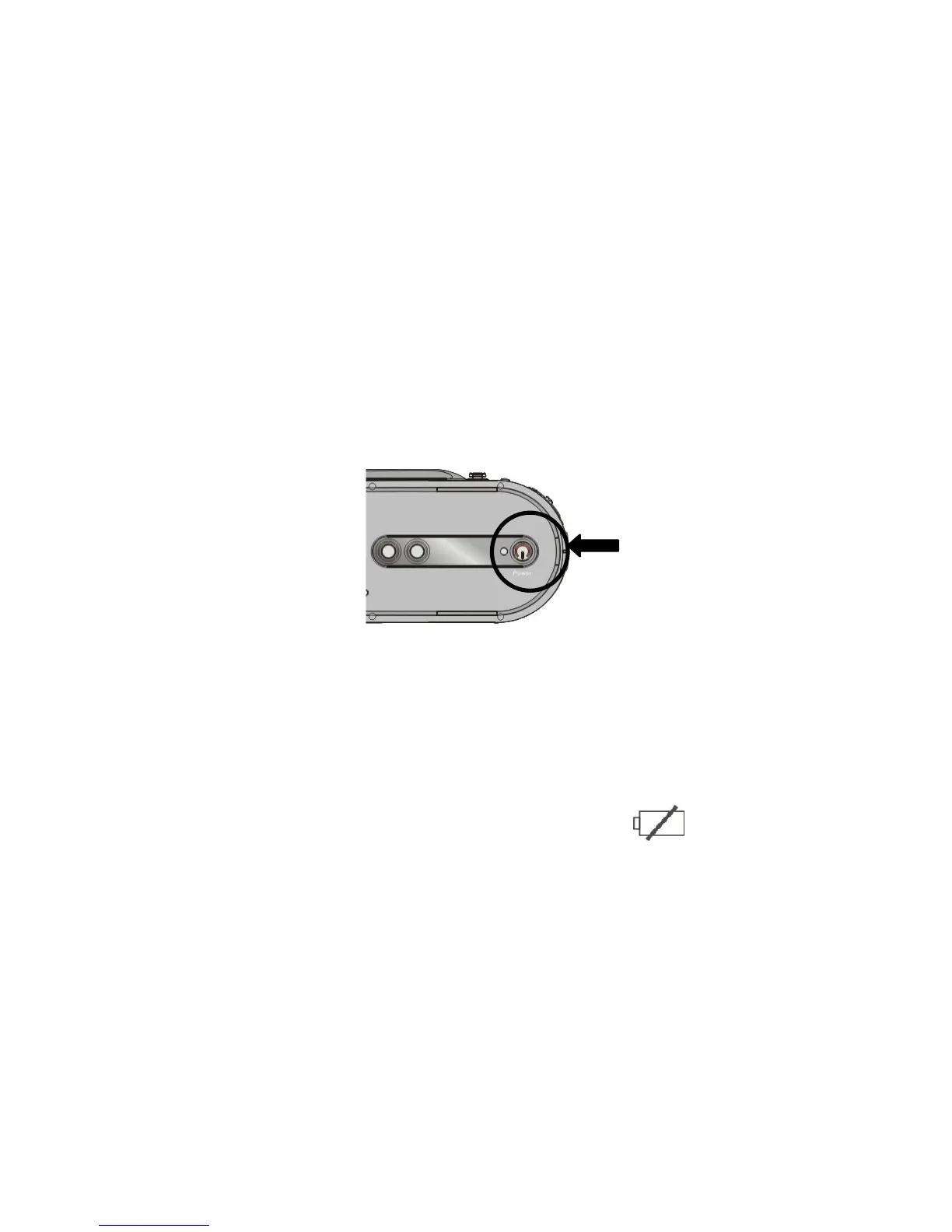
4. Power ON and OFF your recorder
1. Open the LCD screen
2. Press and then hold the Power button down for two to three seconds to turn the
power ON. The Power indicator will light, the recorder becomes active and the LCD
will display the scene.
3. Press the Power button again for two to three seconds (when recorder is active) to turn
the power OFF.
Auto Power OFF: Your recorder has Auto Power OFF feature.
If recorder is unused for 1 minute, the power will turn OFF automatically to save
batteries. The Auto Power OFF time may be set to 1, 3 or 5 minutes (review Setup
Menu mode for details).
3. Low Power / Battery level indicator: The low power icon will appear on the
LCD Screen when the batteries are exhausted and recorder will be automatically
turned OFF. Replace exhausted batteries



 To Next Page