B
B
a
a
s
s
i
i
c
c
O
O
p
p
e
e
r
r
a
a
t
t
i
i
o
o
n
n
-
-
R
R
e
e
a
a
d
d
y
y
t
t
o
o
g
g
o
o
1. Installing Batteries
1. Press in the Battery cover LOCK button and slide back / open the cover.
2. Insert four (4) fresh AAA alkaline batteries; note terminals polarity and align batteries
correctly.
3. Close the Battery cover; the LOCK will click securing the cover.
Note: Batteries are not supplied and need to be purchased separately
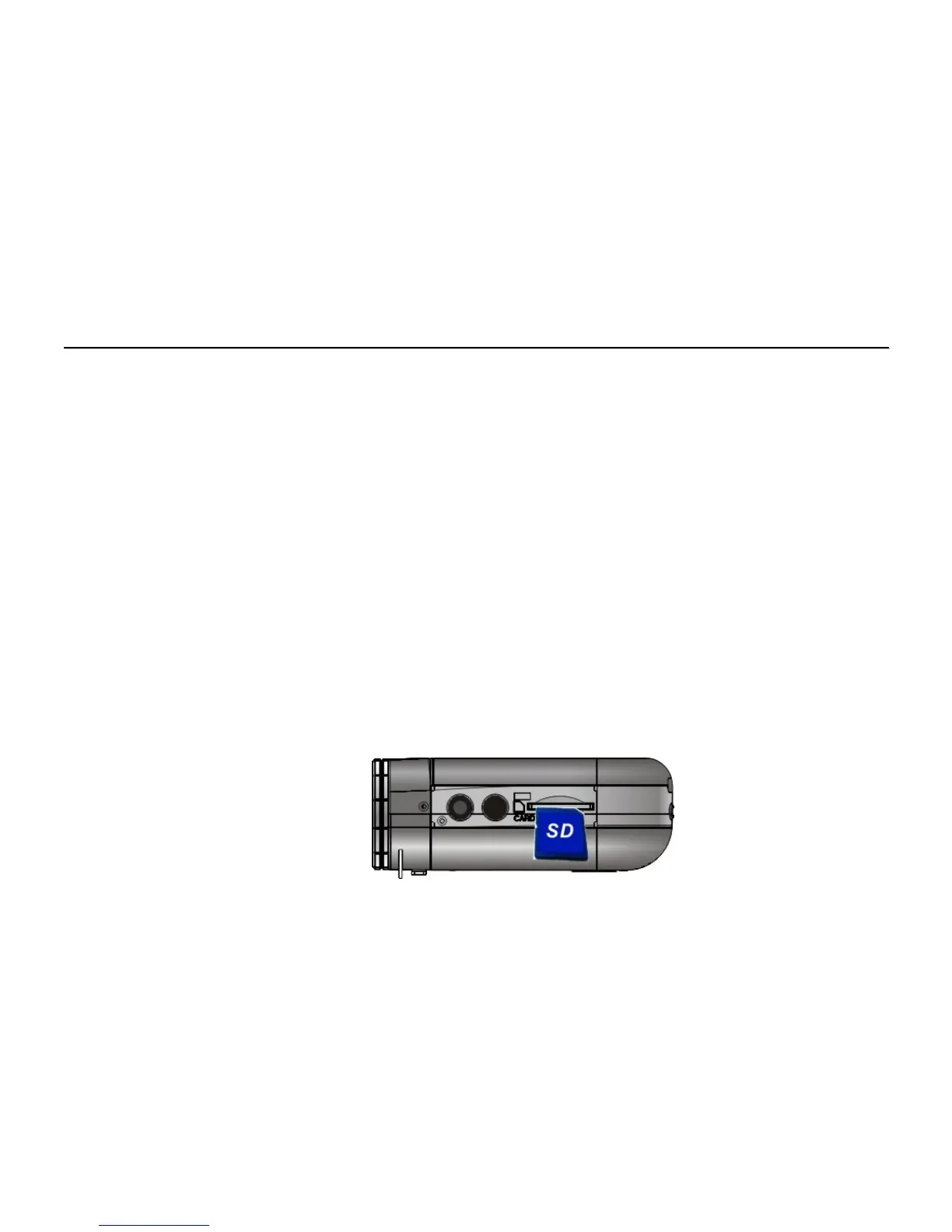
2. Using the SD Card - Insert / remove the SD Card
1. Insert SD Memory Card into the card slot located on the bottom of the recorder and
press it down until the Card is latched.
2. Lightly press the Card downwards to release and then eject the card when you wish to
remove or replace the Card.
Note: SD card is not supplied and needs to purchased separately



 To Next Page