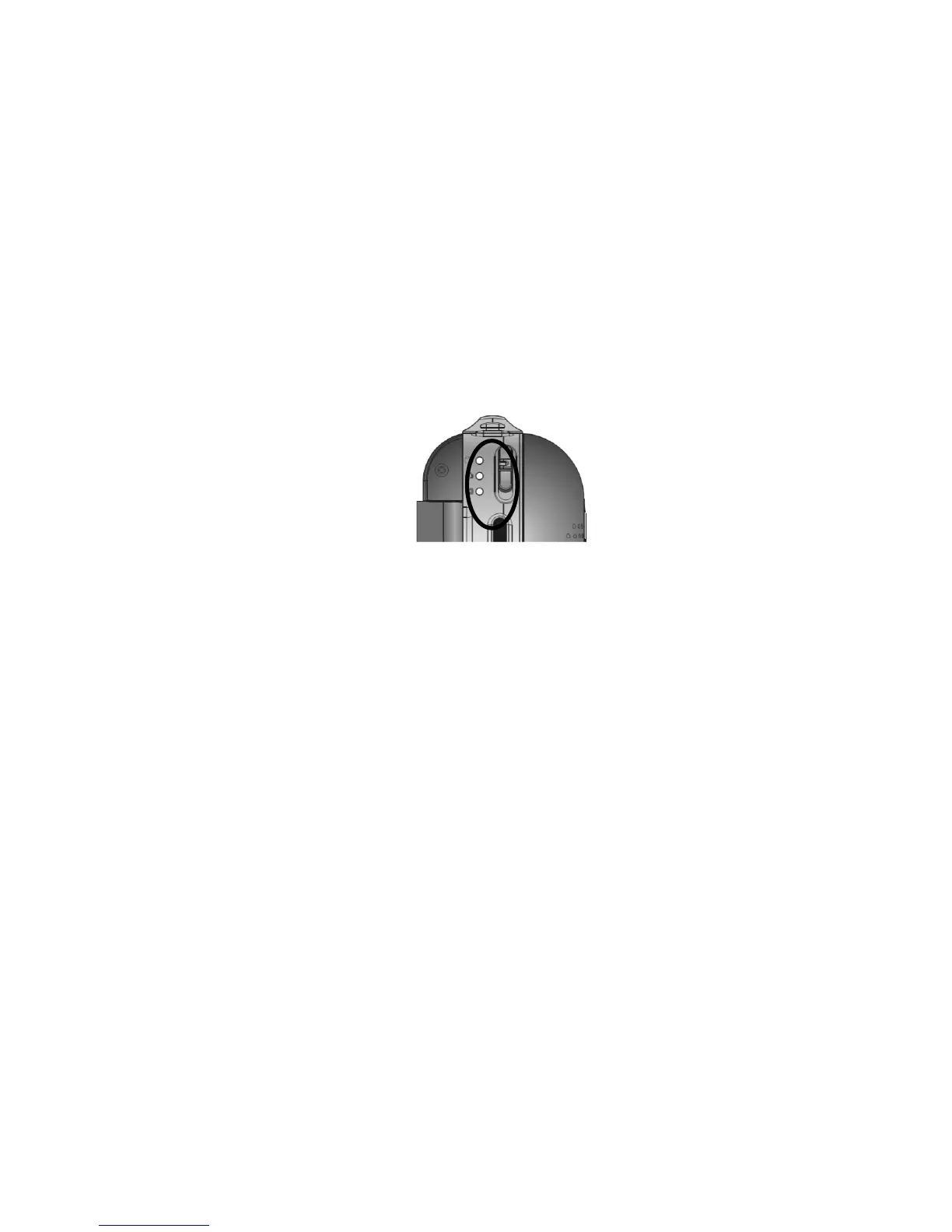
5. Select the MODE
Slide the Mode switch up or down to select desired MODE
Video Mode: select this mode to record Videos
Camera Mode: select this mode to take Still Pictures
Playback Mode: select this mode to playback video, voice recordings or review still
pictures.
6. Basic operations
Video Recording: In video mode press shutter button to start Video Recording. Press
again to stop.
Still Pictures (Camera): In camera mode press shutter button once to take a Still Picture.
Voice recording: Press voice (audio) recording button to start Voice Recording. Press
again to stop.
Zooming: Tilt the zoom switch to T (tele) position to zoom in on the scene or action and
tilt to W (wide) position to zoom out
Playback: In playback mode press OK button to playback recorded video clips or voice
records. Press OK again to stop playback. Press LEFT or RIGHT button to browse still



 To Next Page