pictures.
Menu selection: Press menu button to see and adjust many different setting options.
Use Up/Down/ Left/ Right buttons to scroll and select. Press OK to confirm selection and
menu button to exit.
A
A
d
d
v
v
a
a
n
n
c
c
e
e
d
d
O
O
p
p
e
e
r
r
a
a
t
t
i
i
o
o
n
n
s
s
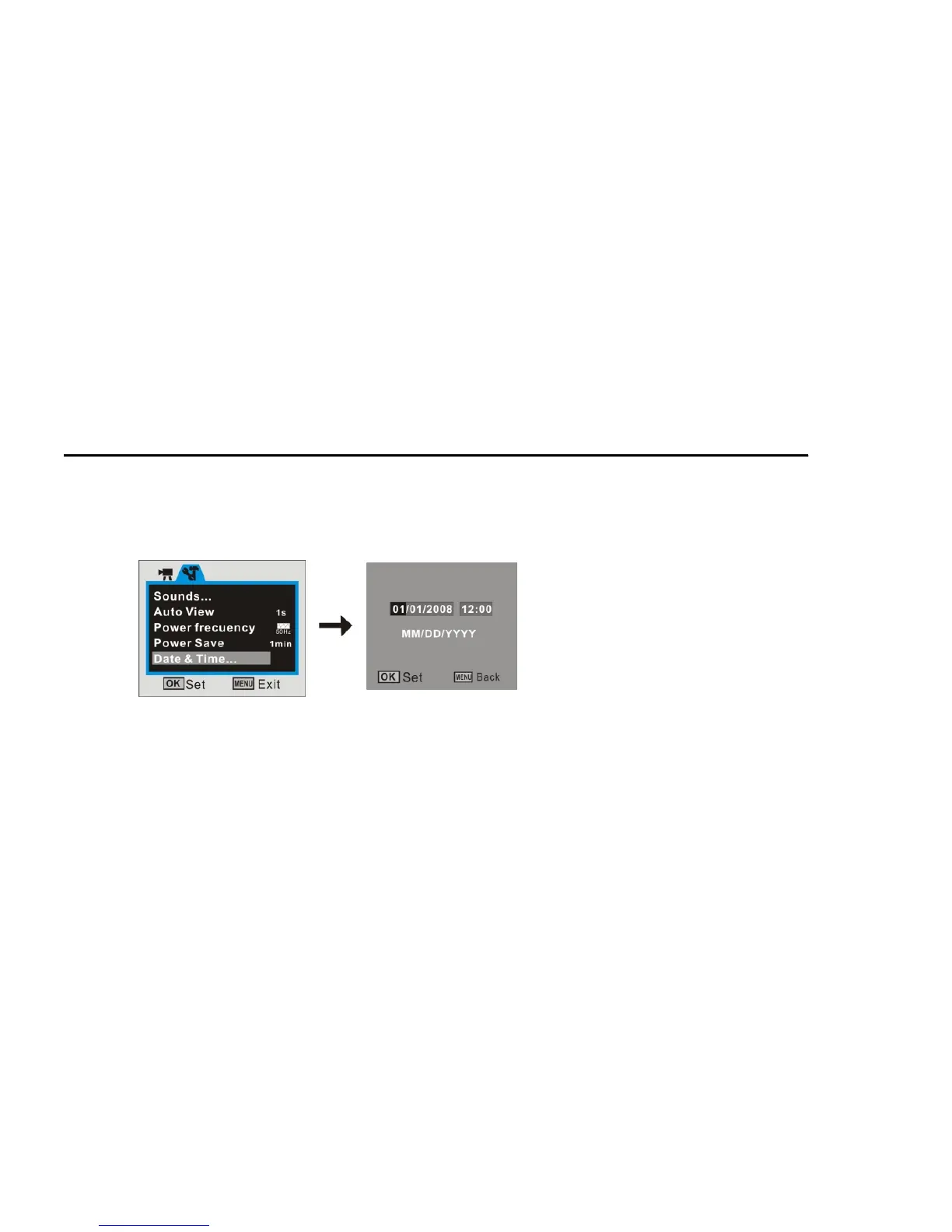
7. Setting Date / Time
1. Press MENU button, then select Setup to enter setting date / time adjustment mode
2. Use the Directional Button (Up/ Down/ Left/ Right) to select current date / time and
adjust digits as needed.
3. Press OK Button to confirm setting, then press Menu button to exit.



 To Next Page