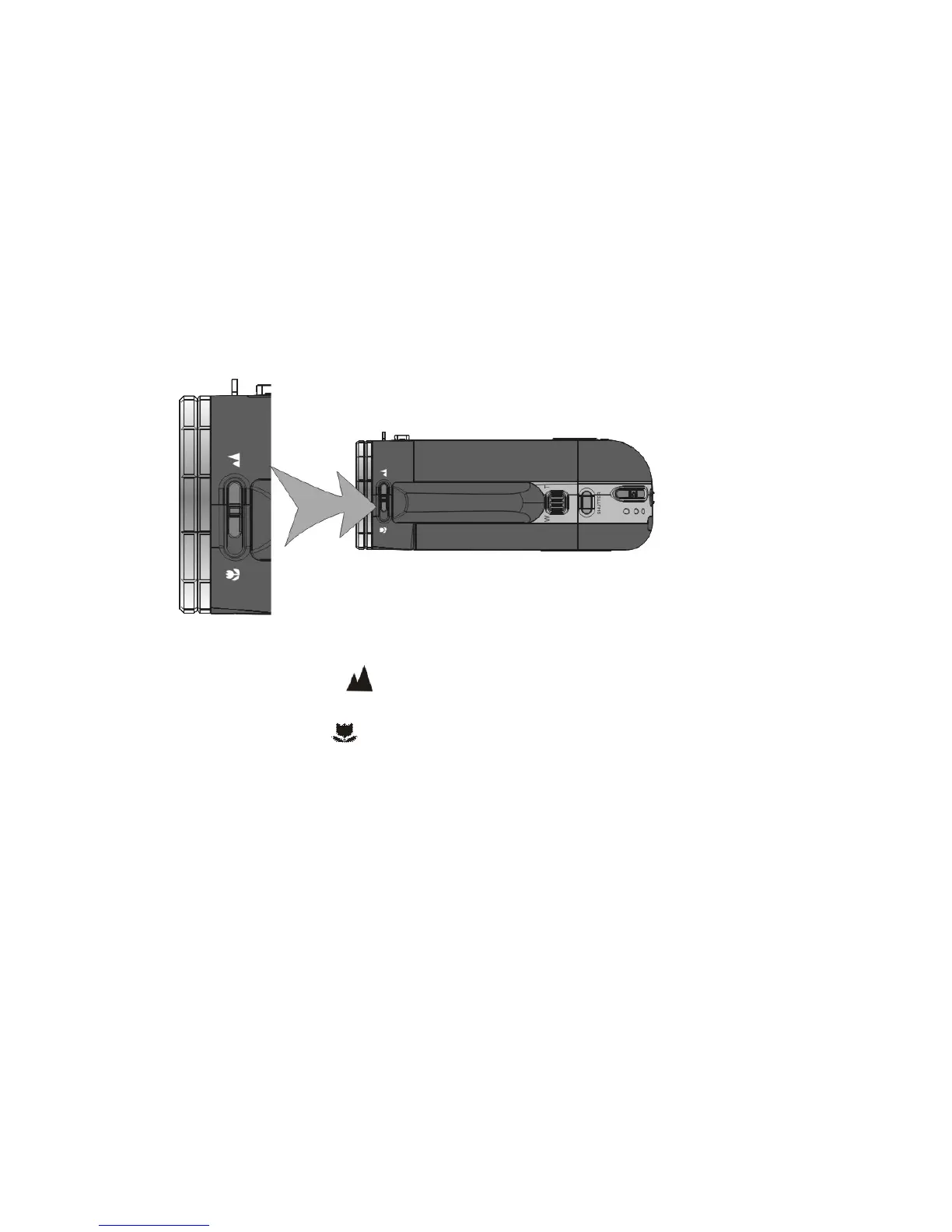
3. Select the Focusing range
Slide the Macro / Normal lens switch to select required position;
TOP VIEW
1. Normal: Set to Normal for typical video or picture taking when the subject is
located at 5 feet or more from the recorder.
2. Macro: Set to Macro only for shooting very close-up objects located just
6 ~ 10 inches from recorder.



 To Next Page