Make sure to back up & save important files / records before formatting SD card.
C
C
o
o
n
n
n
n
e
e
c
c
t
t
i
i
n
n
g
g
R
R
e
e
c
c
o
o
r
r
d
d
e
e
r
r
t
t
o
o
t
t
h
h
e
e
C
C
o
o
m
m
p
p
u
u
t
t
e
e
r
r
Please install the Driver (bundled on supplied CD) first, before connecting
recorder to the computer.
Note: Installation of the Driver is required ONLY if you wish to use your recorder as
a PC cam to see or transfer live images, scenes through the Internet.
1. Driver Installation
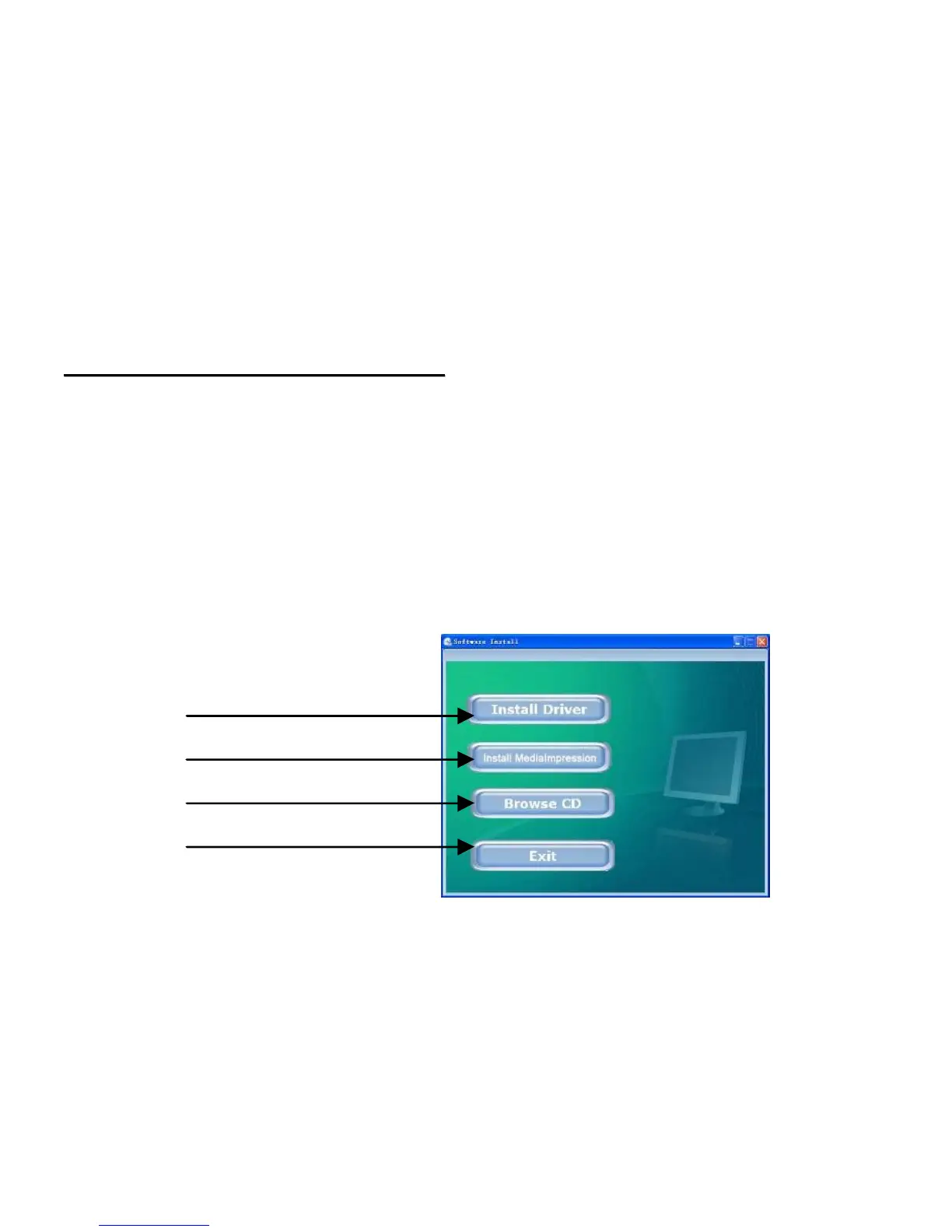
1. Please insert supplied CD into computer’s CD ROM drive.
2. The system will start CD Installer interface; see the screen shown below:
Install Driver
Install MediaImpression
Browse CD
Exit



 To Next Page