Note: If no images or scene is visible; please check whether the Driver for the recorder is installed properly and
check whether the selected Video recorder is indicated.
Refer to MediaImpression “Help” if further information required.
C
C
o
o
n
n
n
n
e
e
c
c
t
t
i
i
n
n
g
g
recorder
t
t
o
o
T
T
V
V
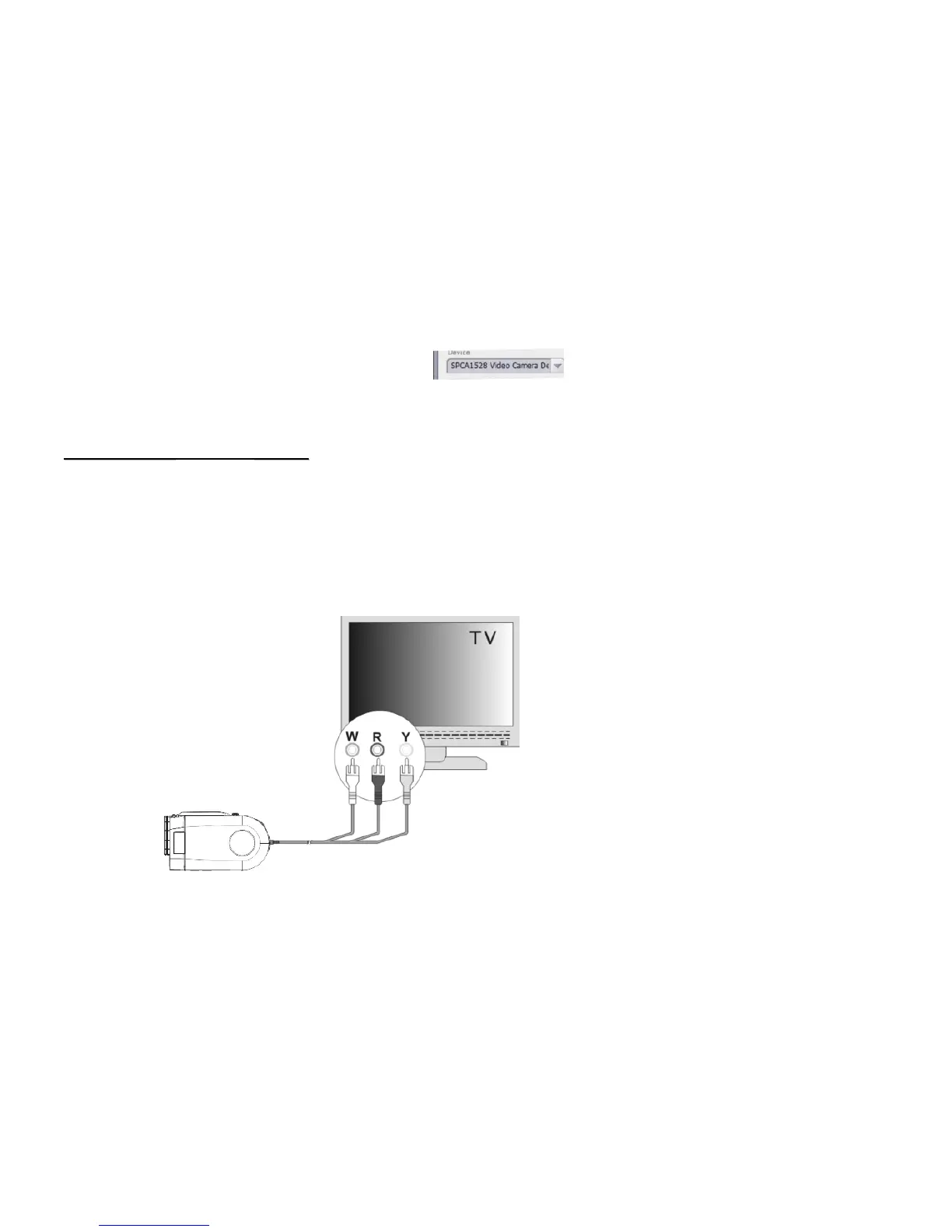
You may connect recorder to your TV and watch recorded video clips or view photos on the TV screen.
Turn on the power of the recorder.
Use supplied AV cable and connect TV output port on your recorder to Video input (yellow connector) and Audio
input (red / white connector) on your TV. Set your TV to Video/ External mode.
Slide the MODE selector of the recorder all the way down to enter the Playback mode.



 To Next Page