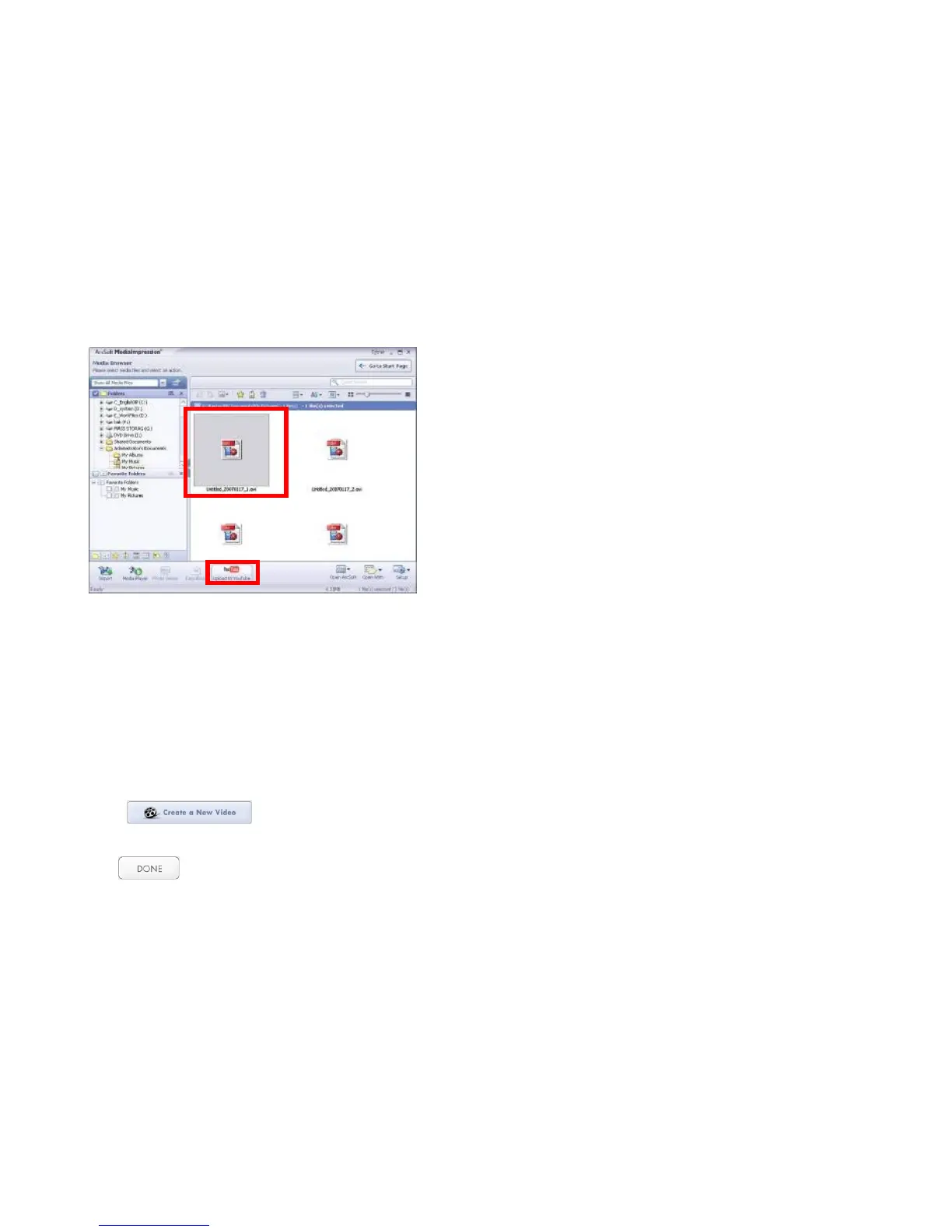
Choose file and click “Upload to YouTube”
Enter your username and password to login to YouTube, execute upload / post selected
Video.
Note that when software installation is complete, please reboot the computer for the first
time operation.
5. PC Camera function
- Power ON the recorder and set it at the PC Cam Mode (refer to the Manual if required).
- Connect recorder with your PC and open MediaImpression program.
- Click and follow onscreen prompts
Live images, scene will appear.
- Click button to exit or close the PC Cam if session completed.



 To Next Page