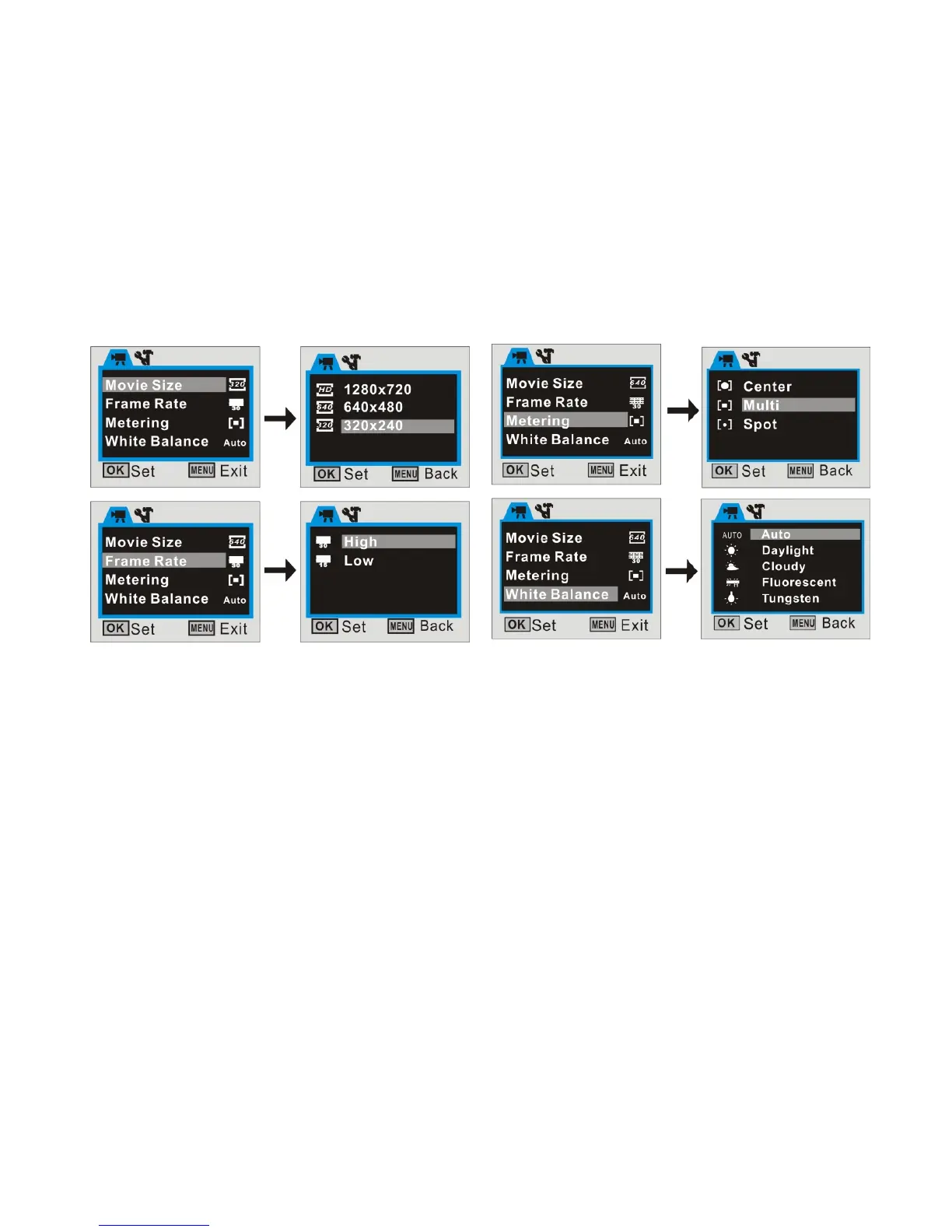
Use the Up / Down buttons to browse and select available Menu options then press the
Right button to review available settings.
Press Up / Down button to select desired setting then press OK button to confirm your
selection.
Press the Menu button to exit the Video Menu mode and return to Preview / scene
Mode.
Note: When ‘HD’ video resolution is selected, ‘Frame Rate’ option is disabled.



 To Next Page