Note:
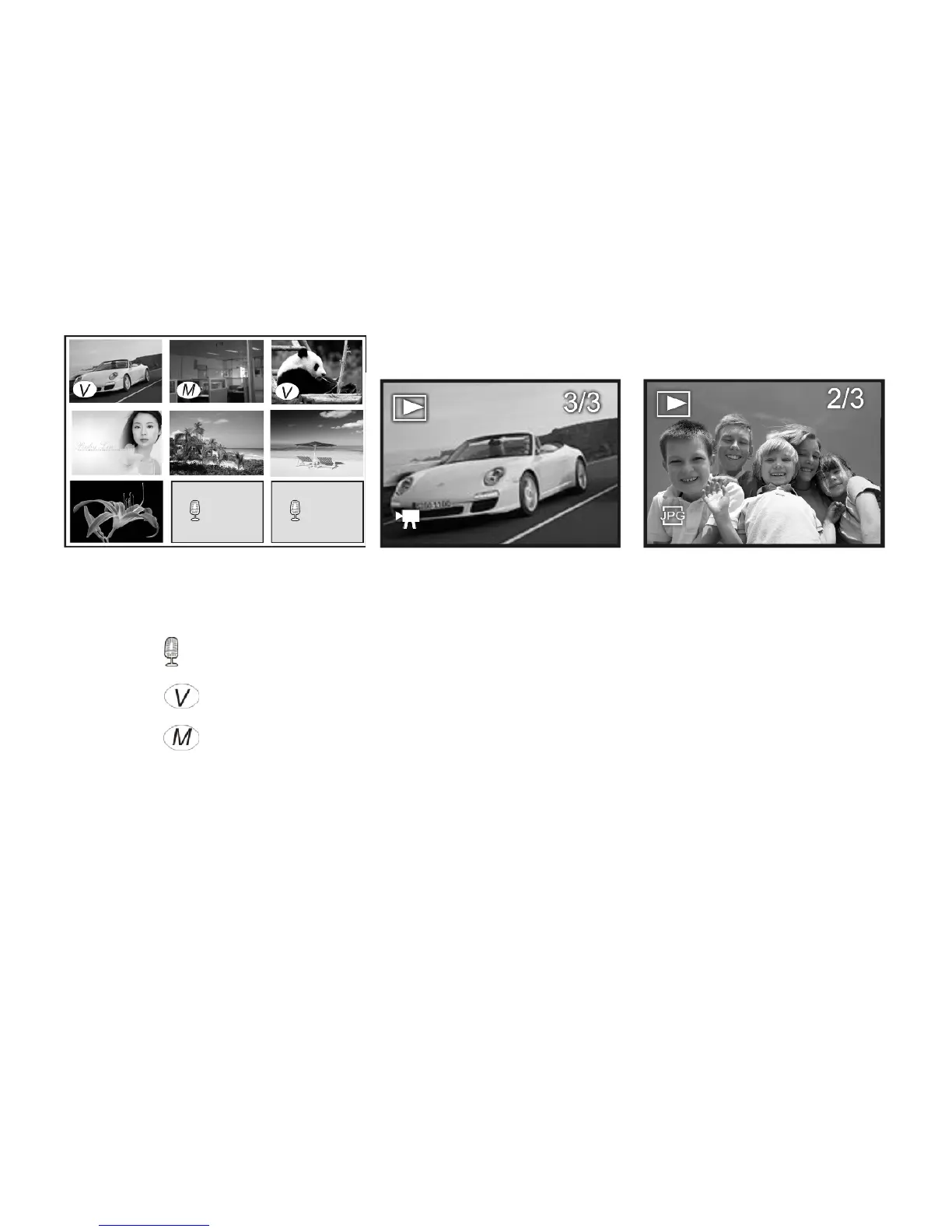
: This icon indicates recorded voice file
: This icon indicates video media file.
: This icon indicates photo with “voice added memo” file.
You can use the direction key to select desired image file, and press OK key or Zoom IN
key to exit this Thumbnail mode and return to full screen display mode.
Playing the Video or Voice file
Select the Video or Voice file then press OK button to start playing selected record.
You may press Up button to pause or press OK again to stop playing.



 To Next Page