18
Using the Zoom Function
This camera has a Digital Zoom function that allows you to zoom in (Tele)
or zoom out (Wide) subjects or recorded scene.
1: Turn the camera ON and set it to Video Recording or Capture mode.
2: Press the T or W buttons to compose the scene as required.
T: zoom in for a telephoto shot.
W : zoom out for a wide-angle shot.
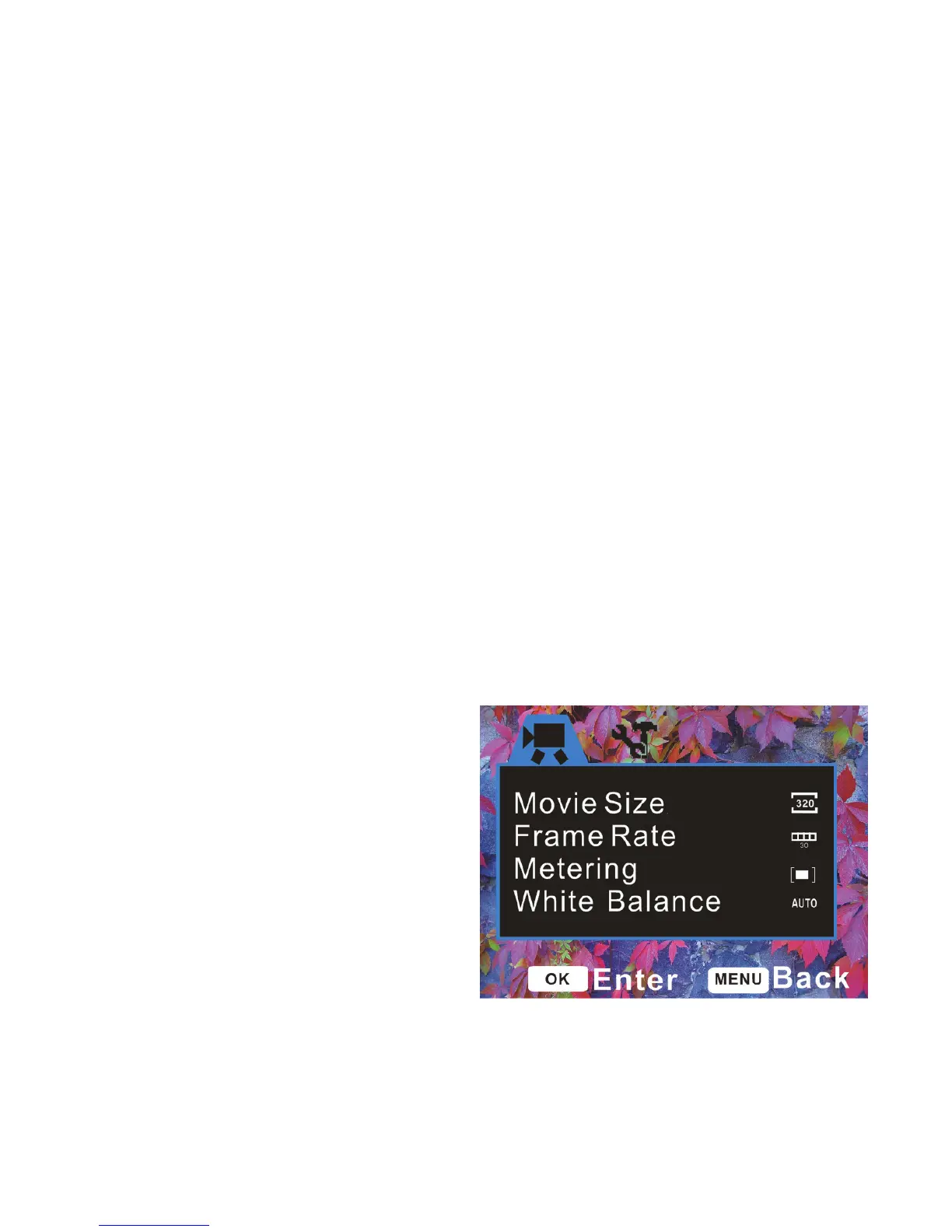
4. Using the Menu in recording mode
Menu in Video mode
Turn ON the video recorder and set
it to Video Recording mode.
1: Press the MENU button to
display the menu.
2: Use the UP or DOWN button


 To Next Page