33
7. Software Installation
Installing the Software
Supplied installation CD contains bundled Arcsoft MediaImpression
program and the Driver for the camera.
• Installed Driver is necessary to use your camera as PC/ webcam.
• Installed Arcsoft Mediaimpression program is useful for editing pictures
and recorded video clips.
Arcsoft MediaImpression works with Windows XP, Vista &
Windows 7 platforms.
Install ALL programs BEFORE connecting camera to computer.
-Insert the CD into your CD-ROM drive.
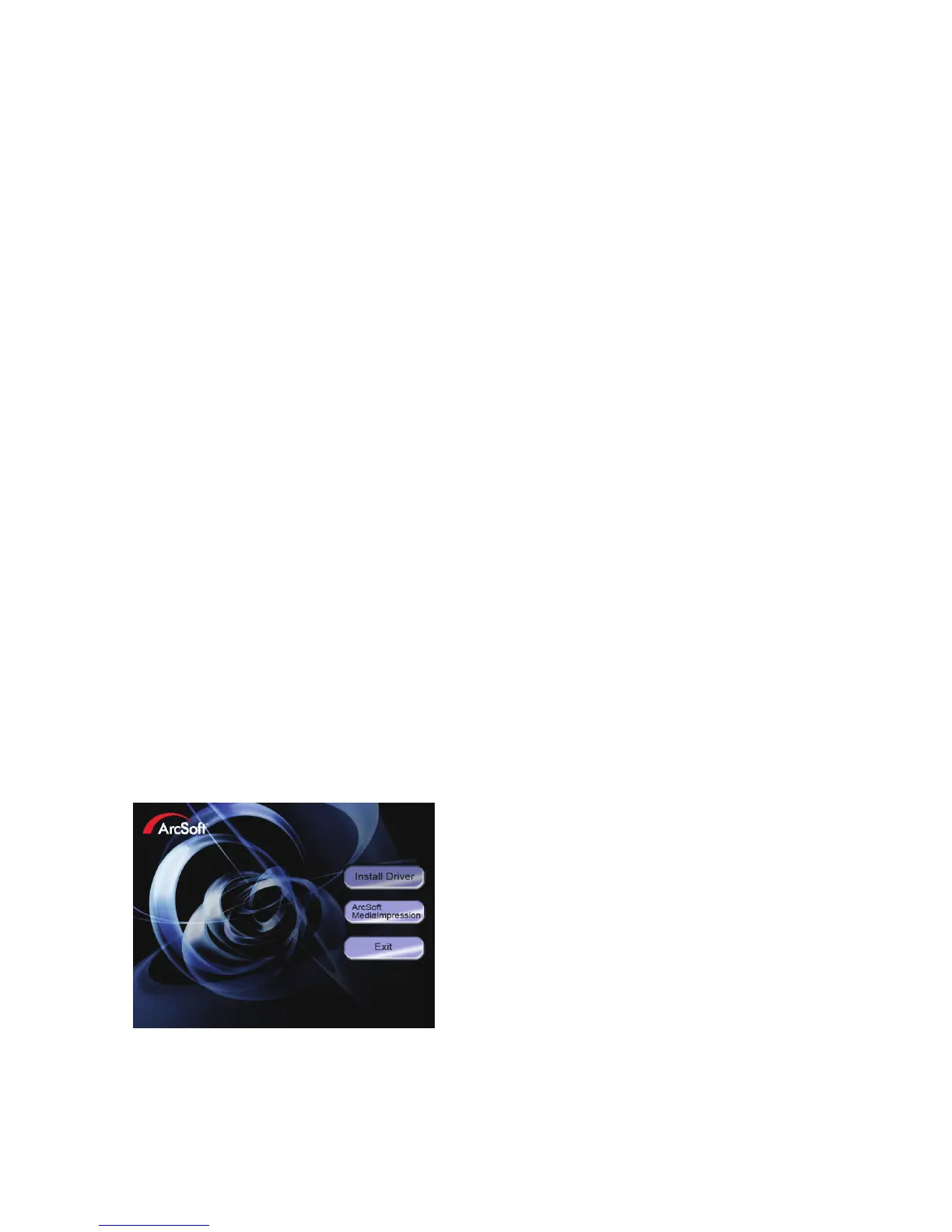
-The auto-run menu appears:


 To Next Page