34
Click the selected items in the autorun menu to install the software.
If the autorun menu does not appear automatically, open the CD-ROM in
[My Computer] or [Windows Explorer] and double-click the file named
[autorun.exe] to start the program. You can also click [Run] in the Windows
Startup menu, enter "D:\autorun.exe" (where D is your CD-ROM drive letter)
in the text box, and click [OK].
Install Driver
1: Click [Install Driver] button on autorun menu.
2:
Follow the on-screen instructions to install driver.
How to use the PC Camera function
1: Please install the PC camera Driver first.
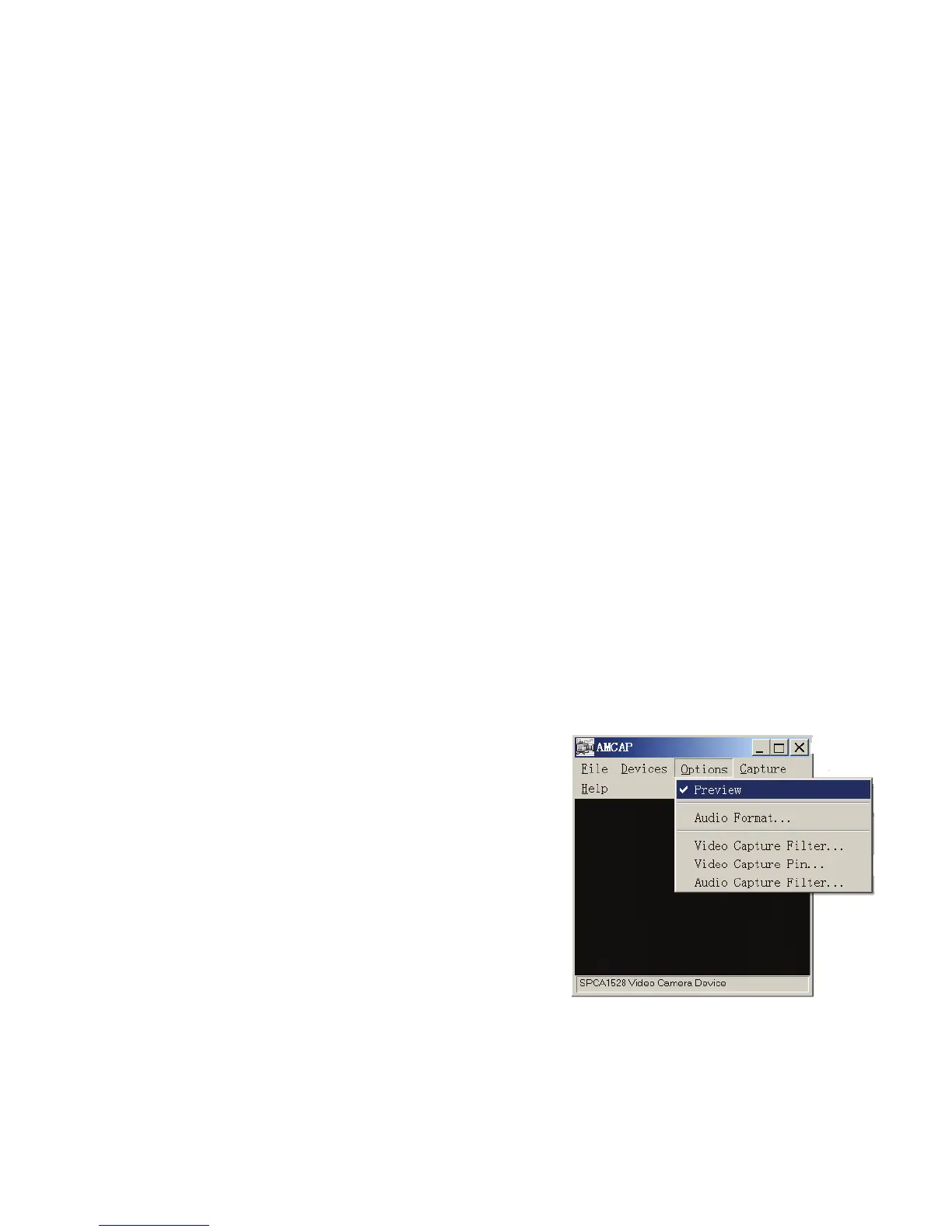
Installed Driver will create the Amcap
program icon on computer’s Desktop
2: Turn recorder and select the Item [USB]


 To Next Page